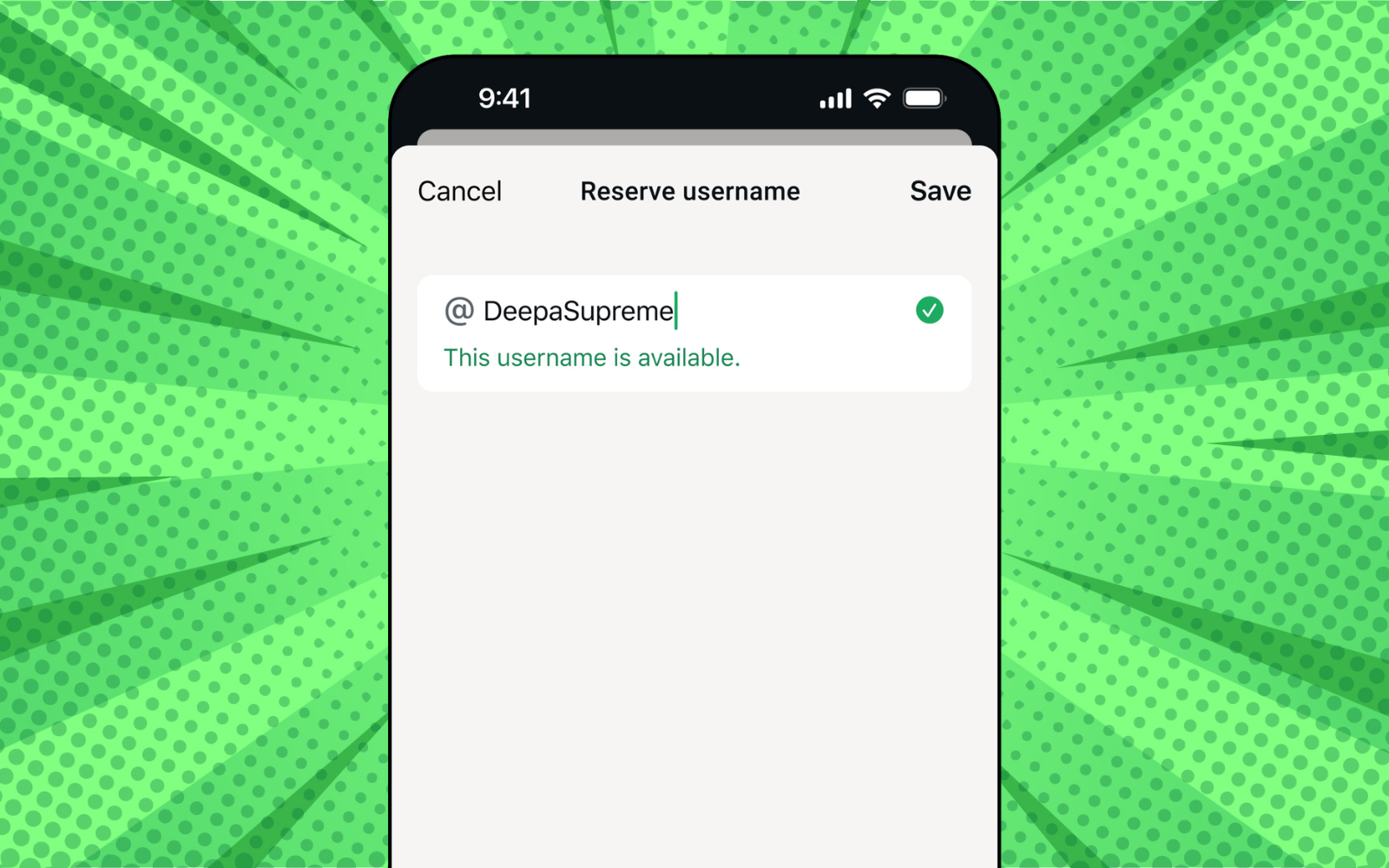
After much chatter on the subject, WhatsApp has finally unveiled usernames for the messaging app. Sorta. See, this week Meta-owned WhatsApp confirmed the feature inside the app by allowing users to “reserve” their chosen name before the feature rolls out “later this year”. When that’ll be, only WhatsApp knows.
When it does eventually land, it will finally allow folks to ditch the phone number for good, and rely wholly on their chosen string of characters to get by. As WABetaInfo pointed out in the feature’s beta test, users can decide whether anyone can find them using their username, or if they’d like an extra layer of security.
Phone number, out
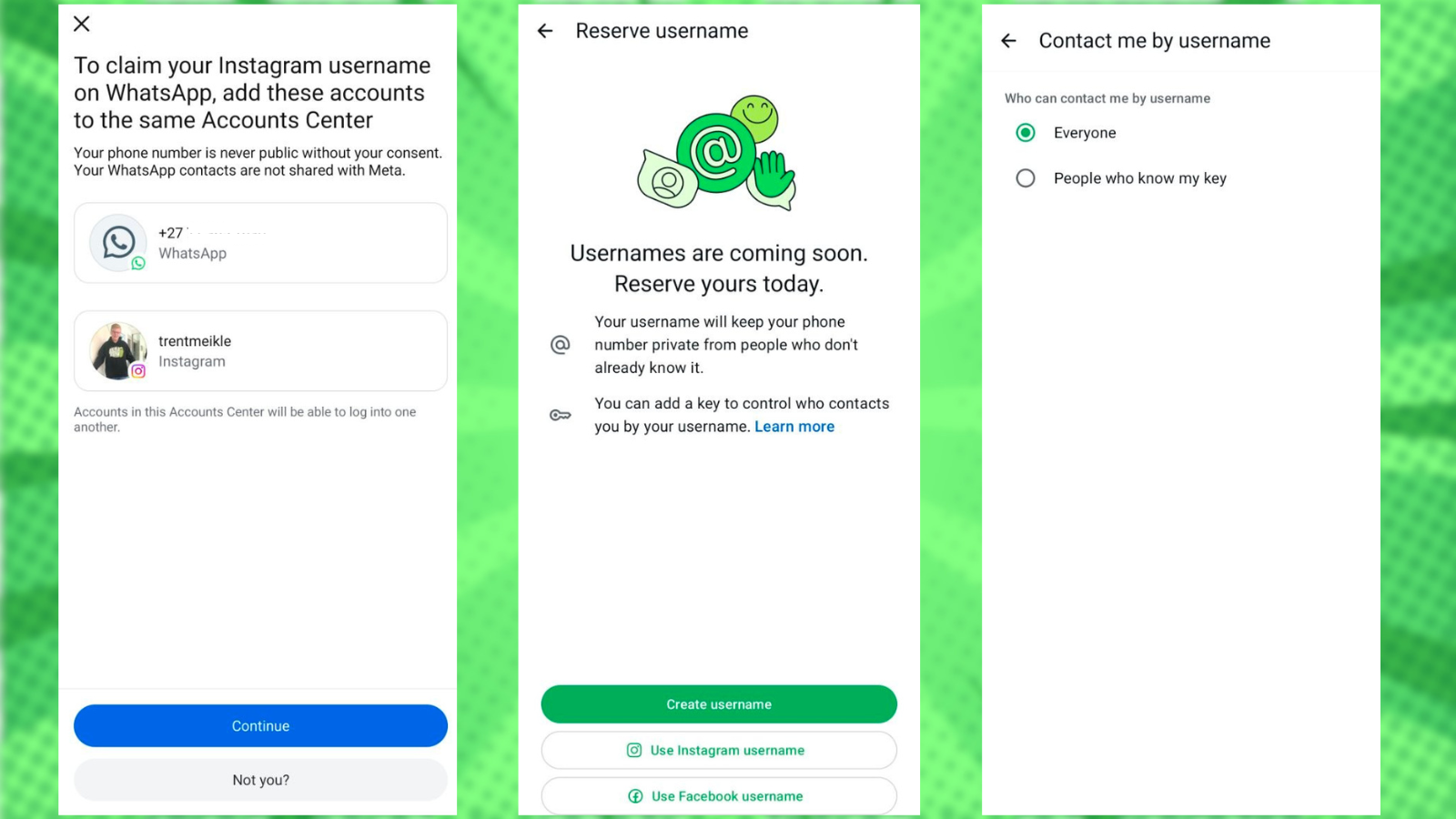
“Starting this week, you can reserve a username to use later this year when we launch the feature. It takes just a few seconds, make sure you have the latest version of WhatsApp and then go to Settings > Account > Username,” WhatsApp wrote in a post on X.
Hey, uh, that’s our job. So first, you’ll want to ensure your WhatsApp is up to date. Then go ahead and open it up, navigate to Settings > Account > Username. There, you’ll be prompted to type in your username — it can’t exceed 35 characters and cannot start with ‘www.’ — and hope it hasn’t been claimed yet.
There’s a good chance it has, as Meta will reserve all Facebook and Instagram handles for their owners. If you want to use your owned handle, you’ll need to connect them in the Accounts Center. Or you can take a gamble and hope that nobody else cooked up the same combination as you. Once reserved, you’re good to go.
You’ll then be able to determine who can use your username to send you messages inside the app. There are really only two options, so the choice isn’t difficult. Either ‘Everyone’ can, or only ‘People who know my key.” Select the second option, and you’ll be handed a four-digit code that others must input when searching for you. How you’ll get them that information without messaging them in the first place… is for you to figure out.