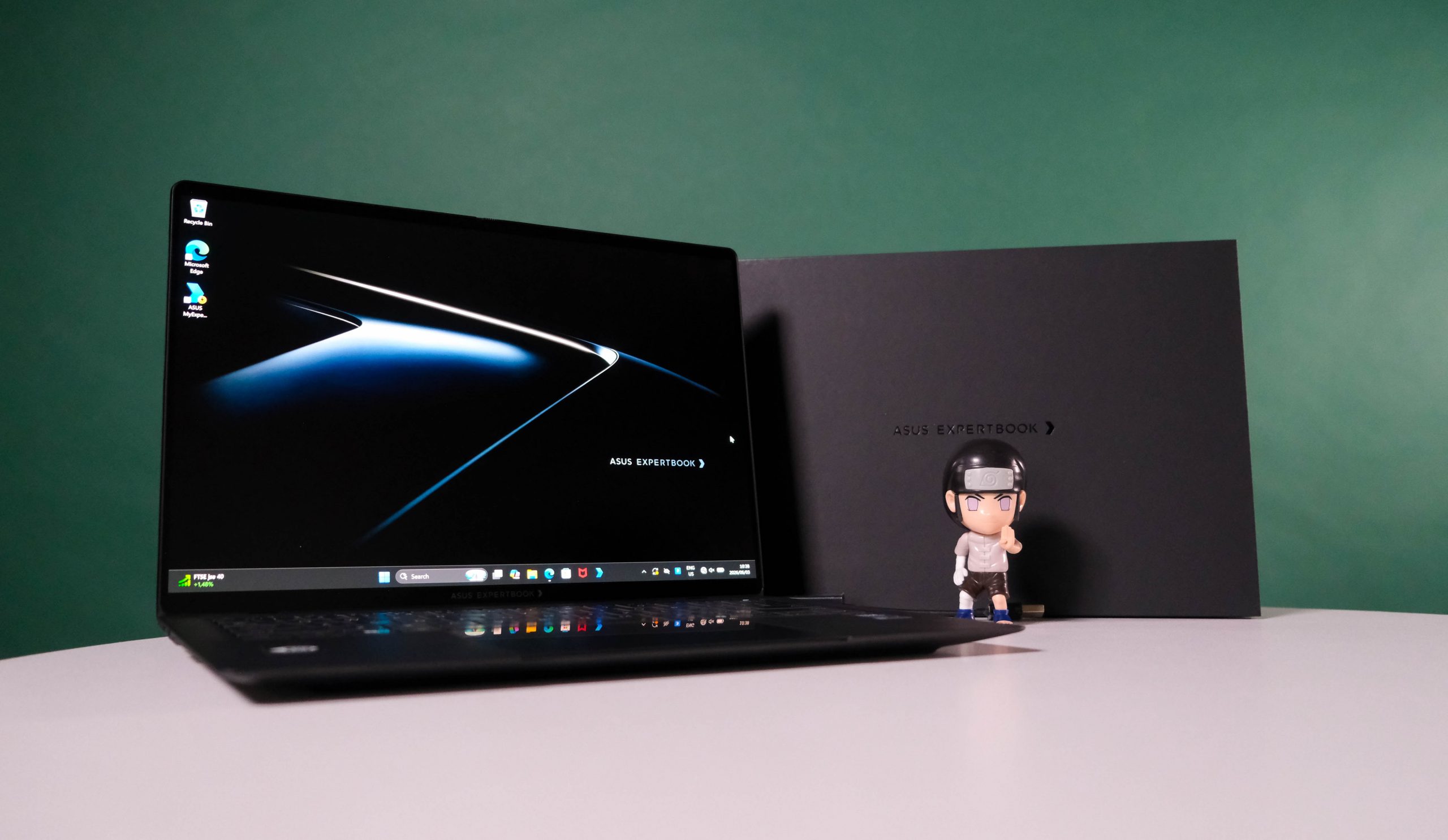
It's built for work and looks like it. Every bit of the Asus ExpertBook Ultra is prepared for long hours that make people with more money notice you. That you can do this, plus video editing or gaming, without connecting to a cable for... well, ages, is just a performance bonus. As a straight consumer machine, though, it's overkill, both in terms of power and price. If you need this much for something that isn't an office, odds are you actually need a similarly-priced, more specialised machine instead.
-
Design
-
Display
-
Performance
-
Features
-
Value
We’ve had eyes on the new Asus ExpertBook Ultra since March this year, when it launched at the eye-watering price of R60,000. That’s still its official price, though you can find this business monster for far lower if you’re willing to look around. If R60k is a bit steep, the lowest we’ve seen this configuration is R43,000. It generally sits at around R53,000, though.
Lower is obviously better, but if you’re a business type, the IT department often pays the bill. If that’s the case, the ExpertBook Ultra is a no-brainer. At our lowest discovered price, this new Asus machine also makes sense if it’s your own money. It’s compact enough to fit inside the leather-ish envelope that comes with this premium work laptop.
Meeting expectations
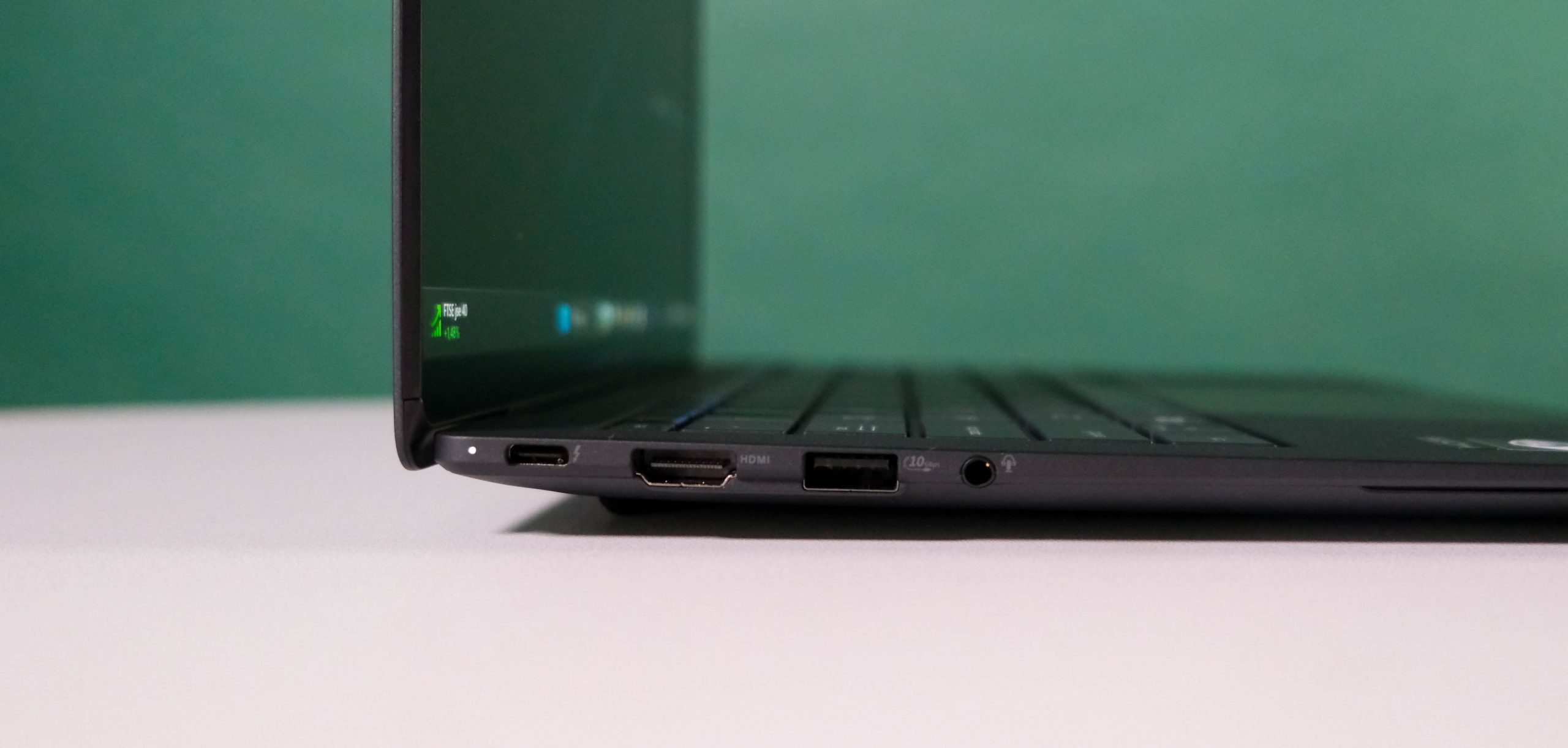
Once upon a time, comparing business cards was the hyper-competitive thing in boardrooms (according to films, mostly). Now, you’re more likely to comment on the texture and thickness of your peers’ ultrabooks. Here, the ExpertBook Ultra is rather competitive. It’s a little over a centimetre thick and weighs in at 1.37 kilograms. Much of this is screen, but the other laptop elements are all as premium as the price tag suggests.
There’s also a solid port loadout. The left-hand edge hosts the USB-C input (for power or other uses), a full HDMI, an older USB-A, and a 3.5mm headphone jack. The right makes do with just a USB-C and a USB-A. For anyone with older office infrastructure, Asus bundles an Ethernet-to-USB-A adaptor inside the box.
The included 90W power brick is similarly premium. It’s not as slickly compact as Apple’s Mac chargers, but it’s designed to match the rest of the ExpertBook Ultra’s aesthetic. It’s also not terribly bulky, though it won’t fit inside the leather envelope thing. Which, as you’ll see, is entirely fine.
Head of the board
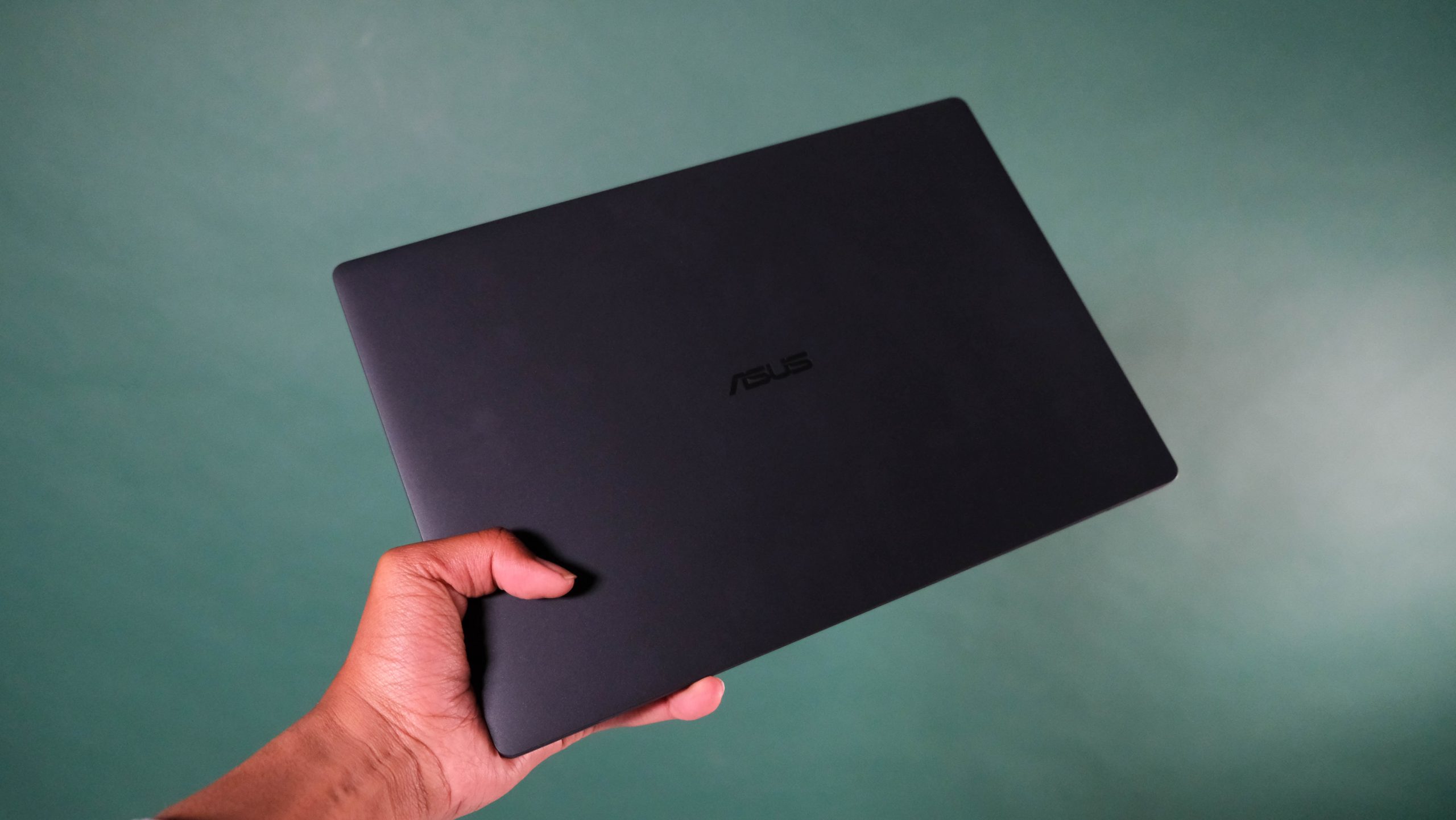
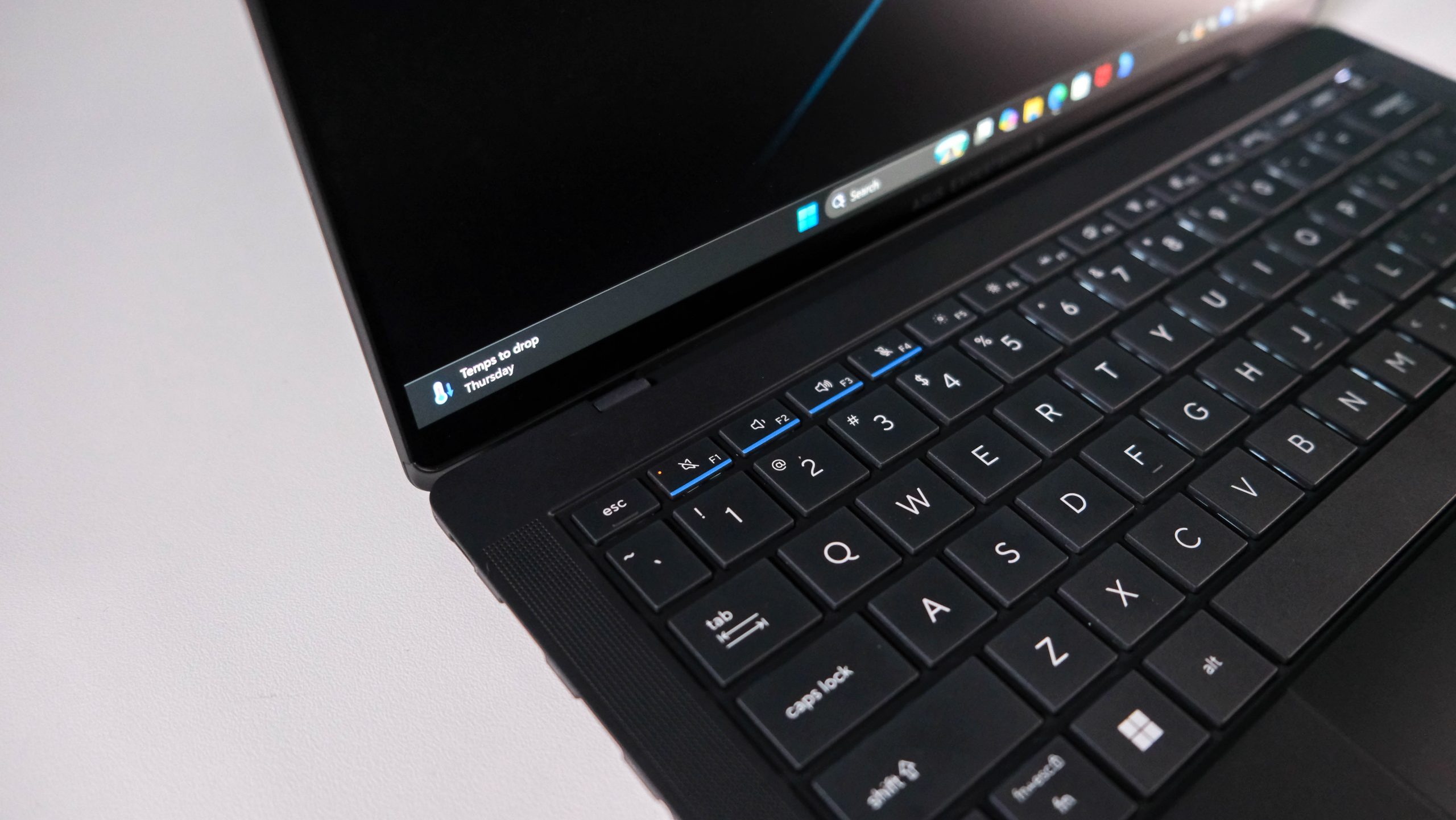
This ExpertBook Ultra is the top of Asus’ range, so it’s unsurprisingly well stacked internally. Headlining the machine is Intel’s Panther Lake Core Ultra 7 356H chipset. 32GB of LPDDR5X RAM and 1TB of storage handle the rest of the processing. Everything is sent to a 14in 2,880 x 1,800 OLED panel that is, as is typical from the company, entirely excellent. Bright, clear, sharp — you’ll know why you (or the IT budget) paid as much as was asked.
All of this runs underneath a premium chassis. Despite its compact size, there’s almost no lid flex. The keyboard is an excellent candidate for extended office tasks. The trackpad is, surprisingly, our favourite portion of the ExpertBook. It occupies a much more substantial portion of the inner surface than we’re used to. Even better, there’s no mush in the orders. It’s just smooth sailing for executive fingertips so they can do… whatever it is they do all day. Haptics underneath make the experience even more entertaining.
High performer
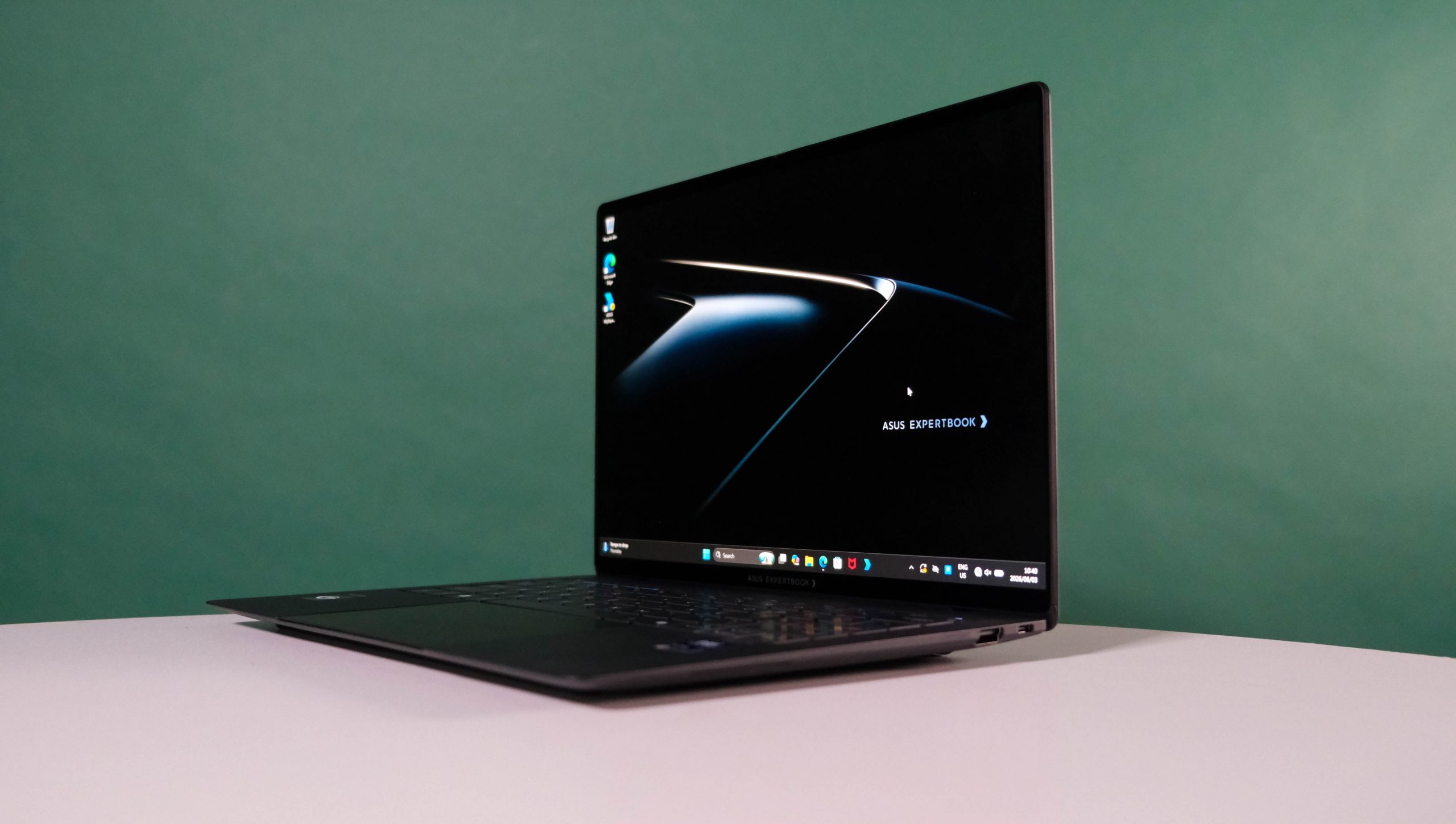
Performance-wise, there’s little you can do in an office setting to dent the power the ExpertBook Ultra brings to the table. Intel’s chipset has little competition, unless you upgrade to the Core Ultra 9 in this range. Good luck finding that one in South Africa, though. It’s limited to certain markets. Combine what the current Ultra 7 356H does for the notebook with the Arc B390 onboard GPU, and you’ve actually got a recipe for a fairly decent gaming machine, to boot. Not that anyone buying one of these wastes their valuable time playing games.
They’re more likely to run an offline LLM, assuming someone in IT is willing to set it up for them. Even there, the Intel chipset is capable enough to spit out responses (if not facts) with little hesitation. Microsoft’s Copilot (and other AI systems) will also play ball as far as is possible. They may get it wrong, sure, but they’ll do it quickly.
There’s little need to connect the ExpertBook Ultra to an external setup, but the options are there if you’d prefer a different keyboard, mouse, and perhaps a monitor. We get the feeling that you’d be more likely to use this thing roaming from office to boardroom to first-class flight seat than plunking it down in one place, though.
The star here probably isn’t even the powerful setup. Well, not entirely. Asus has, through some internal black magic, turned a 70Wh battery into something that’ll last nearly two workdays away from a wall charger. A little over half that total would have been fine, given the power under the surface, but users will find that they can just tote it in that little leather envelope for far longer than expected. It’s one way to leave an impression.
Asus ExpertBook Ultra verdict
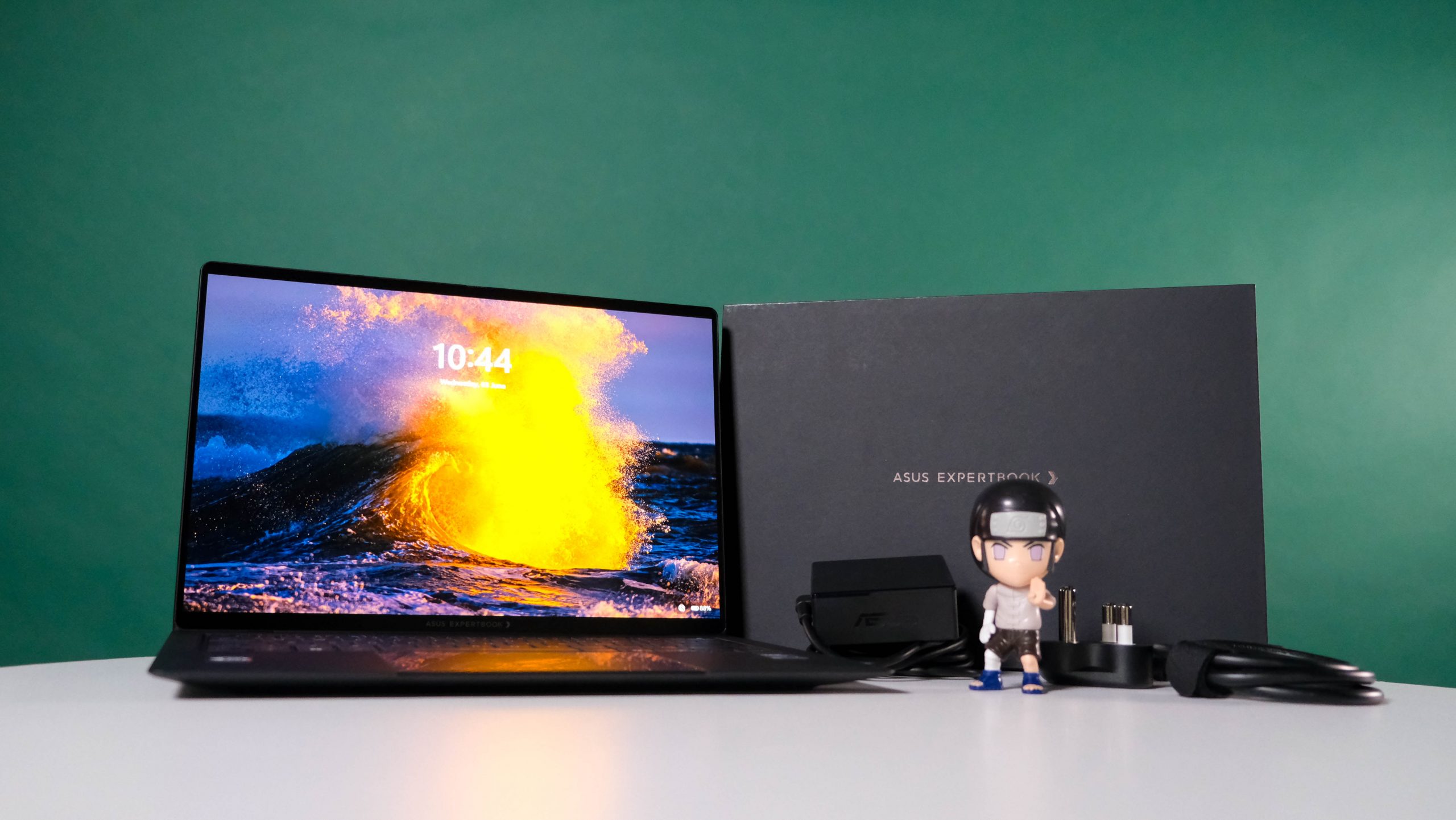
At its full retail price, the ExpertBook Ultra isn’t an attractive buy for ‘ordinary’ people. At the lowest price we’ve spotted, it starts getting there. But whoever nabs one, with their money or via some budget allocation, will be hard-pressed to toss anything in its direction that it can’t cope with.
Even gaming, though that’s not what it was made for. Spend sixty grand on a gaming PC, if that’s your main focus. But if you’re aiming to make the other meeting attendees look frumpy and slow in front of the CEO, then Asus’ top business machine is the partner you need to haul out during the weekly catch-up.