You always need more storage capacity. The question is whether you need this storage. SanDisk's Extreme Fit seems like an extravagance until you actually use it. After that, it seems like you'll be able to forget the need to connect your phone or tablet to your laptop via a cable ever again. Whether that's worth paying SanDisk's asking price is up to you, but we are certainly glad to be done with cable irritation.
-
Design
-
Ease of use
-
Features
-
Value
SanDisk’s Extreme Fit USB-C flash drive is proof of just how far portable storage has come. The humble floppy disk averaged about fifteen grams, whether you chose the 5.25in or the 3.5in version. SanDisk’s new storage accessory weighs about a fifth of that. Storage capacity has gone way, way up since the 1970s, too.
Which all seems obvious. The Extreme Fit USB-C is available in capacities from 64GB to 1TB, with the 128GB version we were playing with costing around R800. Pricing almost doubles for each step up you take to 1TB, which costs a mighty R4,800. Still, if you’re constantly transferring data from laptop to phone and back, it’s worth nabbing one of the smaller capacities.
Uncomplicated
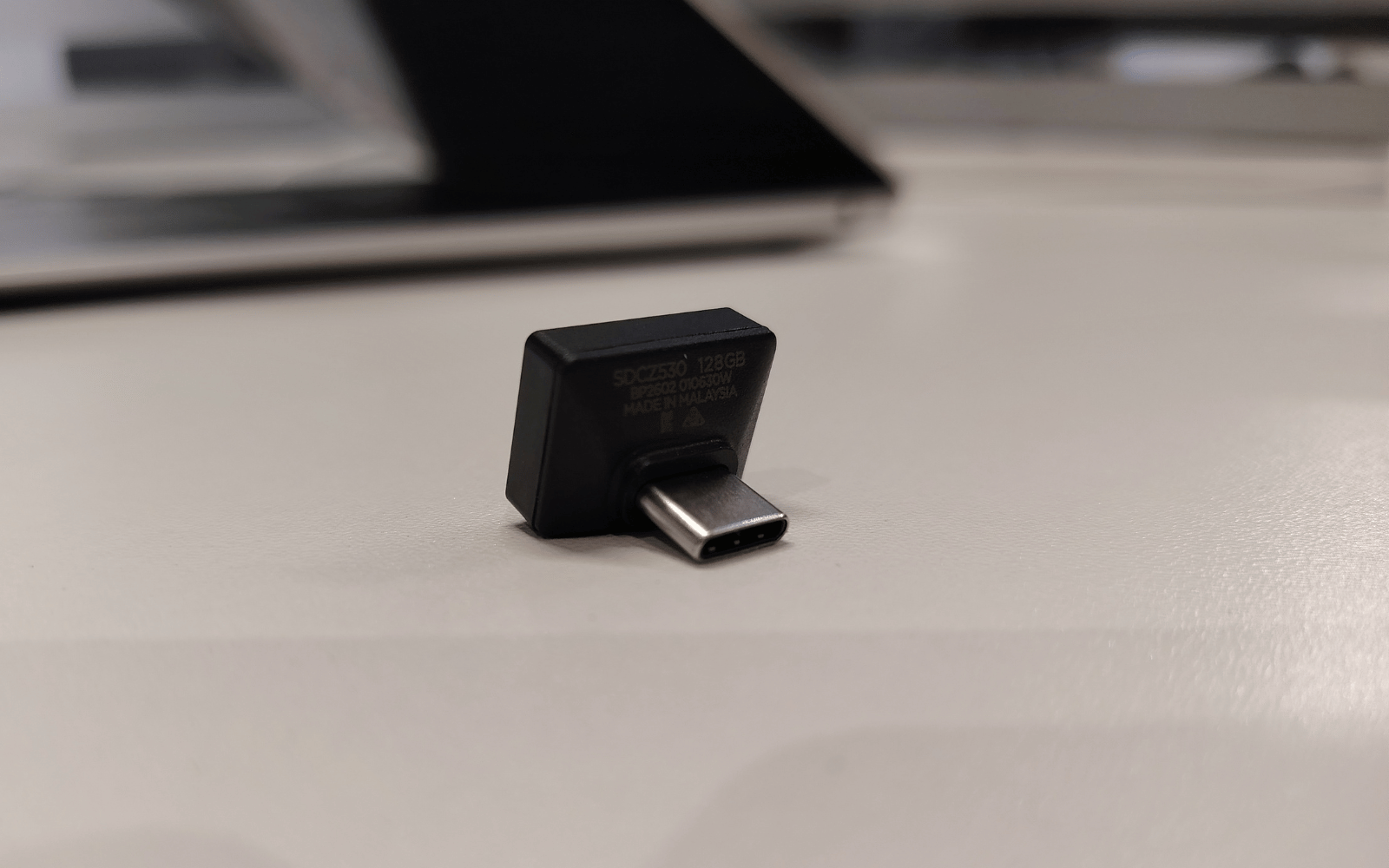
There’s not much to the average flash drive, even one that’s designed to be left connected to your notebook when it’s stuffed into a bag. SanDisk’s effort arrives in a little carded blister pack. You pay for it, yank it out of the plastic, and then stick it into a USB-C port. Whether that’s your phone, your tablet, or your PC is up to you.
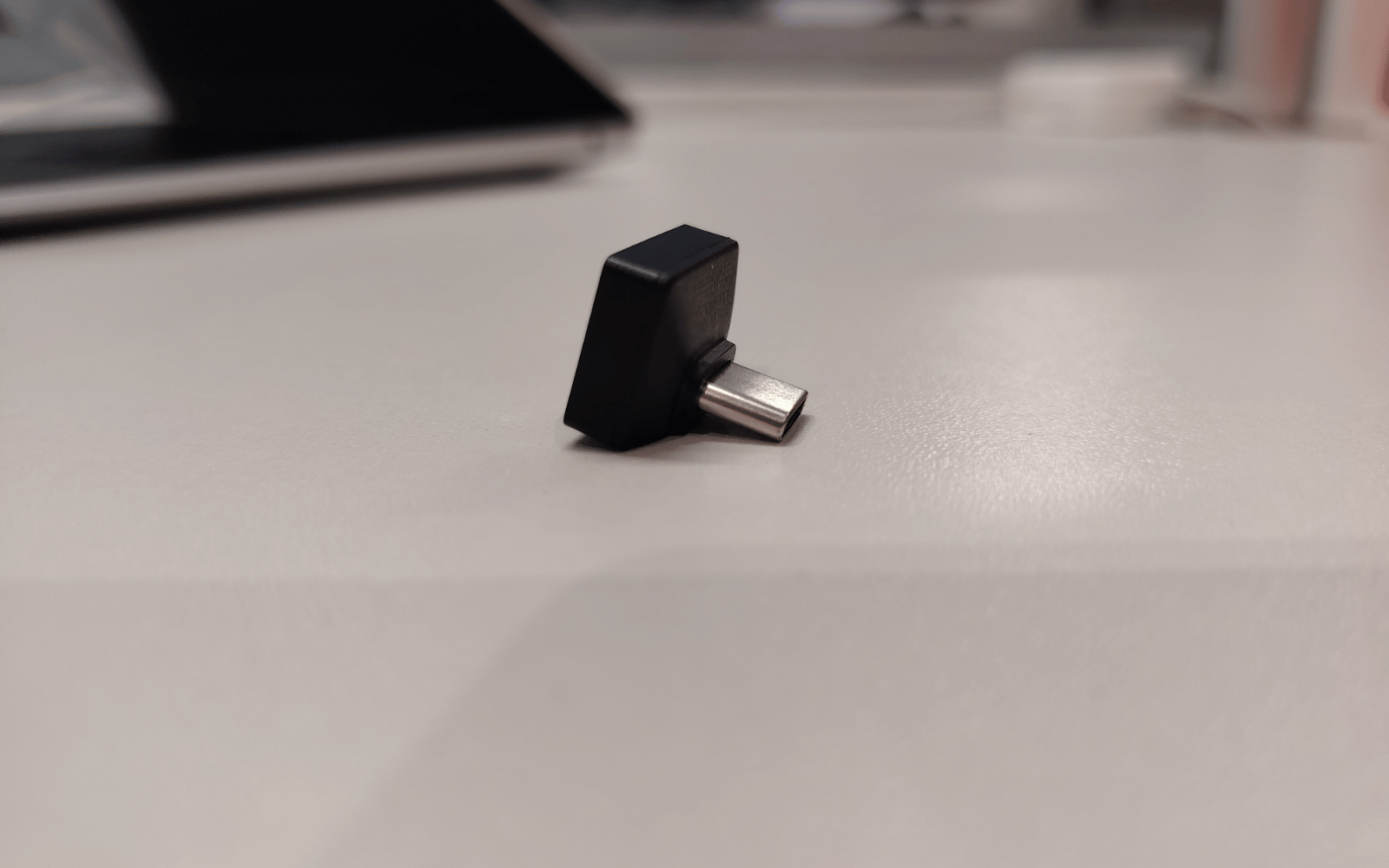
The whole design is a compact L-shape that’s supposed to fit against a laptop’s edge with the lid down. Some computers, like our MacBook Air, will have the gadget protruding even when closed, but your average Windows machine should have enough bulk for decent plug-and-forget usage. As long as the side with the Extreme Fit is facing up in your bag, it should survive most instances of travel.
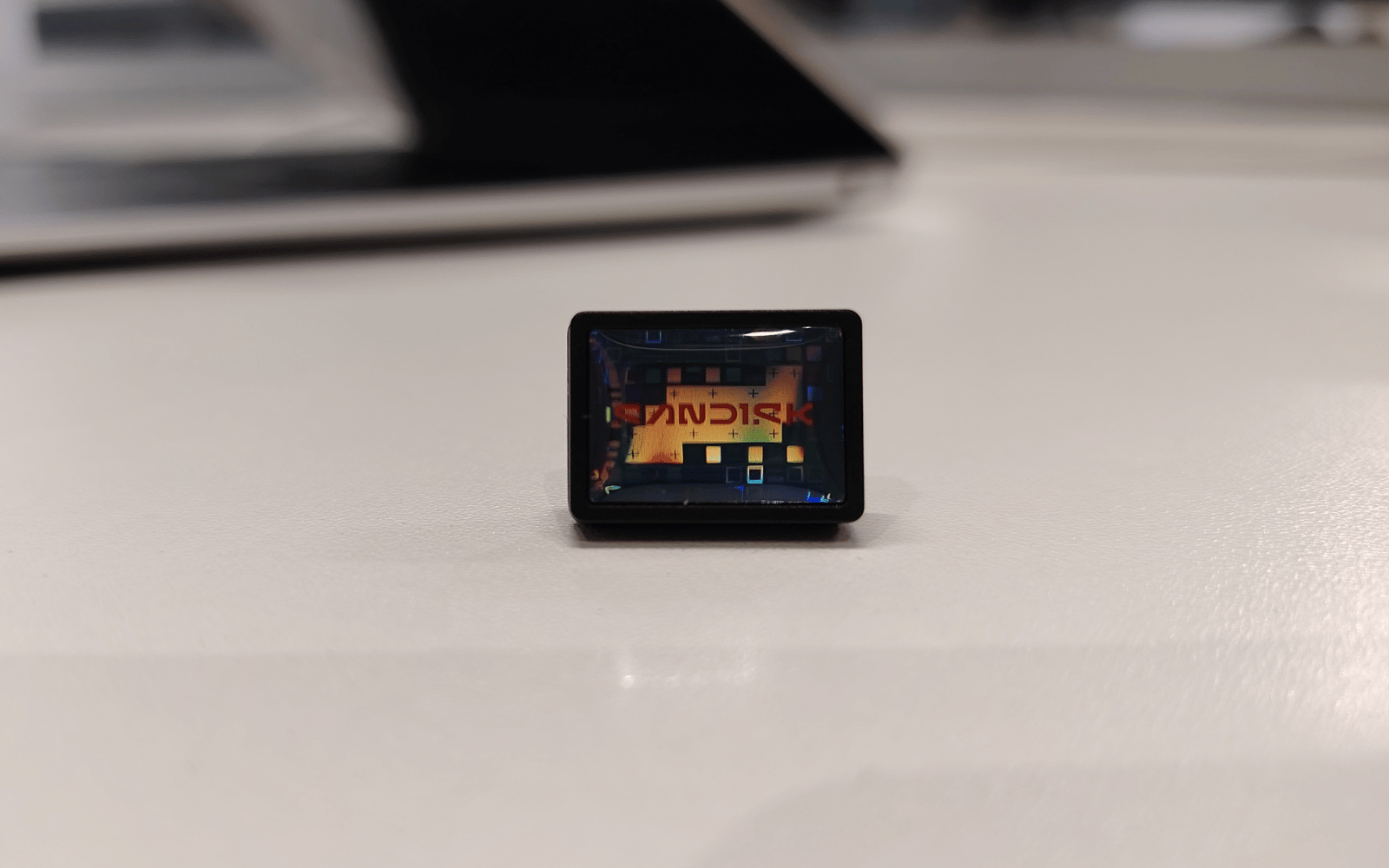
The drive itself is composed of sturdy plastic, and it’ll slot firmly into a notebook or smartphone. It’ll take some force to snap the USB-C port from its place. It’s more likely to eject itself first, given the angled side closest to your device. Obviously, you don’t want to treat it that way. How else will you feel an absurd pleasure at the hologram-effect logo on the front of the drive?
Use it or lose it?
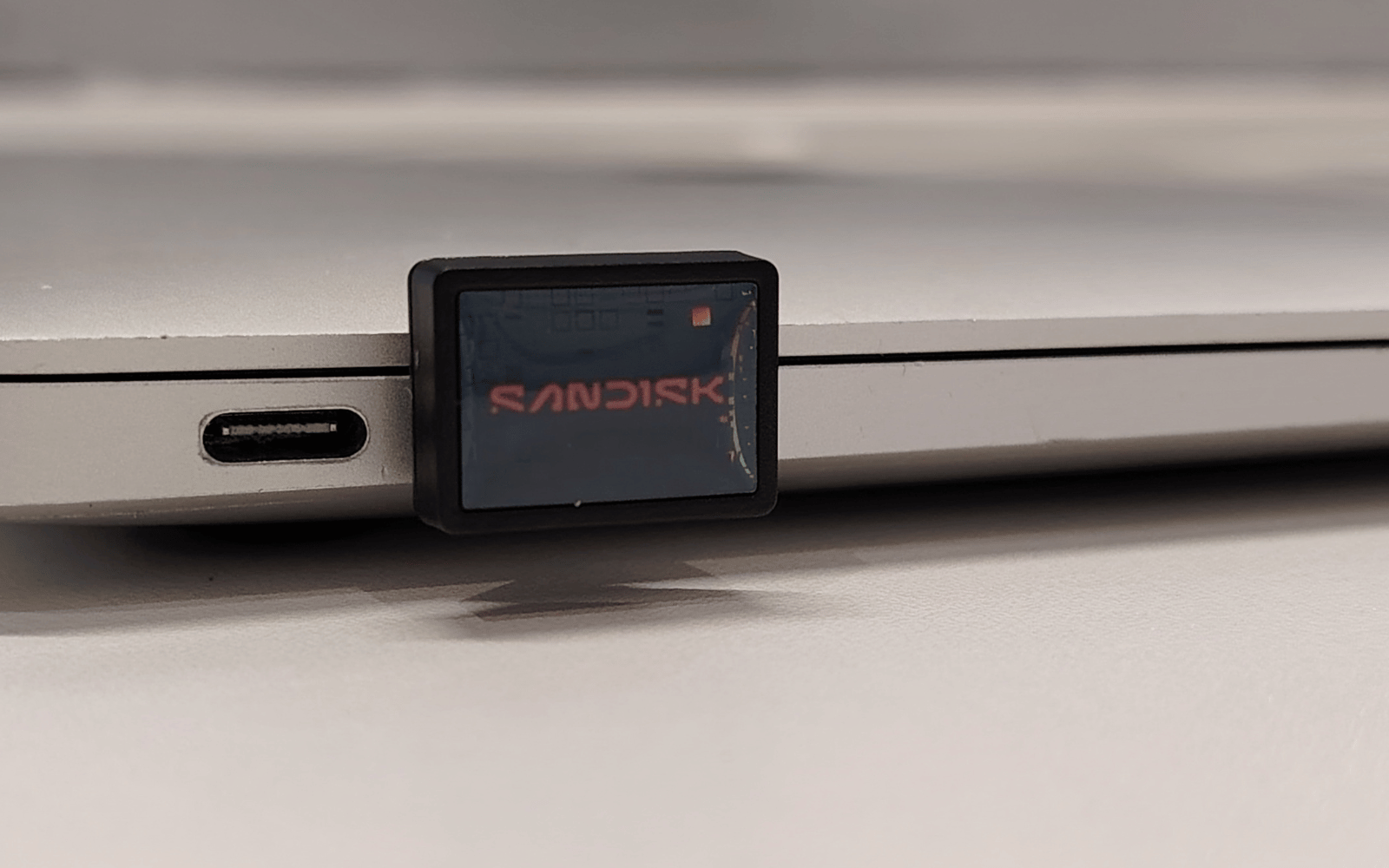
SanDisk’s drive, popped out of its pack, was up and ready in moments. It was detected as FAT32 in our MacBook, a fairly universal format that should handle most devices, up to and including your smartphone. The company’s Mac and Windows software, as always, was present on the 123GB (the effective capacity of our review unit) drive. From there, it’s just a case of drag, drop, copy, and paste. If you’re unable to perform these operations, then external storage of any sort isn’t for you.
The Extreme Fit works just the same as any other portable storage. The benefit here is the form factor. It’ll connect to an average phone or notebook, running its copy-and-paste operation while the device lies flat on a table. When connected to a smartphone, it’s compact enough to allow for other usage while your photos are backing up. The little lip it forms barely gets in the way here.
And backing up is probably the Extreme Fit’s forte. Particularly for phones with older software (Android Go devices are notoriously fiddly), upgrading your device means hoop after hoop that needs jumping. Or… you can connect one of these things, copy the files you want, and move ’em to the new thing. Of course, you can also do this with a regular USB-C flash drive, but those tend to protrude more than is convenient.
SanDisk Extreme Fit 128GB verdict
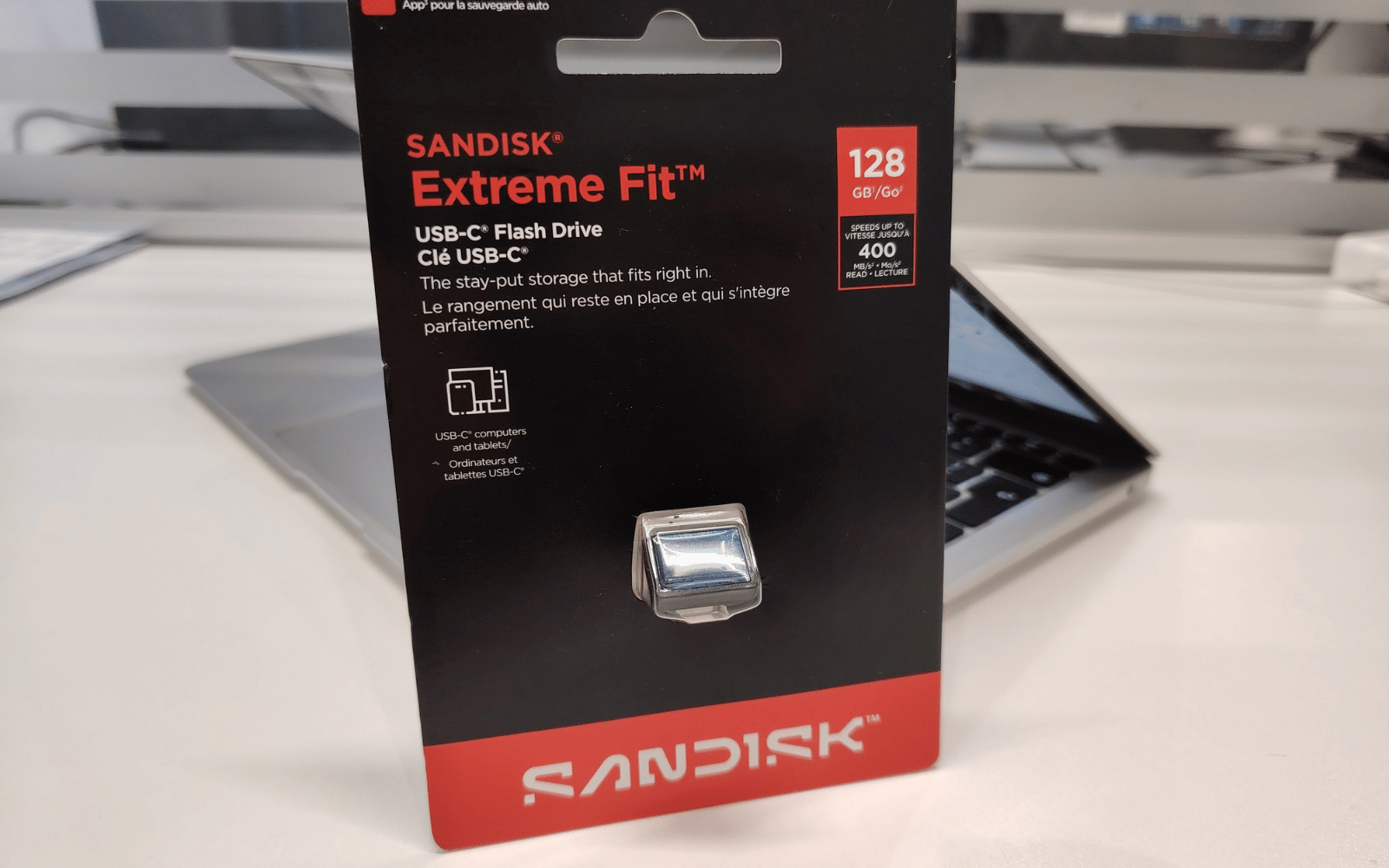
There are two objections to owning a SanDusk Extreme Fit of any capacity. One is the price. The 128GB version costs double what you’ll pay for comparable storage with the less snug form factor. The other is its size. This three-gram storage unit is tiny. It’s easy to lose, which is why it’s supposed to live connected to your other tech. But it is also convenient, allowing for backup operations that don’t take your tech out of circulation while you wait. There’s definitely utility here, but it’ll appeal most to the sort of folks who don’t need manual backup operations. It might be handy to hang onto one so you can move the grandparents’ photos to a larger screen each time their phones are full. It’s certainly nicer than faffing around with cables and connections all the bloody time.