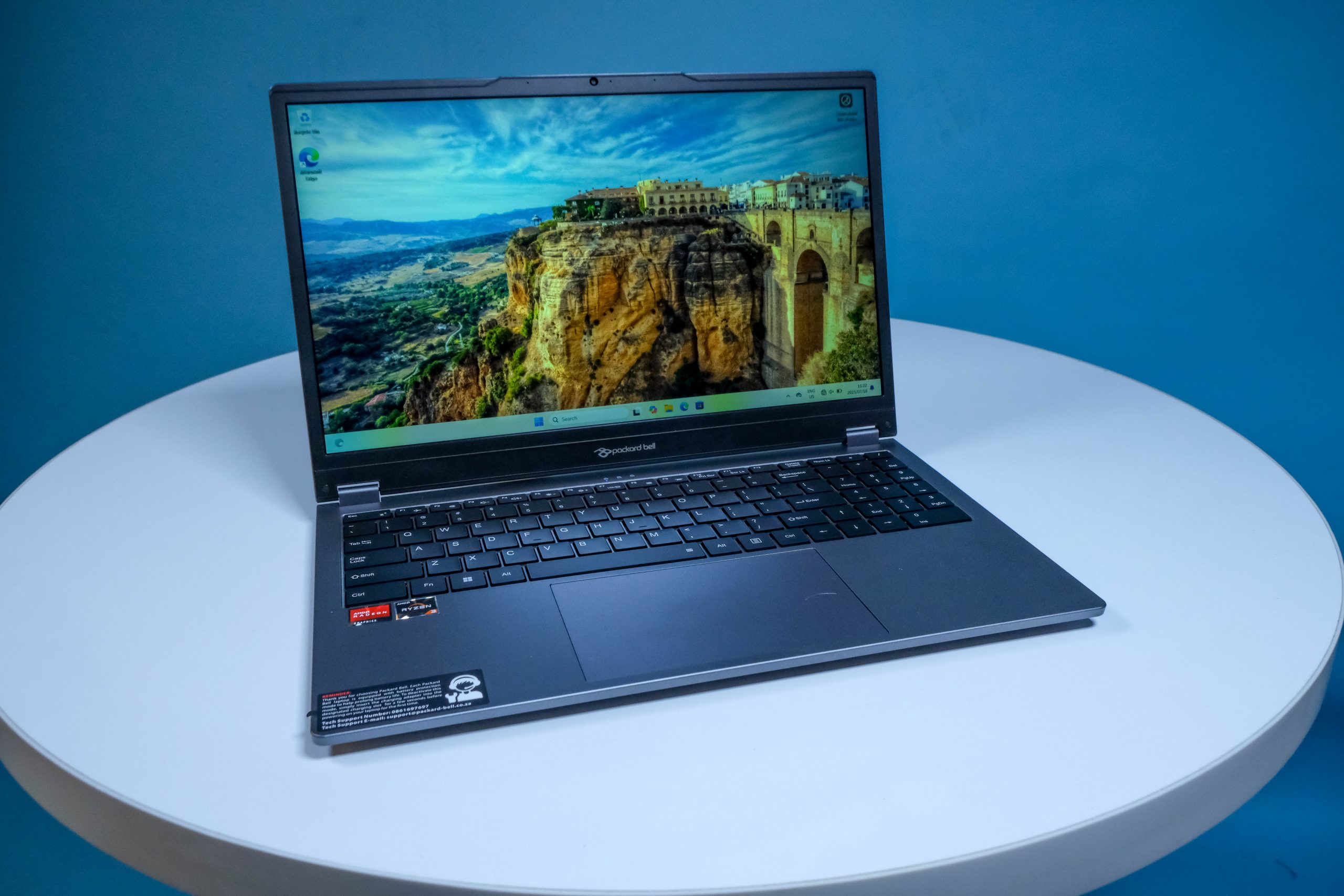
You'll get more than you bargained for from the Packard Bell Carrera F3, mostly in the shape of a reversible hinge and a touchscreen display. There aren't many sacrifices made to give these to you, either, except in the pricing department. Eight grand doesn't buy much laptop these days, but it'll buy more than you're expecting when the F3 is on the receipt.
-
Design
-
Display
-
Performance
-
Features
-
Value
Stuff has previously spent time with Packard Bell’s entry-level Celeron notebooks, so it was a relief to get something speedier. The Packard Bell Carrera F3, or the Carrera Flex 3, depending on where you’re buying it, features an R8,000 price point (it can be had for less) and justifies the uptick in price by being… well, more advanced.
Advancements are seen in the touchscreen display, a more diverse port selection, and a swivelling hinge that puts this notebook into the 2-in-1 category. It’s not an Asus RoG Flow Z13, however. A little more capable than its brethren, it’ll perform better as an office or home machine where work isn’t mission-critical and time isn’t of the essence.
Going grey
 The Packard Bell Carrera F3 doesn’t look dissimilar from any of its (or other brands’) compatriot 15.6in notebooks. There’s a slight angular sweep to the F3’s front edge, a nod to the motoring-inspired name, but the metal-simulating grey plastic sheath won’t disguise itself at anything but a distance. The Carrera F3 is a touch thicker than it has to be, the better to accommodate a two-way hinge that allows users to fold the touchscreen display back and handle it like a tablet. That’s the idea, anyway.
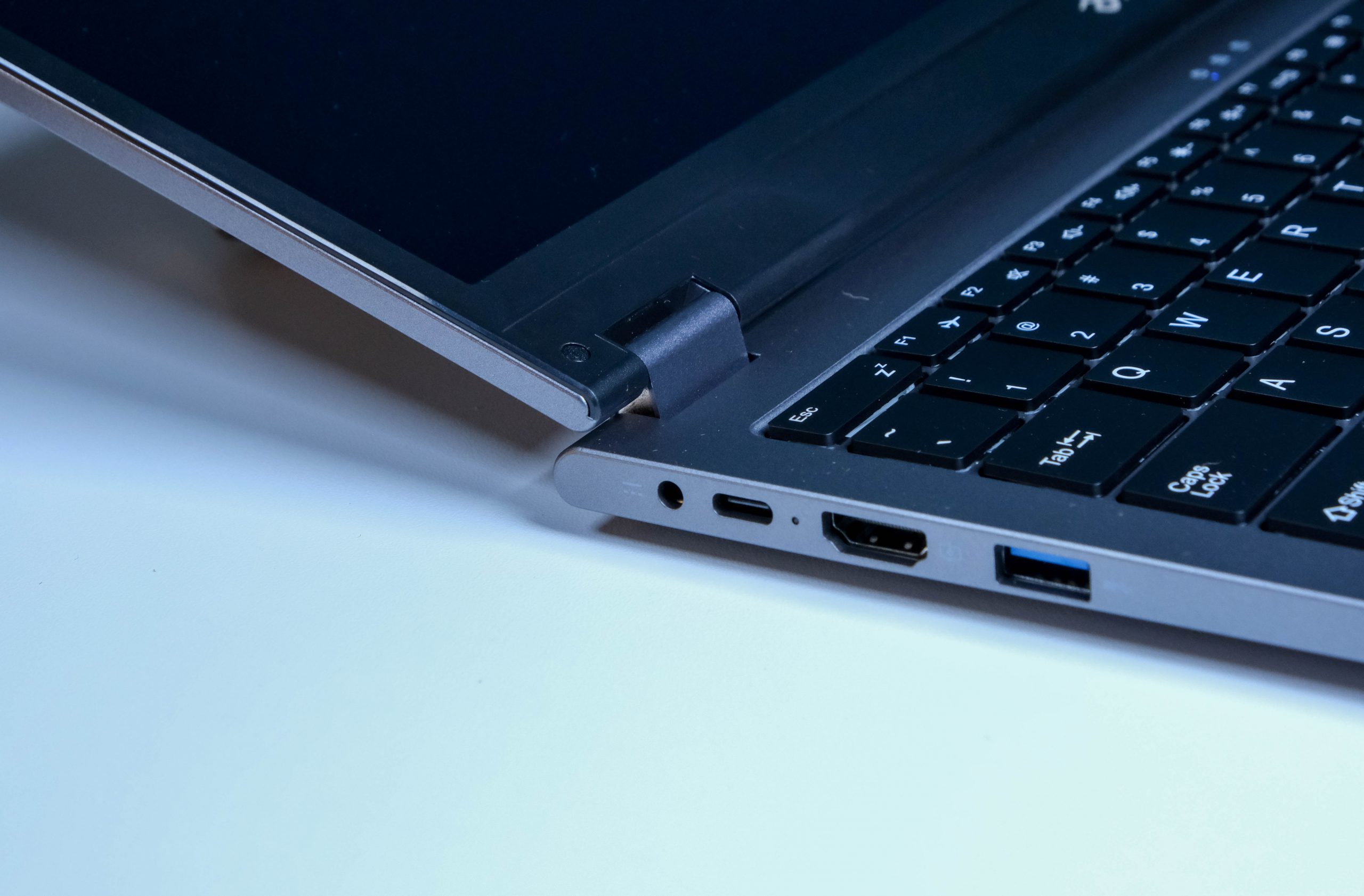
The left and right edges host all of the ports you’ll ever need, and perhaps a few you won’t. The left side begins with a proprietary power port, while the USB-C port alongside will perform the same function. There’s a full-sized HDMI and USB-A to complete the set. On the right are dual USB-As, an Ethernet port (the compressed one), and a 3.5mm input for headphones. The power button also lives here. It’s been a while since we saw one that wasn’t up by the keyboard.
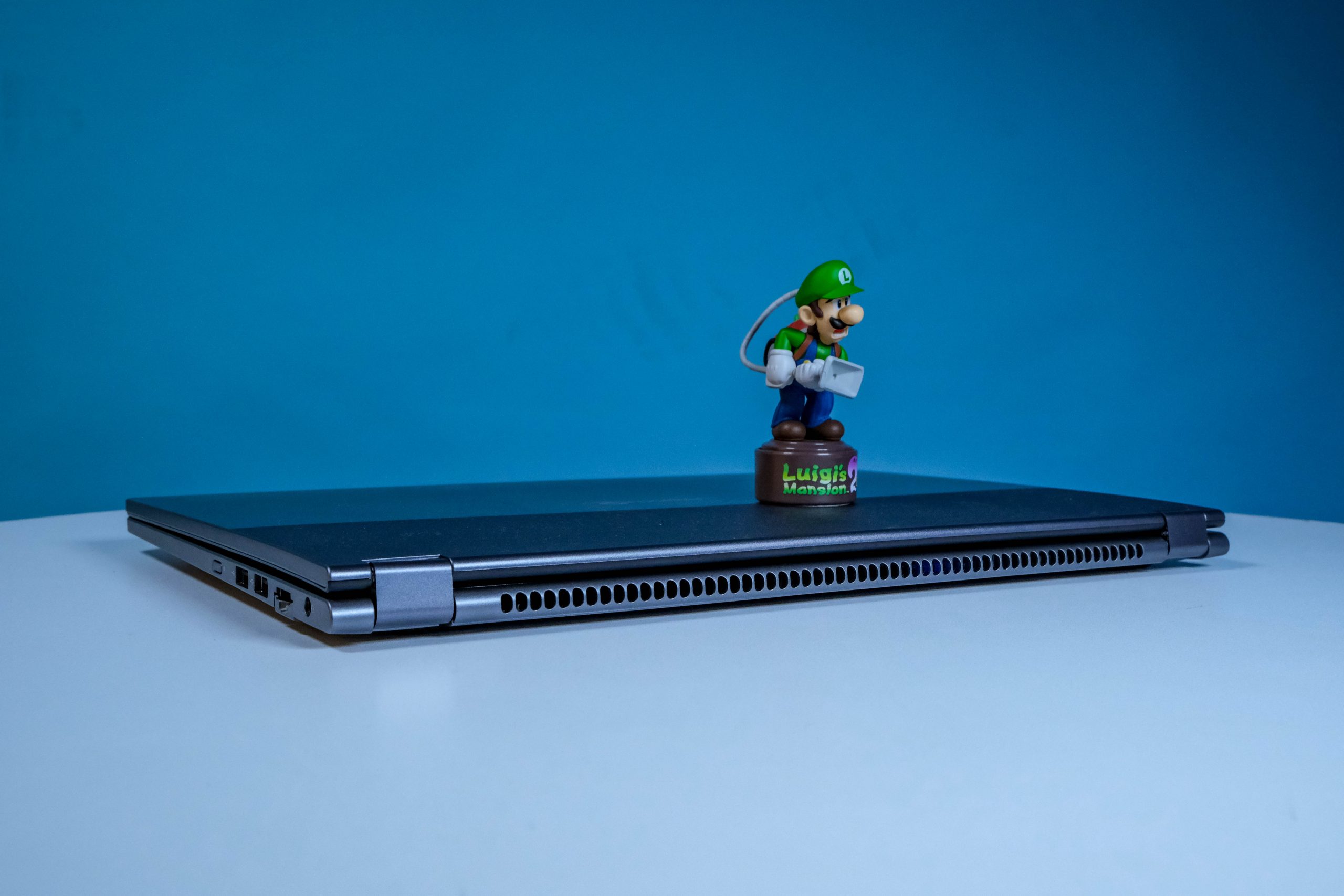 The central webcam lacks a privacy shutter, and Packard Bell hasn’t really embraced biometric access. There’s no fingerprint sensor, but Windows Hello’s facial recognition should work as well as usual. A point in the Carrera F3’s favour is the base panel, which looks like it was intended to be pried off for RAM upgrades. Standard Philips screws hold the panel in place, while two large divots should make getting the panel loose a breeze. A large dotted grille for heat dispersion also occupies the underside.
Vega Ryzen
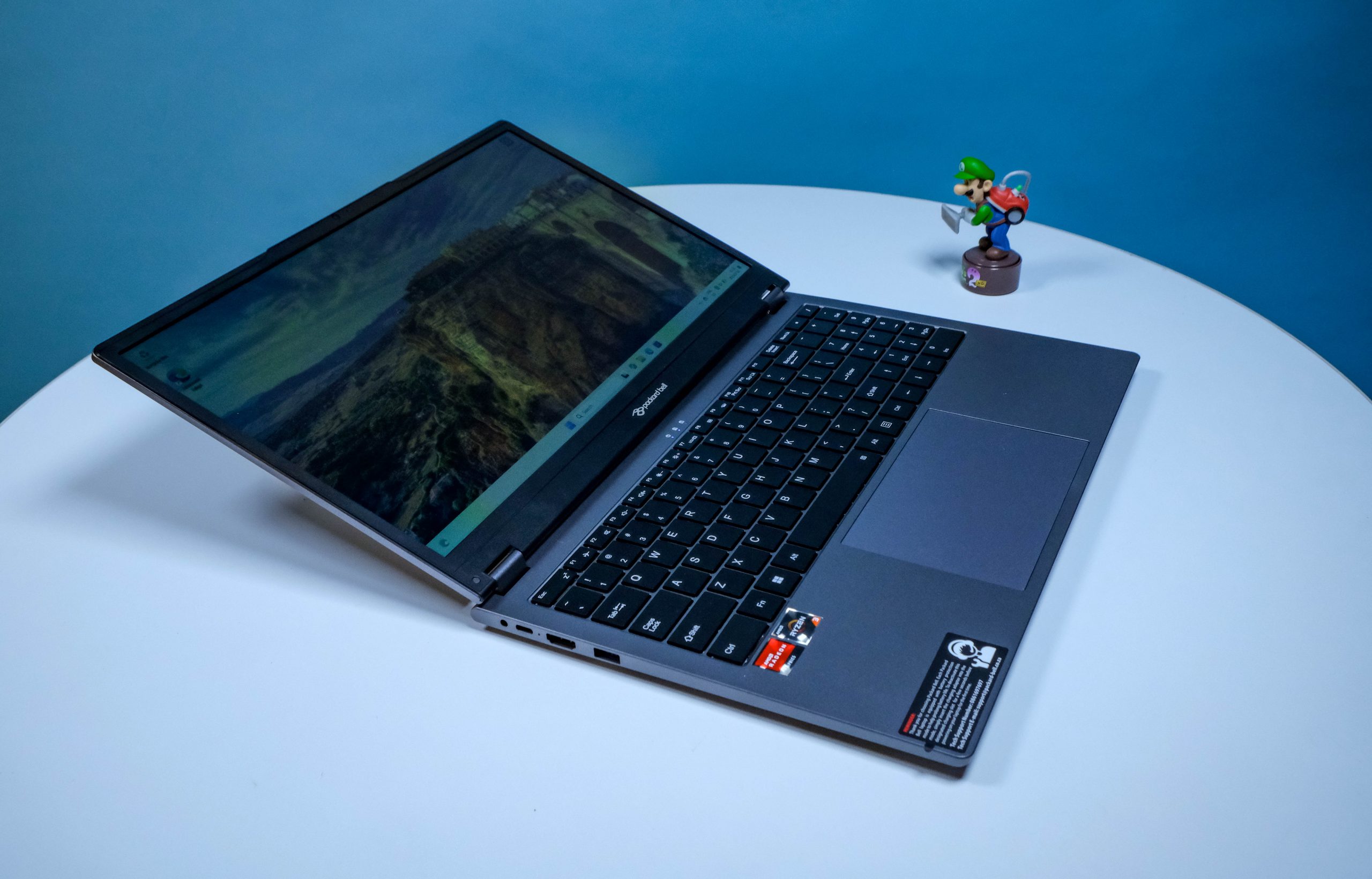 The internals constitute a better effort than Packard Bell’s ultra-budget models. At almost double the price, they bloody better be. The 15.6in touchscreen panel is responsive enough to fingers, while the screen serves up fairly accurate colour reproduction. It’s not the very best you’ll ever see in a laptop, of course. The 1,920 x 1,080 resolution and 60Hz refresh rate are only slightly above what’s acceptable from a screen. But, again, the Carrera F3 will only set you back eight grand.
The step up from Celeron to Ryzen, specifically the AMD Ryzen 3 3400U, is noticeable. Windows and apps are snappier, especially with 16GB of RAM and 512GB of solid-state storage in the back end. AMD’s Vega 3 GPU adds some graphics grunt, but not much. But it’s still underpowered compared to the big boys. Right-click on a freshly-booted Carrera F3 and you’ll see what we mean. The context menu takes just a shade longer to appear than we’d be comfortable with.
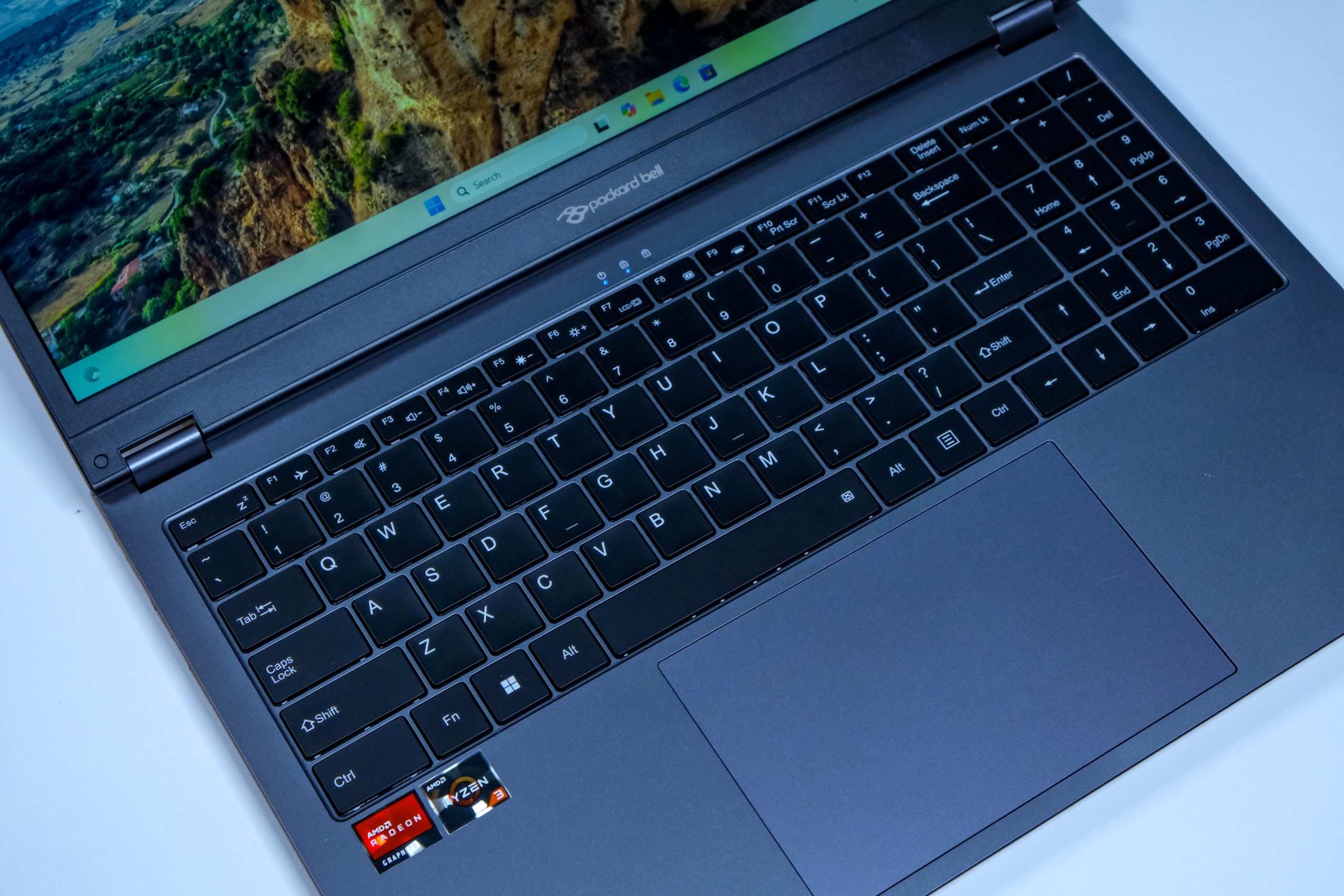 You’ll need more money to grab more performance, however. As it stands, Windows 11 Pro works acceptably quickly that we wouldn’t be too miffed having to use the F3 all day. Unless there was a deadline or someone needed video editing done, in which case it’s an exercise in frustration. The same goes for navigating our (usually) 30 Chrome tabs. As would be the case for any laptop that costs less than R15,000.
The interface is also decent enough, though we’d have been happier with a more refined trackpad. It does a lot right. The centrally-located trackpad is large enough for fingers to wander, but there’s just a little more give down on the front edge (where the clicky part is) than we’d like. But generous keys and a soft touch on the keyboard make up for this somewhat.
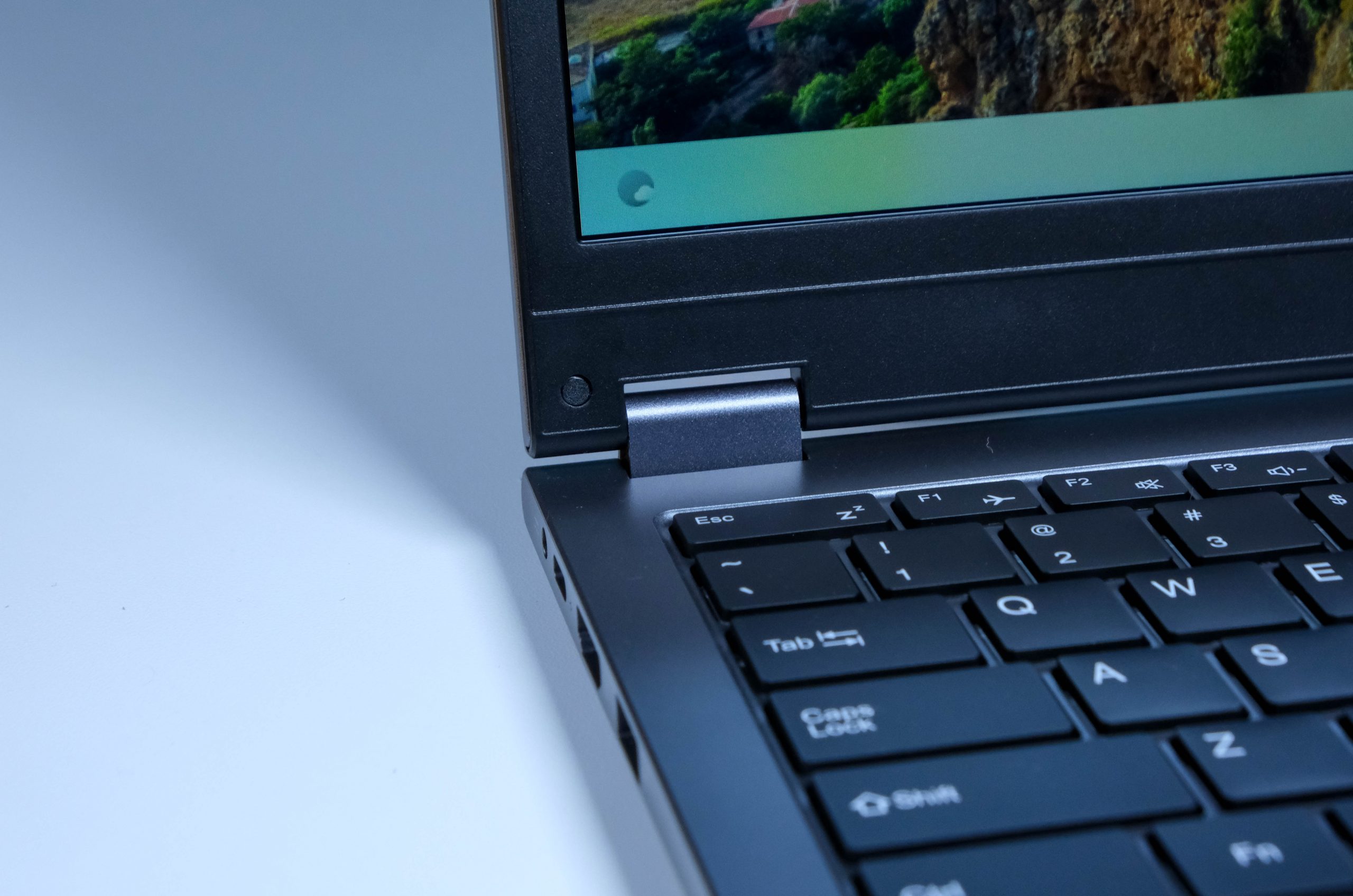 The 2-in-1 aspect is workable, though the Carrera F3 is better suited to giving presentations than it is to acting like a tablet. The reversible hinge won’t quite lay the screen flat on the rear panel, meaning users must grip it to have it function like a digital clipboard. It’s possible that the hinge can be manipulated to change this, but this form factor was never supposed to require that much finesse.
Packard Bell Carrera F3 verdict
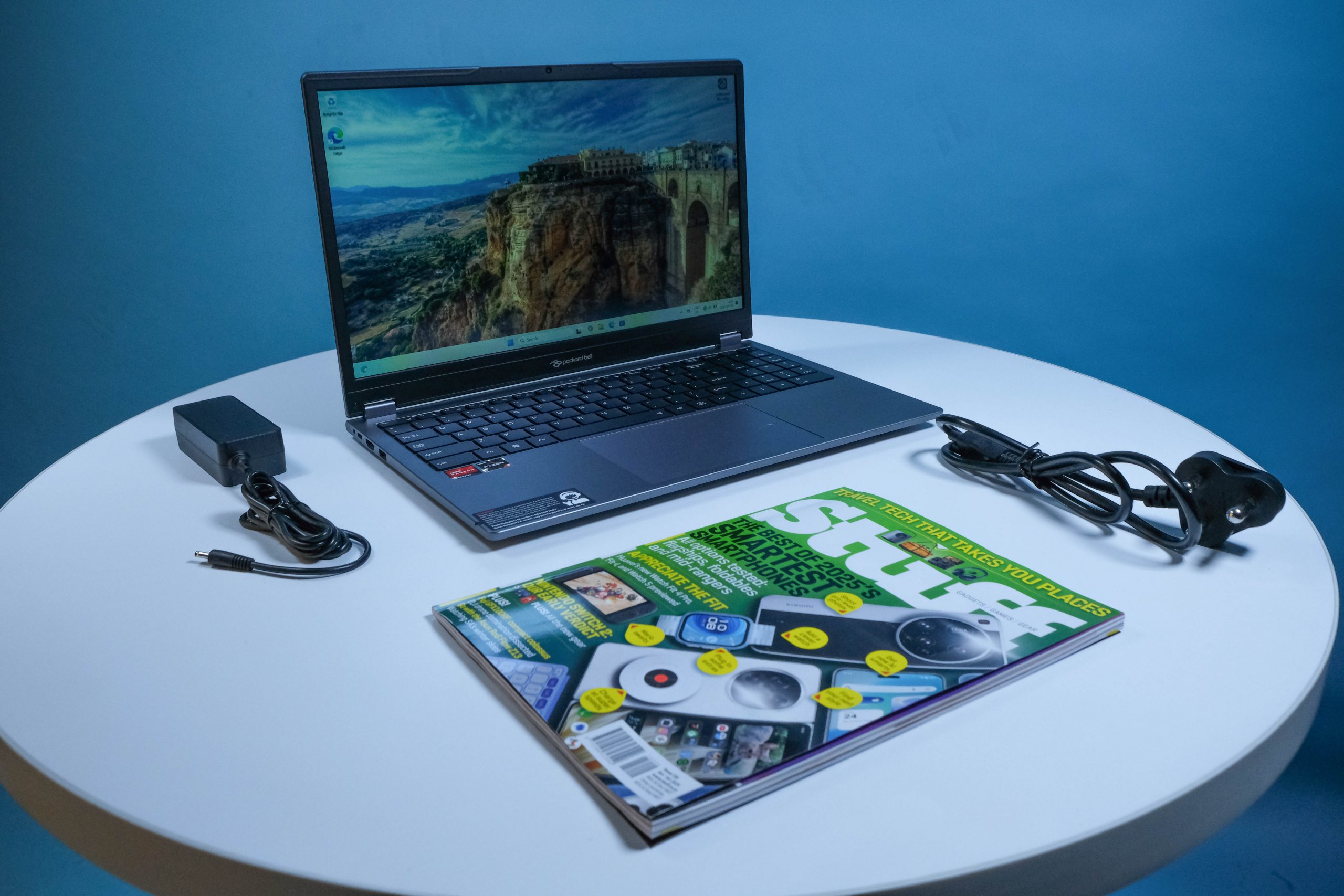 Is that what you’d expect from an R8,000 15.6in Windows notebook? We’d argue that despite its faults, you’re still getting more than your money’s worth from it. The bump up in price has a corresponding bump in features and tech that keep the Carrera F3 out of the ‘frustrating’ category and slide it into the ‘entirely usable’ department. It’ll function as a work machine (though you’d probably still give it to the intern), and it’ll perform more than admirably as a school or home computer. After all, you don’t want in-class Fortnite tournaments breaking out whenever the teacher (or professor) turns their back. Do you?