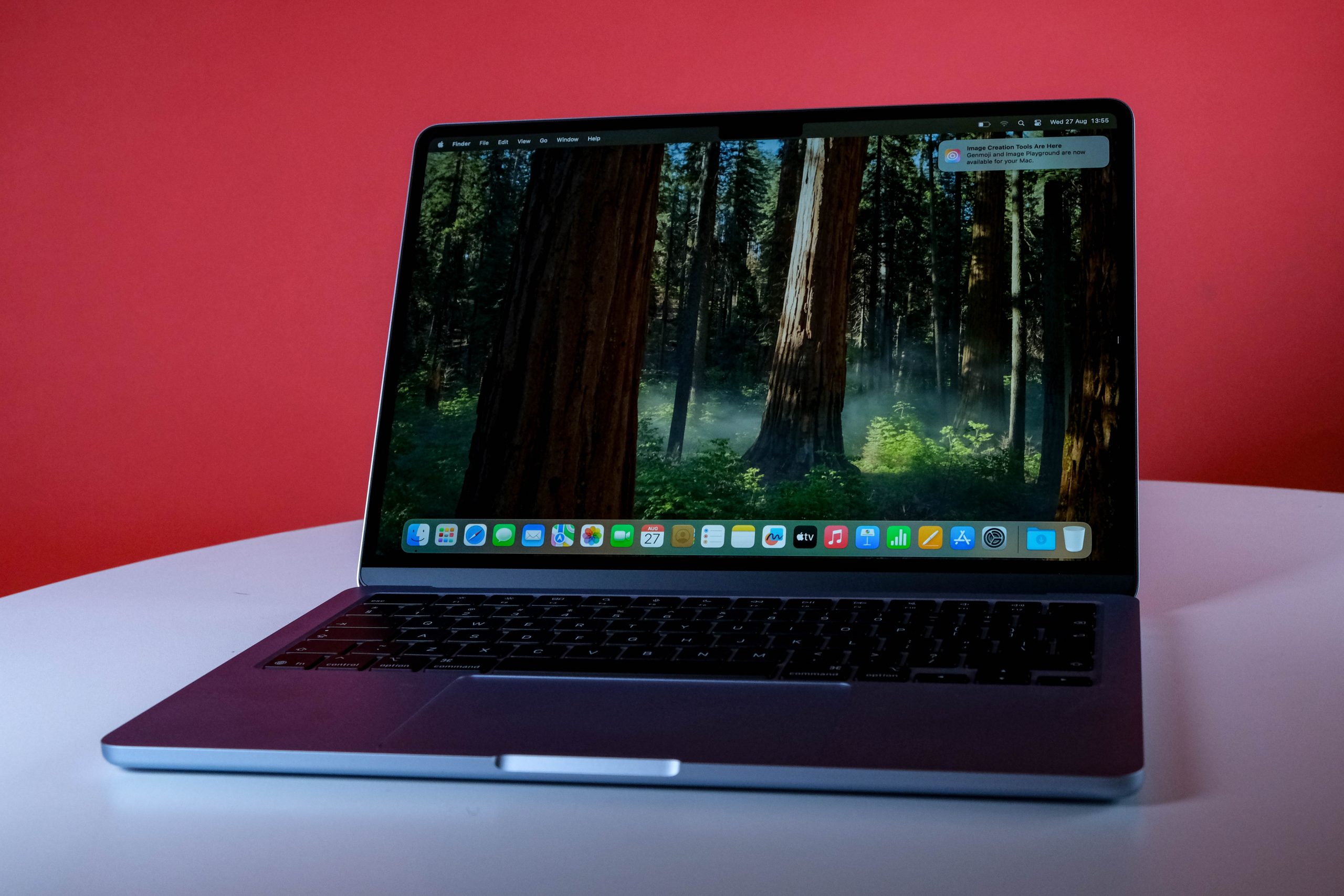
If you're thinking about buying a new MacBook Air M4, you're both a) a sellout who follows the herd and b) making a fantastically sound decision. Sometimes the herd is moving in the same direction for a reason. The Air M4 doesn't dramatically reinvent anything here, mostly because it doesn't have to. It all works, and it'll continue to do so, probably long after Apple stops officially supporting it. That's enough.
-
Design
-
Display
-
Performance
-
Features
-
Value
Apple’s MacBook Air models are consistently good value for money, and we had no reason to expect the MacBook Air M4 to be any different. At R22,500 for the base 13in model, which we had in for review, if you’re choosing between macOS and Windows, and are looking to avoid drama (and overbearing AI), Apple’s hardware is the way to go.
Just… don’t expect too many surprises for your money. If you splurged on an M3 MacBook Air, you probably don’t need to buy this one (unless you’ve done something horrible to last year’s model). M1 and M2 owners, or anyone still tussling with Windows, are in for a very good time indeed.
It’s a… MacBook
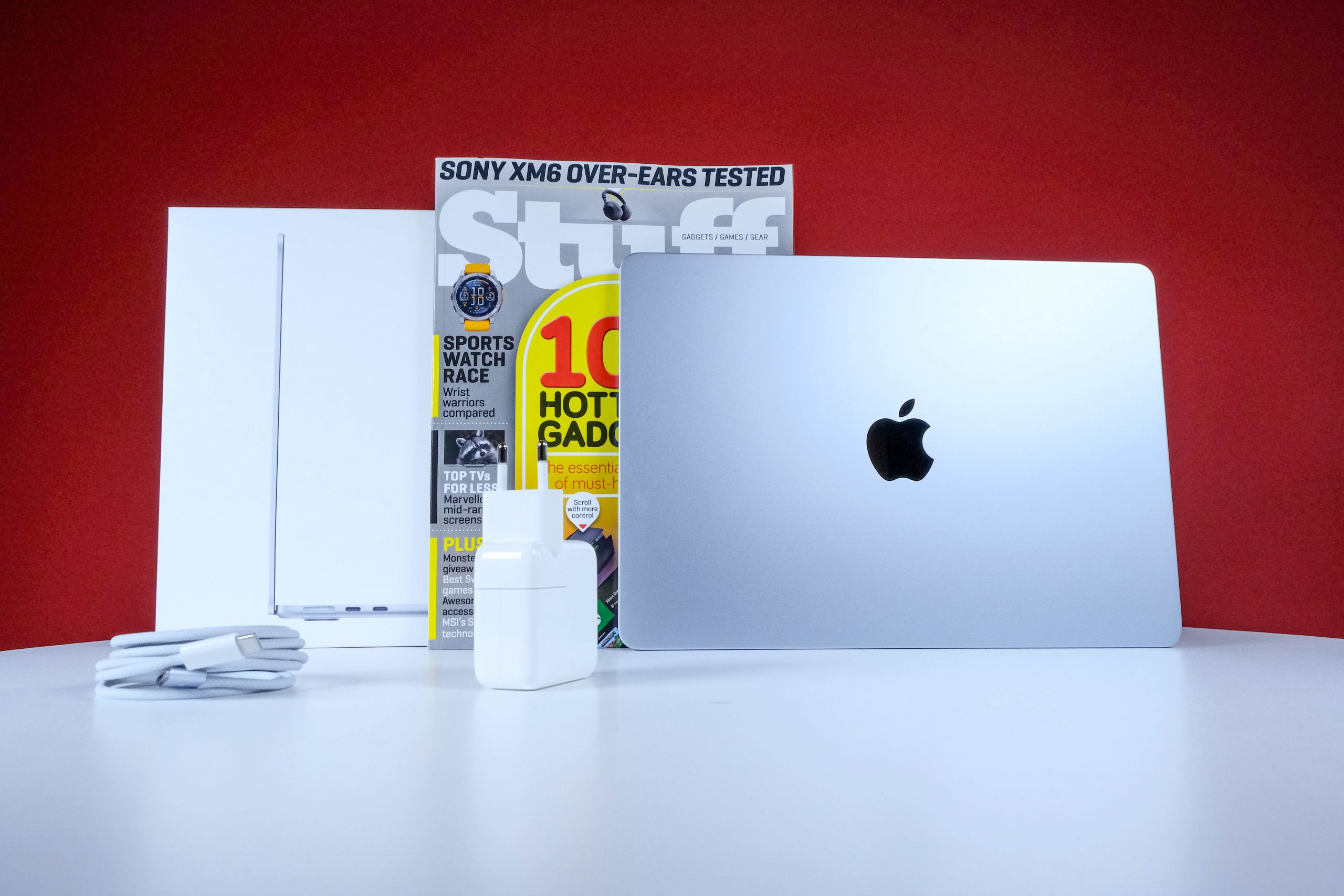
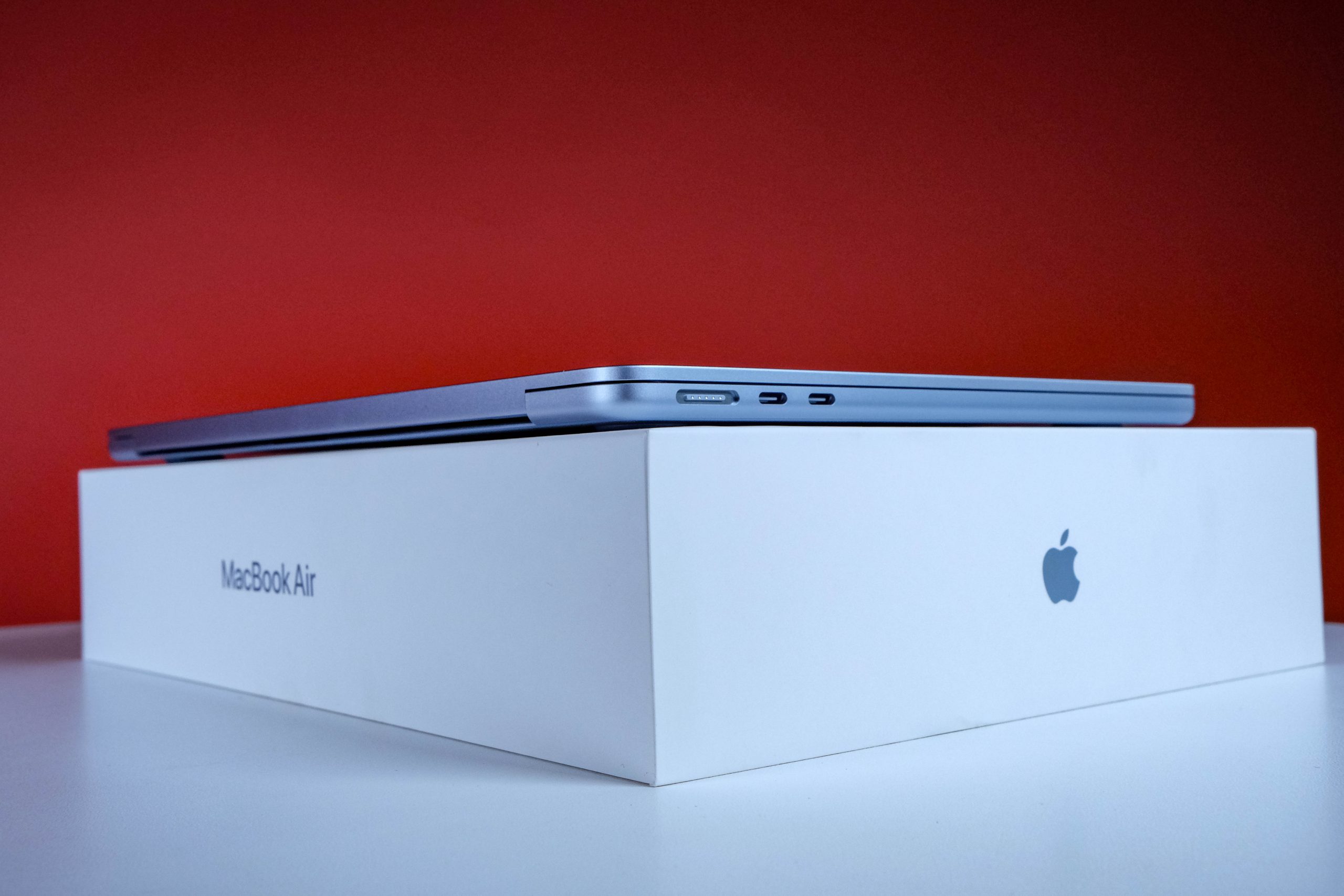
The MacBook Air M4 doesn’t look like it could possibly be anything else. Except for the M3 version of the Air, since the chassis here is more or less identical to last year’s model. A flatter profile compared to the M1 Air, with more squared-down (but not sharp) edges, makes for an attractive slab of aluminium to put on your desk. Open it up, though, and it’s all but indistinguishable from even older model MacBook Airs.
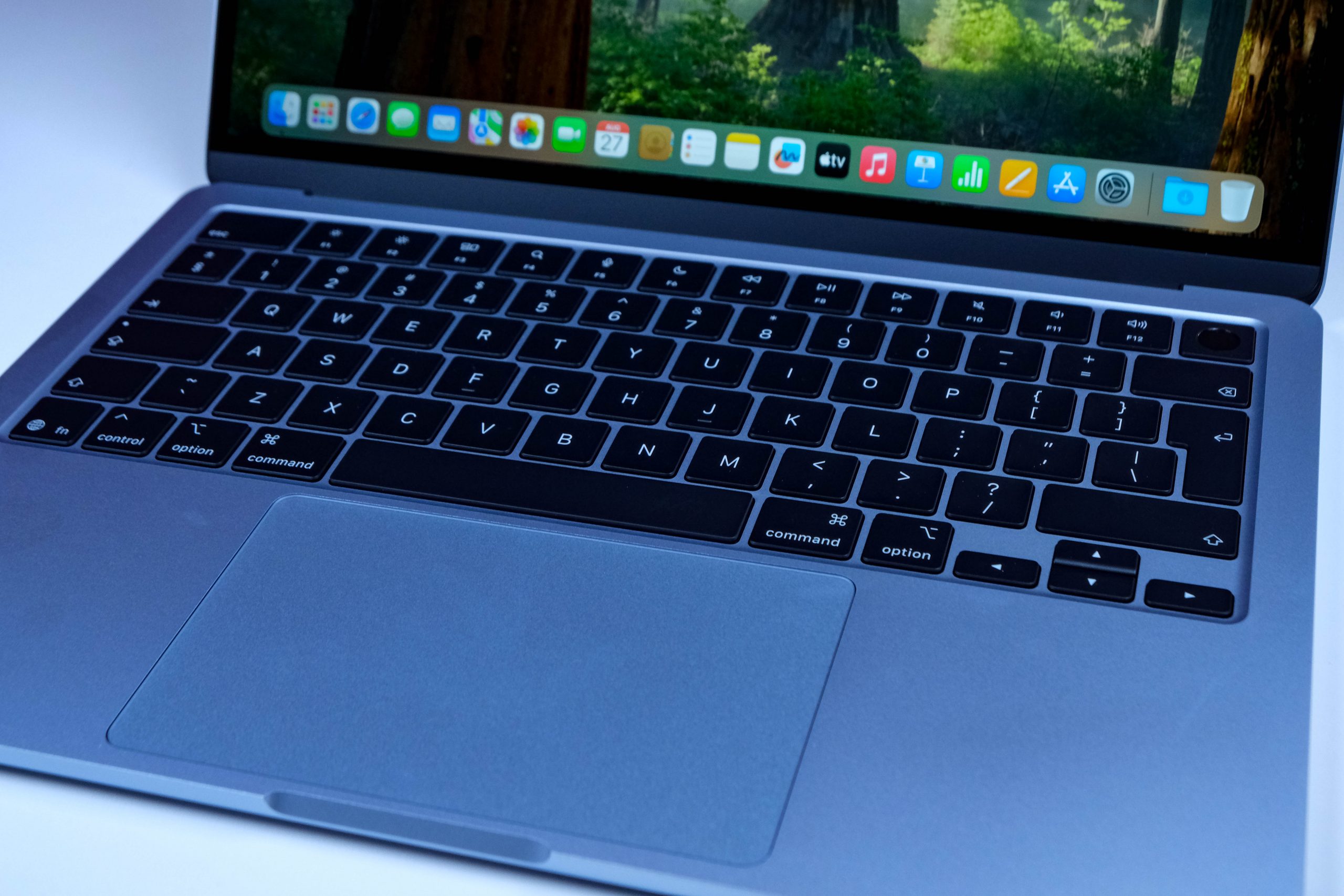
There are some differences. The fingerprint sensor in the top right is larger and easier to locate, the speaker grilles down the sides of the keyboard’s frame have vanished, and there’s a proper MagSafe connector alongside dual ThunderBolt ports on the left-hand edge. A lone 3.5mm input exists on the right. Apple’s not about to use the MacBook Air M4 to give that one up. Not yet.
Otherwise? You could be looking at any MacBook Air made since about 2020. The same set of tactile keys, the same generous-but-not-too-generous high-quality trackpad. Even the hinge and display framing are identical. But you’re not here for unique looks. Are you?
Driving an M4
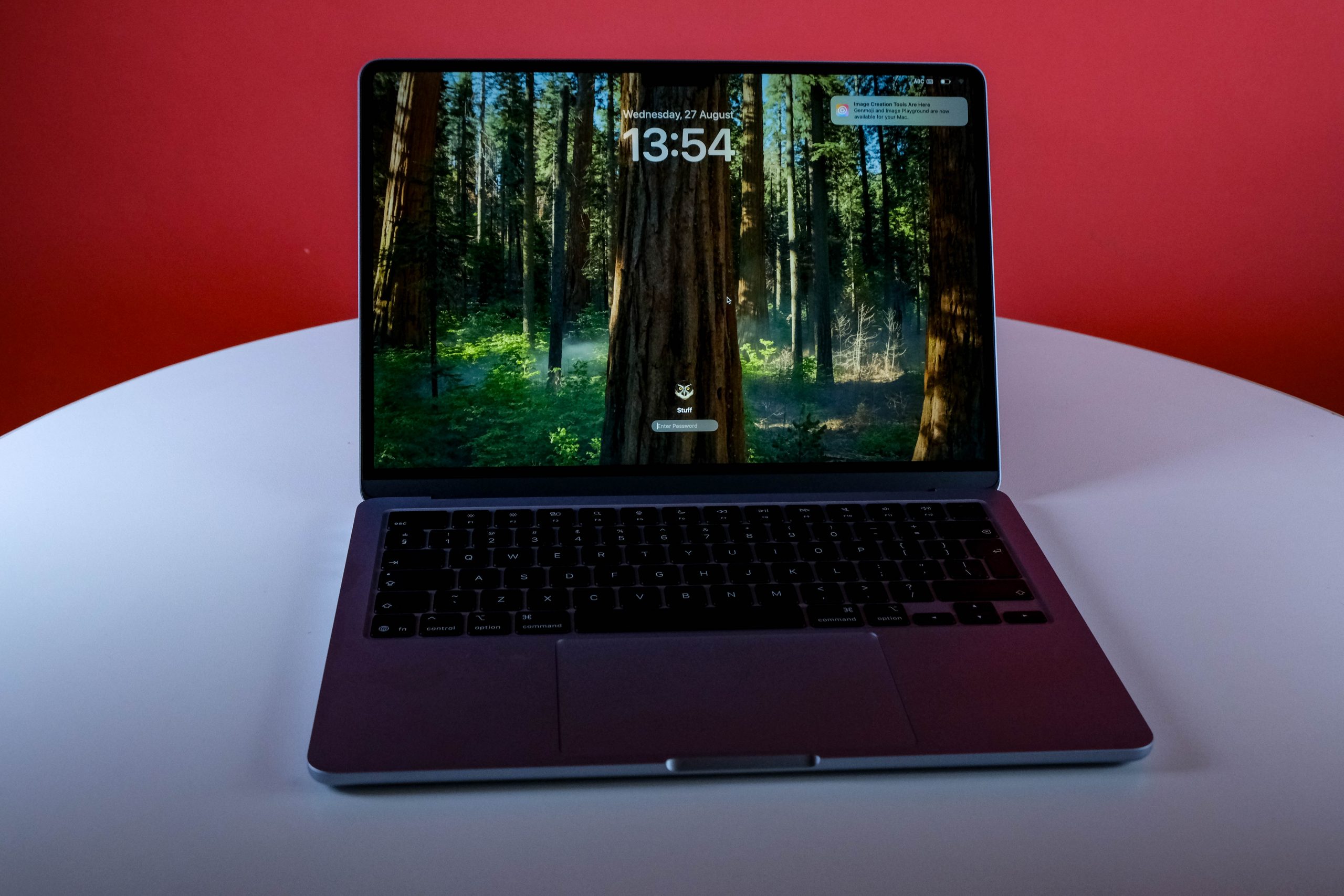
Apple’s known for a singular aesthetic, meaning that it takes few chances once it identifies something good. That applies in the MacBook Air M4’s case, just as it has since the first unveiling of Apple Silicon and the M1 chipset. Visually, the Air hasn’t changed much. Internally, it’s also more of an evolution than the M1’s revolution.
The MacBook Air M4 has made one significant change that, really, had to happen. The most basic model starts with 16GB of RAM and 256GB of storage, putting an entirely excellent office machine into your hands for the next five years at what amounts to R4,500 per year. Do that with a Windows machine and, by the end of year two, you’ll find yourself wanting to kill it.
The 13in 2,560 x 1,664 Liquid Retina display is as good as it ever was, which it bloody better be. If Apple somehow made last year’s screen worse, that would be cause for concern. A slight tweak to how the Air M4 handles displays means you can now plug in two external displays and have your laptop screen function at the same time. Previously, two externals meant no functional laptop display. So that’s a decent upgrade.
16GB of RAM was the only missing part of this equation, letting the MacBook Air M4 chew through tasks from video and image editing right up to some gaming, and all the typical office work these machines are typically used for.
Somehow, you’ll put all of this to work for an entire work day and most of your evening before heading off in search of a charger. That’s a true fact, though eighteen hours between charges with the 13in MacBook Air M4 is a slight stretch. It can be done, but you’ll find yourself grabbing closer to twelve to fourteen hours of uninterrupted work. That’s… not shabby at all.
Apple can bang on about the power and performance of the M4 chipset as much as it likes. Ten-core CPU, eight-core GPU, blah, blah — marketing is what the fruit company is best at. The performance increase over M3 is slight, but present, with the gap in functionality becoming more pronounced the further back you go.
There’s a reason Apple likes to compare even this processor to its old Intel models. Still, along with the RAM upgrade (and Sequoia 15.3), the MacBook Air M4 hums along fast enough to last you that half-decade you were looking for. Comfortably.
Apple MacBook Air M4 (2025) verdict
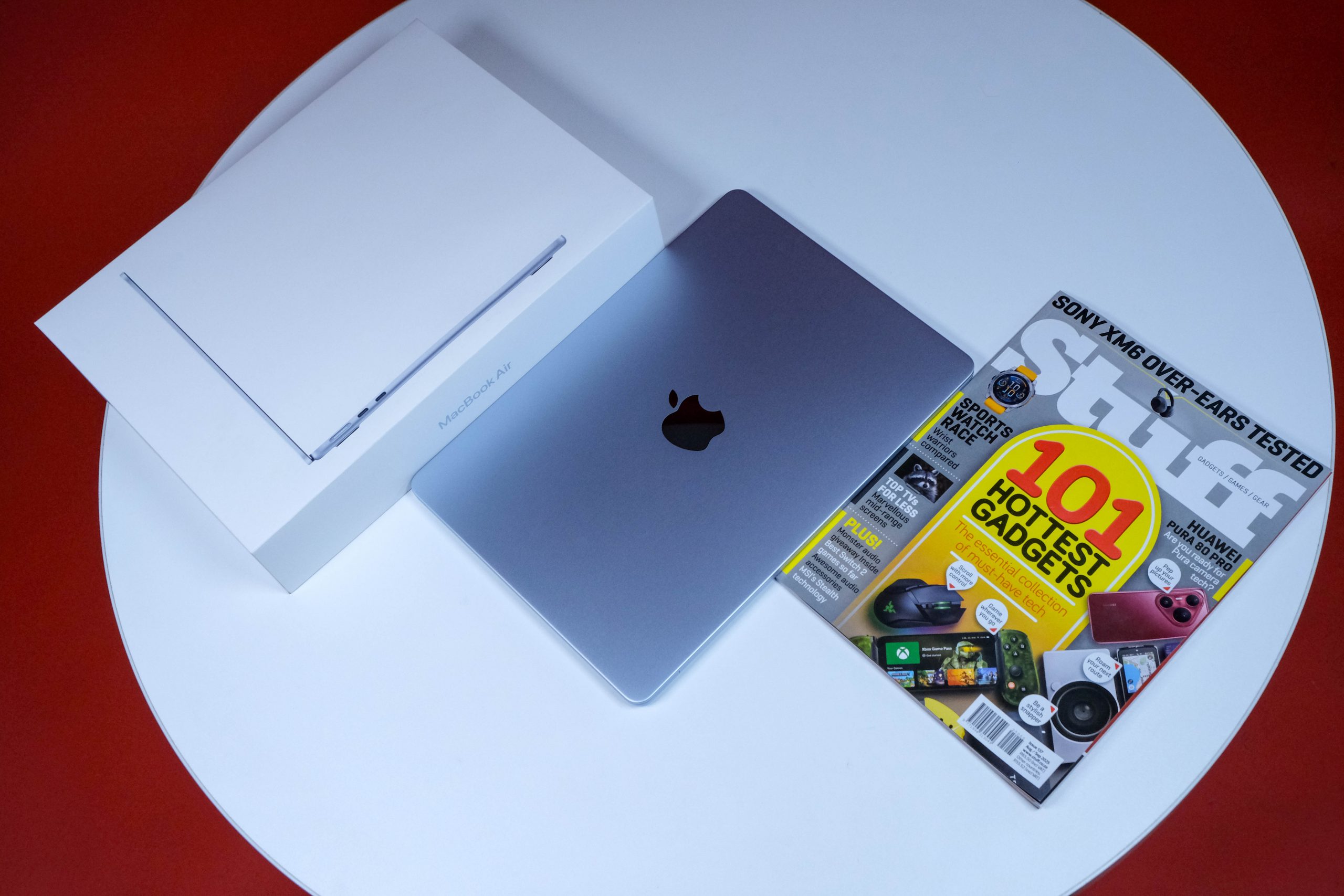 Want an excellent, hassle-free piece of computing hardware for around 22 grand? Apple’s MacBook Air M4 will happily provide it for you. It won’t wipe the floor with the competition the way previous outings have — the gaps are narrower this time around — but it’s still the best MacBook Air that money can buy.
You’ll get similar performance for a shade less if you can find any M3 Airs in stock, however, so it might be a bargain-hunting challenge to try and track down a 16GB/256GB model of one of these before dropping cash on one of these. There’s almost no such thing as a terrible Apple product. There’s only above-average and excellent. This one’s the latter if you’re on pre-2021 hardware, but the former if you’ve got an M2 or M3 tucked away in your bag at the moment.