

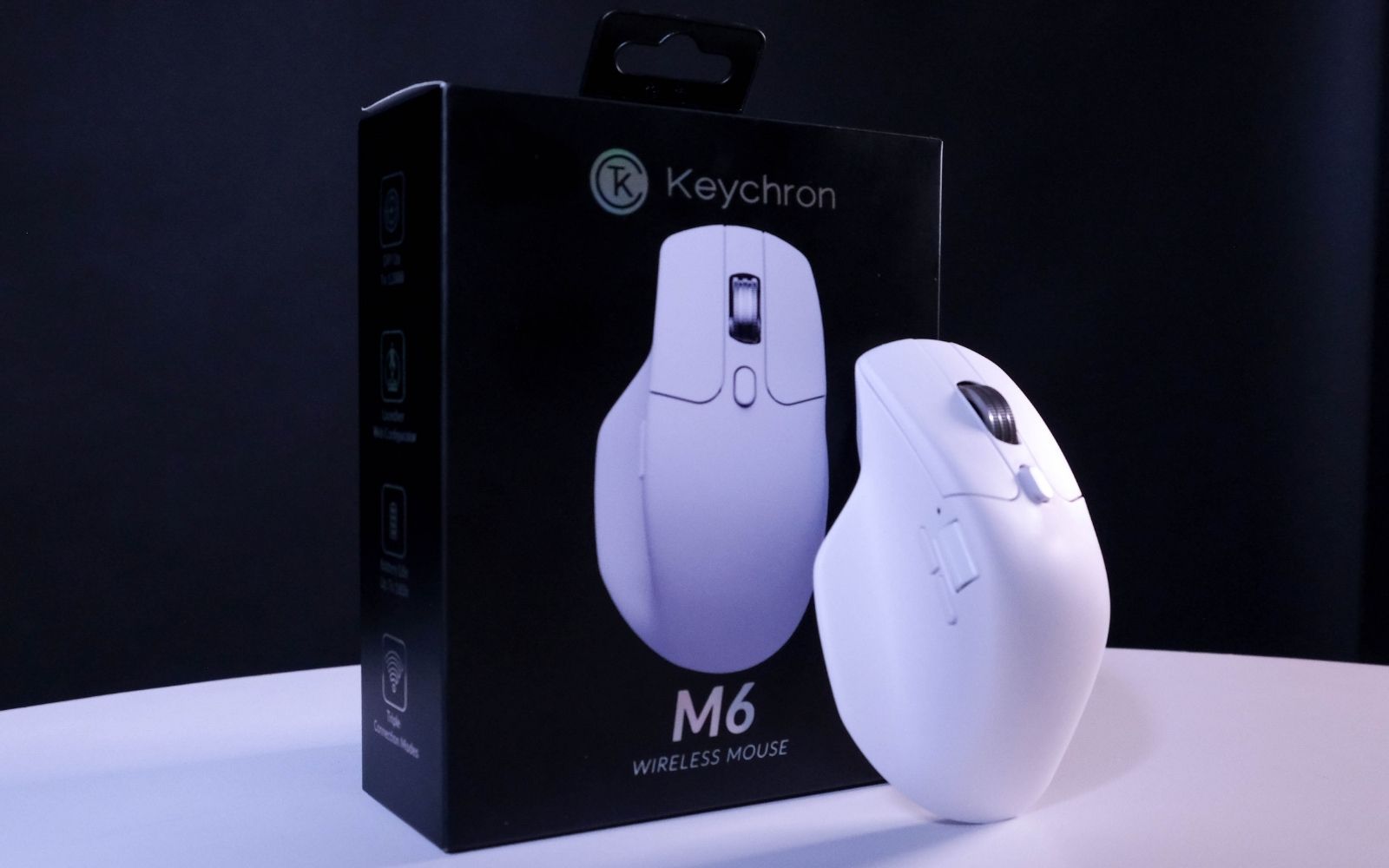
You don't need to spend thousands on a mouse, and the Keychron M6 is proof. For R950, you're getting a comfy, lightweight wireless clicker with a capable 26,000 DPI sensor, satisfyingly quiet switches, and plenty of customisation. The lack of higher polling rates might keep the more competitive crowd away, and the infinite scroll wheel could use some taming. Get past those reasonable compromises, and you've got a versatile mouse that won't mug your wallet.
-
Design
-
Features
-
Battery
-
Value
There’s no shortage of decent mice that’ll set your wallet back two, three, or even four thousand doubloons in 2026. The real trick is finding a decent mouse that hits the triple-figure sweet spot. Keychron’s M6 wireless mouse exactly fits that bill, landing in South Africa for a reasonable R950.
The M6 has been under our supervision these last few weeks, and in that time it’s only called for a charge once. Sure, it’s missing some of the more obvious gimmes you’d expect from a standard gaming mouse, like RGB lighting and ultra-fast polling rates, but it’ll deliver a good experience for (way) fewer bucks than most.
All thumbs (but in a good way)
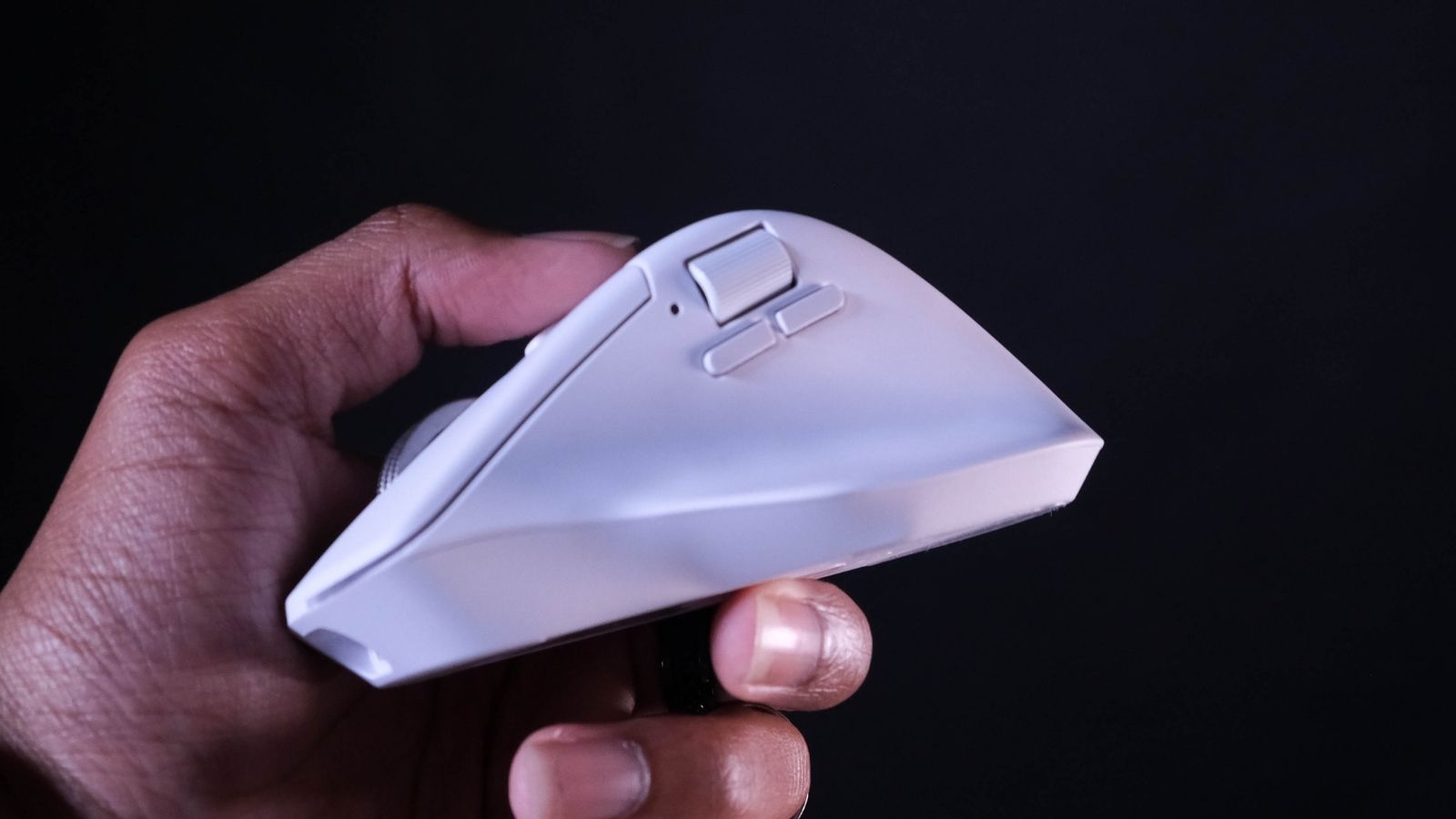
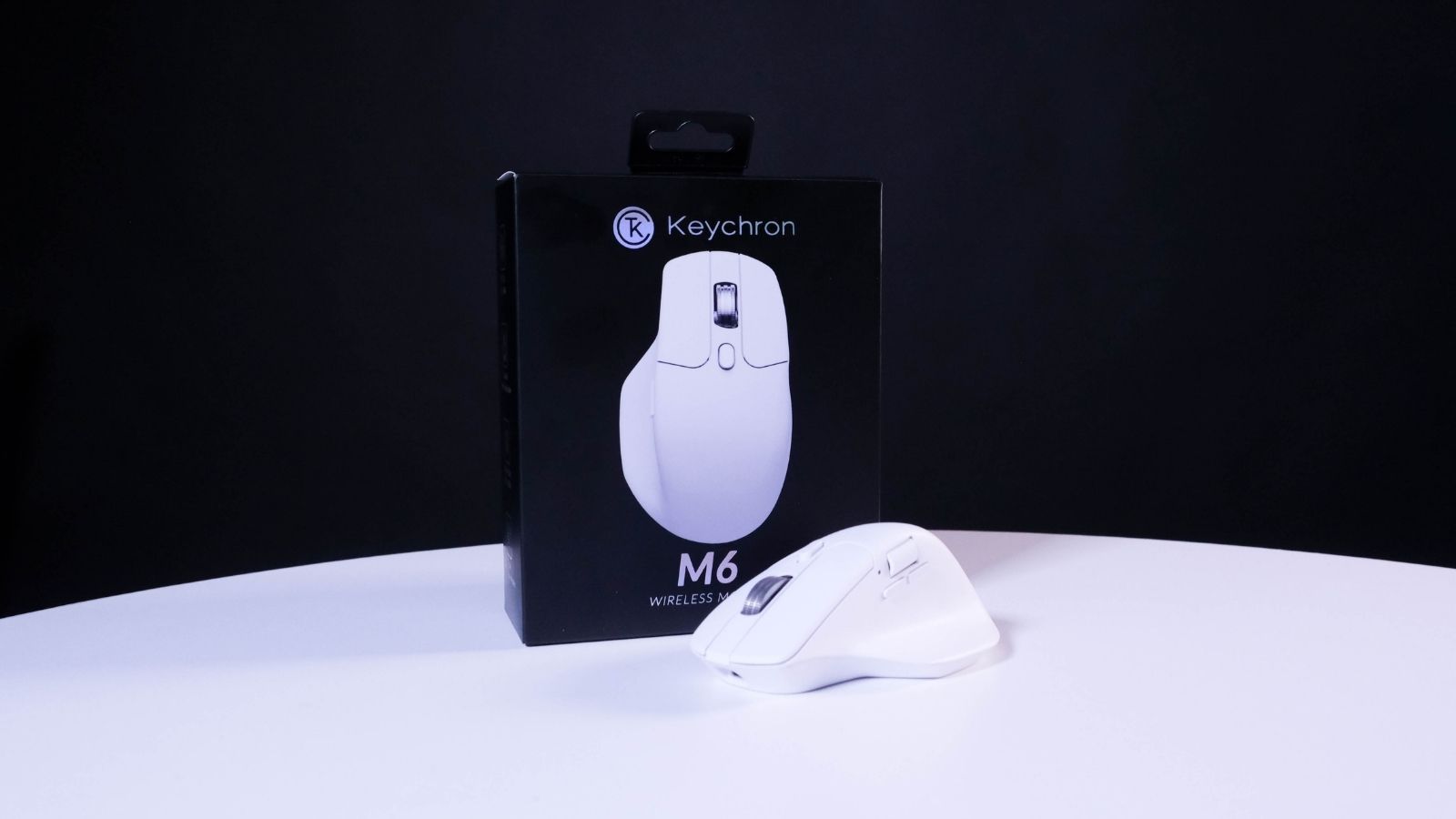
A mouse can have the best sensor in the game, but if it can’t make friends with your hands, what’s the point? The M6’s ergonomic palm grip is especially pleasant for right-handers, with the incredibly generous thumb rest taking up much of the mouse’s left side. Lefties can give it their best shot, but they won’t be pleased with the results.
The ABS plastic shell doesn’t lend itself to the sort of premium experience you could expect from, say, the Logitech MX Master 4, but that isn’t its goal. The plastic coating was almost certainly born from compromise on Keychron’s end, but the resultant mouse is just light enough to keep it from feeling cheap. It feels sturdy enough, though a little shake and consequent rattle of the innards reminds you this falls under R1,000.
We can’t pretend that the black colourway wouldn’t have gone down more smoothly with our set-up. The all-white look is undoubtedly clean, but it’s also prone to scraping the leftover chum from your hands. Neat freaks needn’t mind, but those with kids might want to keep a wipe handy.
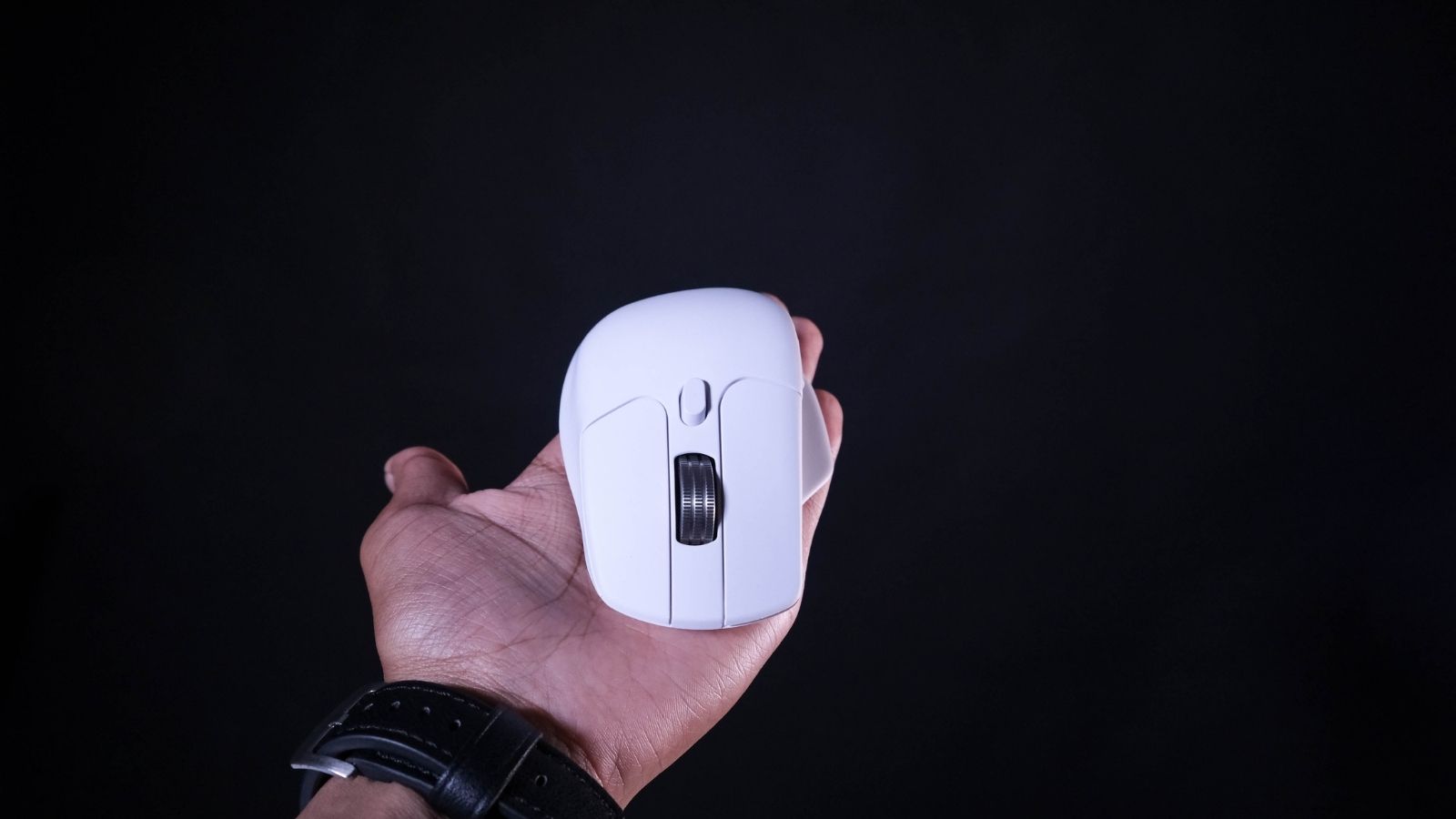
Despite being a well-made and comfy mouse, nothing we’ve shown you has yet to justify that starting price. The first clue that this isn’t an ‘ordinary’ worker or gamer is the slew of buttons within your grasp. There’s the usual clickers and scroll wheel on top, and two customisable buttons aren’t worth writing home about. It’s the horizontal scroll wheel above those buttons that got our attention, as well as the toggleable infinite scroll wheel.
That one’s a real head-scratcher. On paper, the idea of a frictionless infinite scroll wheel (especially at this price) is great. It’ll get us from the first to last row of a spreadsheet in record time. Scrolling through weapons in a game is another story. More often than not, it felt too quick and would often end with us overshooting. Skill issue? Maybe.
Clicks quietly
We’ve got to hand it to Keychron; the M6 is real quiet. We’ve had quieter from more skilled mice, but the Huano micro mechanical switches here never quite penetrated our co-workers’ or family’s ear canals. They feel pleasantly bouncy and are light enough to spam attacks or burst-fire shots, depending on your game of choice. Keychron also reckons that the M6 will only call it quits around 80 million clicks later. But who’s counting?
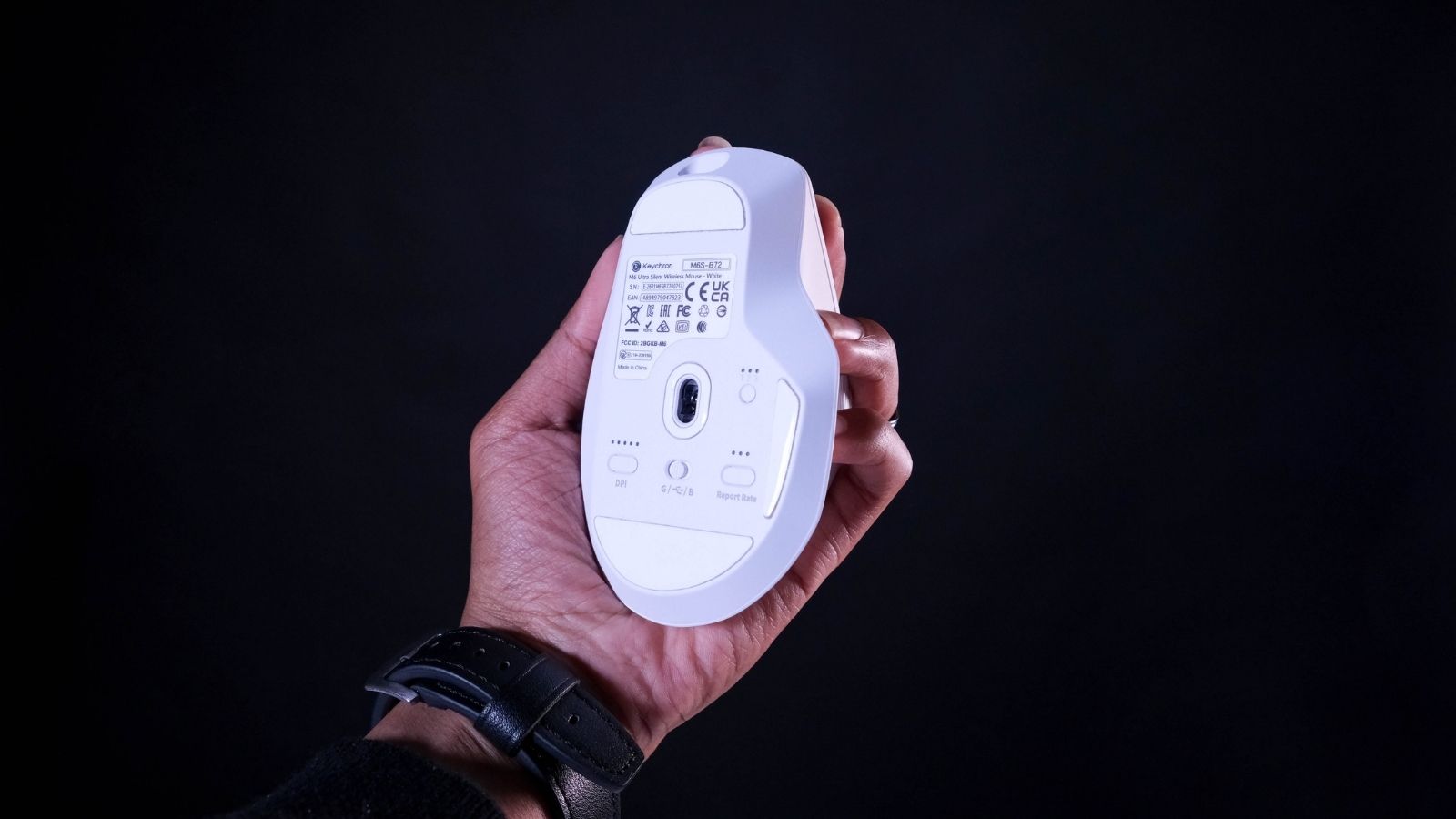
It’s plenty fast, too. Keychron has employed PixArt’s 3395 sensor to great effect, ensuring the M6 always feels nimble in-hand. You’ll find a DPI switcher on the mouse’s underbelly with five presets, though the Keychron Engine software will take customisation a little further, up to 26,000 DPI. The unfortunate bit is that this sensor only allows for a 1,000Hz polling rate, though other M6 models bump that up to 8,000Hz in exchange for another bag of money.
If you wanna go wireless over Bluetooth 5.3, you’ll have to make do with the standard 125Hz polling rate. If the M6 is also working a day job as your dedicated Excel scroller (that horizontal scroll wheel is particularly useful here), it’ll get along just fine. Casual wireless gaming isn’t out of the question if you’re a Stardew fanatic or similar. Give it something more competitive, though, and the USB dongle (or a cable) is an essential bit of kit. You’re also more likely to notice the weight.
Put ’em all together, and you’ve got yourself a damn-fine mouse. It did whatever we asked, and without complaint. It handled everything from spreadsheets to Rocket League with ease and meant our food didn’t get as cold while scrolling for something to watch.
There’s an app for that
There is software to get the most out of your M6, called Keychron Engine. It’s fairly intuitive to use, allowing users to quickly adjust their polling rates and DPI settings if the presets aren’t cutting it. It’ll let you remap just about every button on the thing too, and even build your own key combos without any hassles. Debounce times are also modifiable, allowing for basic control over the response time, or more custom settings for each clicker.
If you’re coming from something more or less capable than the M6, you’ve likely got some existing macros tucked away. Keychron Engine will allow you to import (or export) your old and new macros. If this is your first time, the software will guide you through the process of creating your own. You’ll be in and out in five minutes, give or take.
There’s plenty more that the software is capable of. But if you’re worried about your weaker-than-most PC conking out under the increased load, there’s another option: the Keychron Launcher. This exists entirely in your web browser and offers all the same functionality as if you were using the official software. It became our go-to.
Keychron M6 verdict
The M6’s biggest selling point is that R950 price. How could it not be, in the present landscape? Sure, you could (easily) spend a few thousand more on a mouse featuring higher polling rates and RGB lighting, but unless you’re chasing esports glory, we’re not sure how necessary it is. The M6 gets the basics and more right without asking you to open that wallet further than it needs to. If you’re after something affordable, this is the way to go.