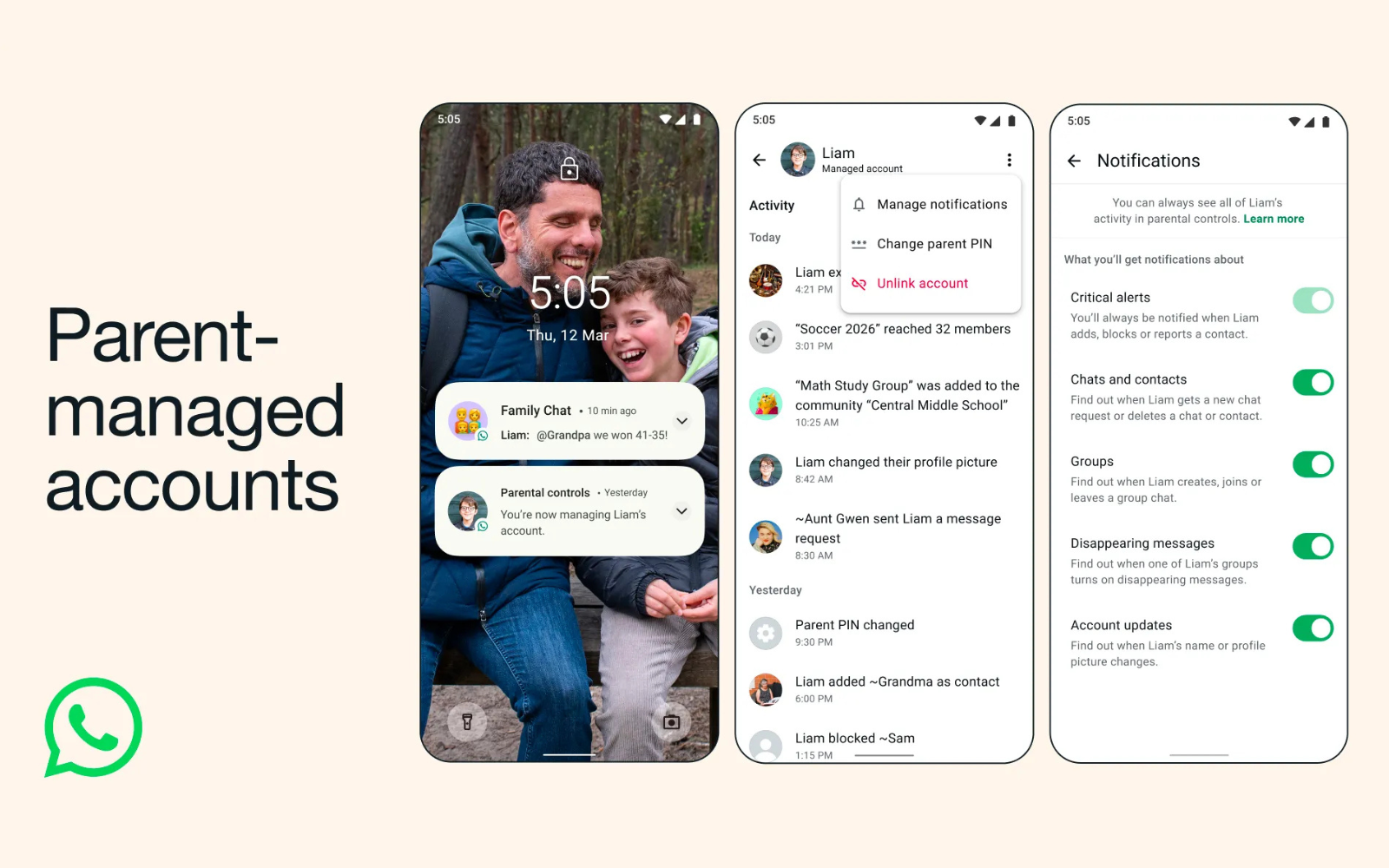
Back in January, it became clear that WhatsApp was working on parent-controlled accounts for under 13s, and now the Meta-owned messenger has made it a reality. It hopes to limit a child’s ability to chat to anyone outside a controlled list of contacts and groups, with changes to settings and requests going through the parent first.
WhatsApp goes PG

The strict protections rely on a six-digit PIN generated by the parent. The kid, obviously, shouldn’t know the PIN. Certain features — like Meta AI, status updates, location sharing, view-once messages, and disappearing messages — will be walled off on protected accounts. Messaging is still allowed, though only saved contacts will be able to do so. The account’s profile picture, account info, and ‘last online’ status will also be blocked for non-contacts.
Parents will be regularly notified about changes to the account, like when a new contact is added or when their child exits a group chat. Should an unknown number attempt to contact the account, a message request will first be sent to the parent account to await approval. WhatsApp once again assures parents that messages are end-to-end encrypted, meaning that nobody — not even WhatsApp — can read them. Yeah, about that…
Read More: WhatsApp ‘Plus’ could be Meta’s latest money-grubbing scheme
Parents may have to wait before they can set one of these up, however. Meta noted that the rollout, beginning today, would be a gradual one — possibly making parents wait a few months. When it does arrive, parents will need to have their own device handy, as well as their child’s to start. First, install WhatsApp on the kid’s phone.
From there, the parent must agree to the Ts & Cs before hitting More options and selecting Create a parent-managed account. Enter the child’s phone number, and verify their age. Tap Continue, and a QR code should appear on-screen. The parent must scan this using their device and follow the link into WhatsApp. Hit Agree and continue. This is the bit where you create a secret six-digit PIN. Confirm it, and tap Done.
Finally, head back to the child’s device to complete the setup. Then punch in the parent PIN and hit Continue.