Do you know how rare it is to find mostly competent laptop hardware for R4,500? That nets Packard Bell's laptop a pass on its own, and is certainly enough to overlook the convoluted title. As a basic home machine or something to send with your offspring to school, it comes into its own. It'll complain if you try and make it do more than that, however.
-
Design
-
Display
-
Performance
-
Features
-
Value
There’s an unofficial law in anime that the longer your attack takes to say, the weaker it is. We’re about to see whether the Packard Bell Montenero-C82PRO laptop follows the same rules.
Packard’s C82PRO is an authentically budget laptop. We don’t mean that it’ll run you less than R10,000. In fact, it’ll cost less than R5,000. Does this make it a useless hunk of computing plastic? Actually… no. It depends on what you’re expecting from your R4,500.
Plastic Bell
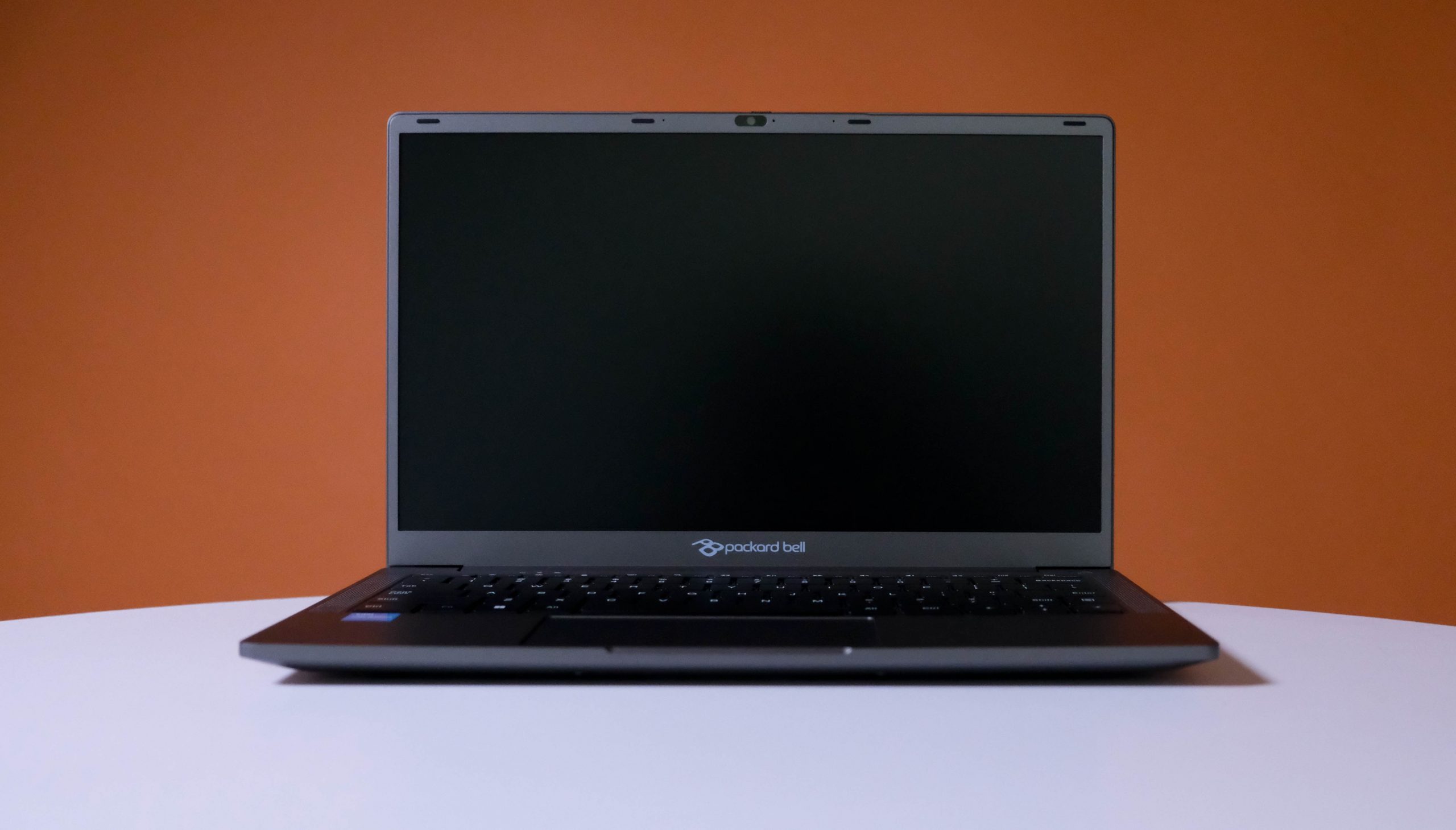
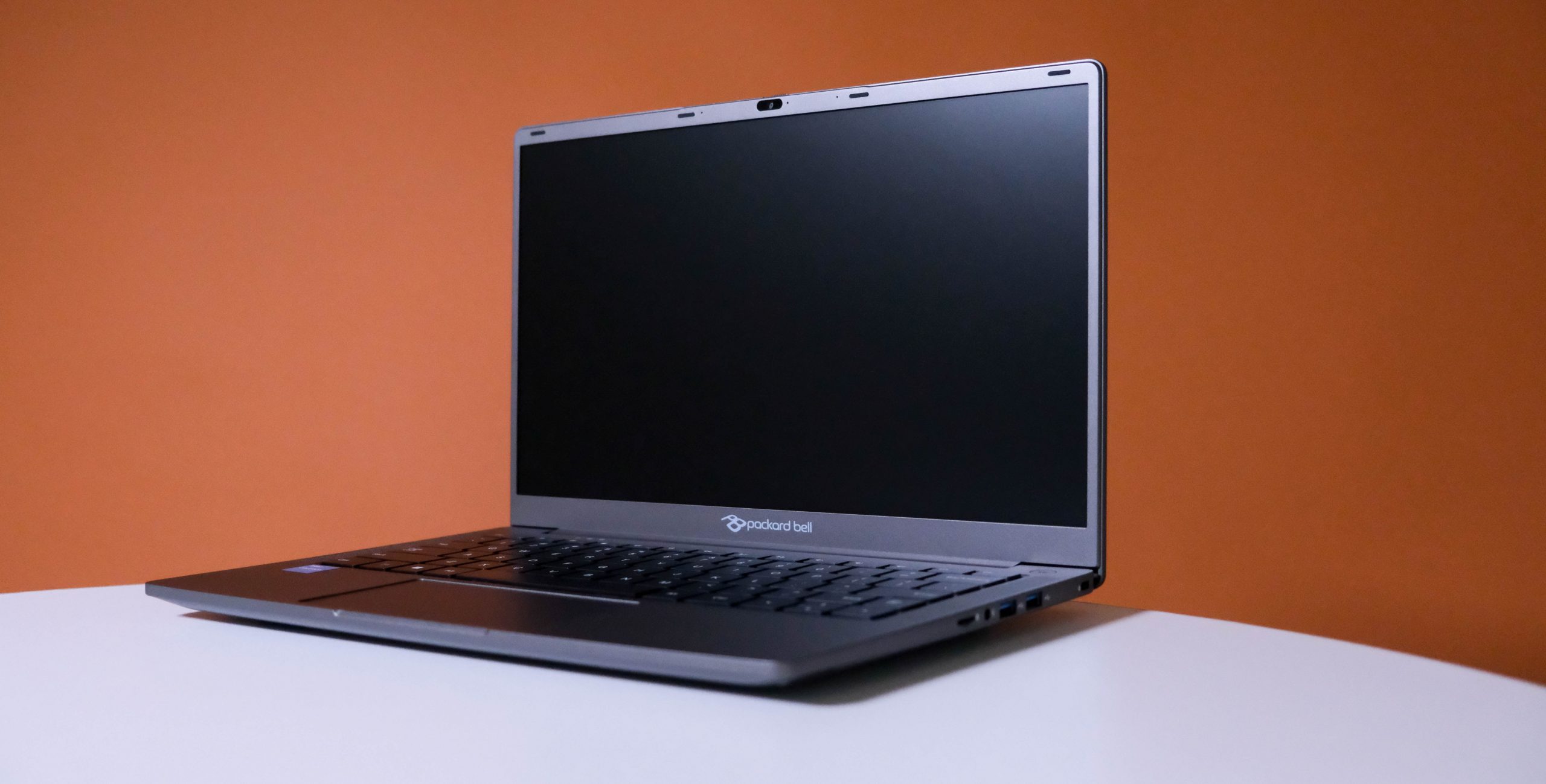
For your money, you’re getting a decent chassis. It’s all plastic, sure, but it looks and feels durable. There’s less flex in the lid than expected, and the hinge feels solid and robust. The casing will crack before that component gives out (unless you toss it across a room. Don’t do that).
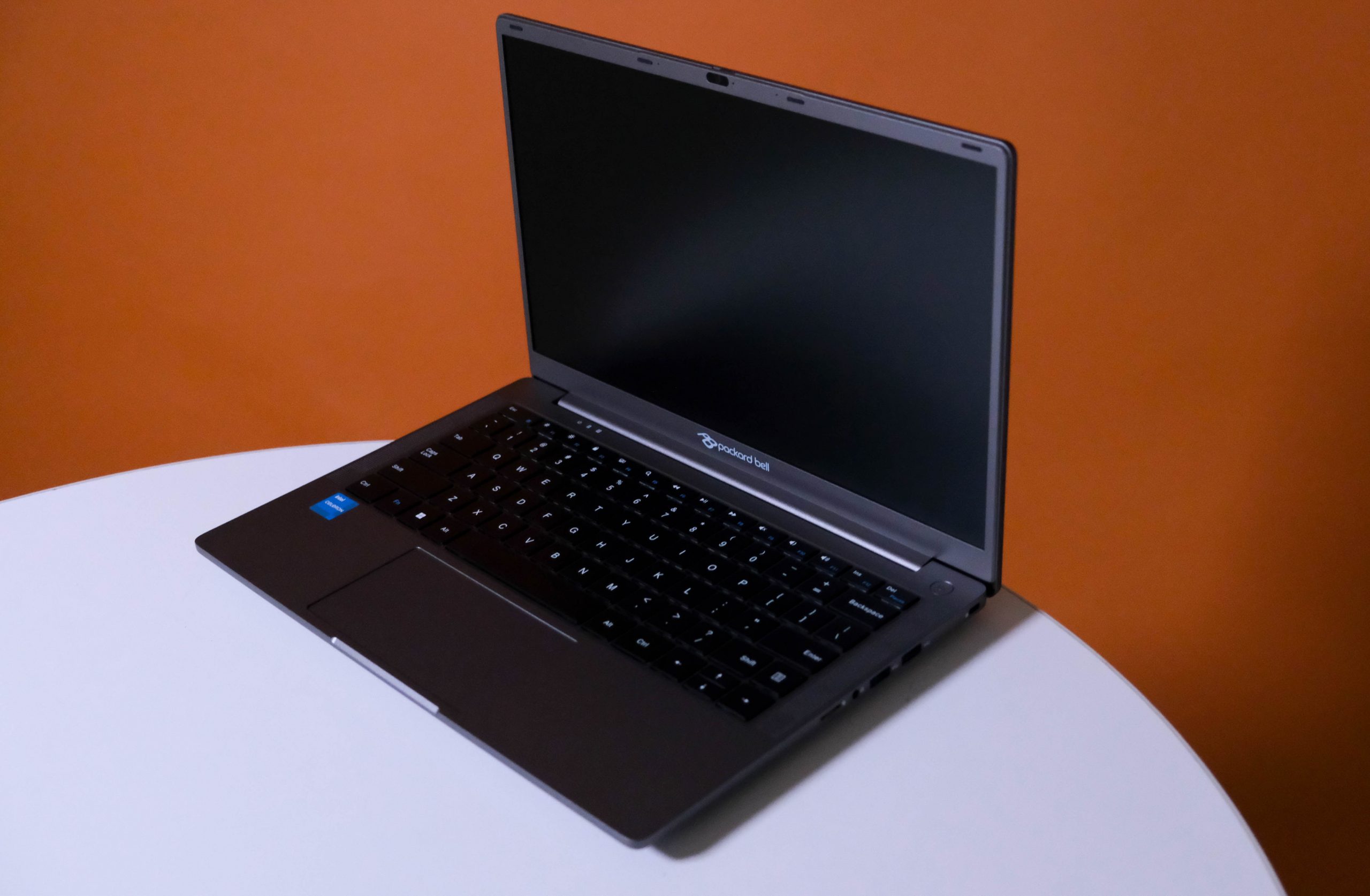
The soft-touch keyboard doesn’t have much travel, but it doesn’t need it. The keys are bracketed by large speaker grilles, and a very visible power button lurks in the upper right. The trackpad is a shade narrow vertically, but it makes up for it by being wide.
All of the ports you could want (except for Ethernet) are present. A single-pin power connector occupies the right edge, with a USB-C, full-sized HDMI, and a USB-A. Sadly, the Type C doesn’t double as a power connector. Dual USB-A ports, a 3.5mm headphone jack, and a microSD card slot live along the right side. If you’re keen on replacing the default keyboard and trackpad, it’ll be a snap to do.
Saved by the Bell
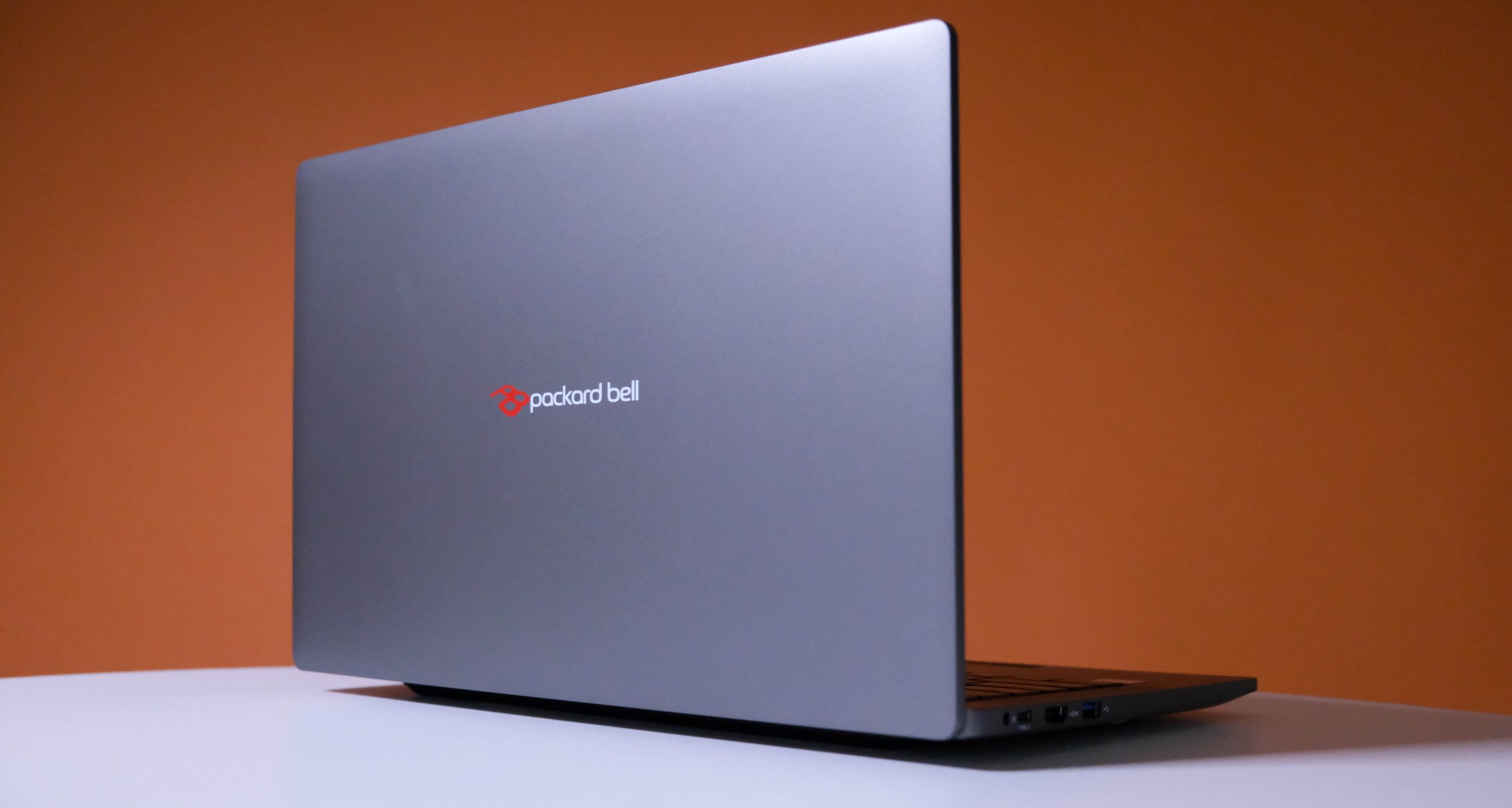
The Montenero-C82PRO’s internals are a mixed bag. The Intel Celeron N4500 processor isn’t great if you have ambitions beyond streaming video, online banking, and basic office programs. The RAM allocation is… actually decent. It’ll keep the Windows 11 Home OS chugging along unless you send in 26 Chrome tabs to smother it. 256GB of storage is also just okay, but we get the impression that you can do a little work at home with Packard’s machine.
A look at the underside will tell you why. Obviously, we’re not allowed to do this (Packard likes its products back with the warranty intact), but the large, standard screws and two large vents suggest that you can pry this machine open and change things. A larger hard drive and a 16GB DDR4 memory module will go a long way, but maybe stick with the storage upgrade. RAM is getting expensive.
Bell curve
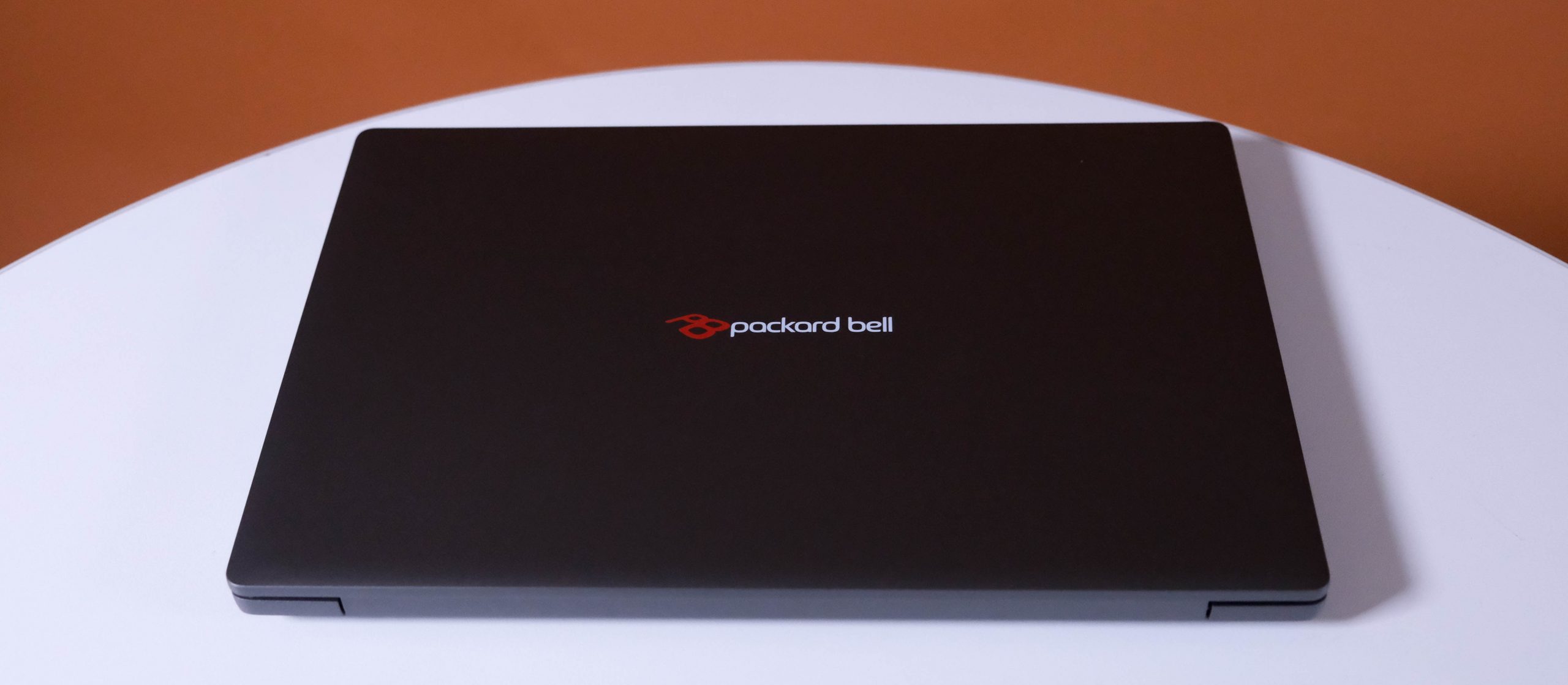
That said, the standard set of components Packard Bell provides works as expected. Certainly well enough considering the price. We mentioned that the Montenero-C82PRO is best suited for basic computing. Usage bears that out. Basic spreadsheets, MS Word, a web browser, and other ‘normal’ computer stuff work fine. Load Chrome up with enough tabs to choke a MacBook and you’ll have a problem. Ditto attempting to open that one Excel spreadsheet that singlehandedly holds your small business together.
The C82PRO is a handy candidate for a school laptop. There’s enough under the hood to allow for school work, and not enough to permit serious distractions. Installing Steam (we didn’t bother) will undoubtedly give you a library of games that do run. But unless Junior is a serious fan of retro PC games (or Nintendo’s SNES, for variety), that’s not going to be a problem. Multiplayer is simply a myth told around the campfire where the unsold Packard Bell Monetenero-C82PRO units hang out.
Package Bell Montenero-C82PRO verdict
One of the toughest things to find in 2026 is a truly budget laptop that works. Packard’s effort is a decent one, combining an excellent price (for 2026) with enough internal performance to keep you from lobbing it at a wall in frustration. But you do have to know what you’re getting into. The screen is basic, and so is the processor. The RAM allocation is enough to get you by, provided you’re not expecting to edit large images or videos. And the storage is also a good start.
We suspect that the Montenero also allows for component upgrades, as far as that is possible with a laptop. A terabyte hard drive and a second 8GB DDR4 module (assuming there’s space — we didn’t check) would extend the C82Pro’s usefulness. It won’t do a thing about the CPU, but that’s fine. This laptop works better as a school/varsity machine.