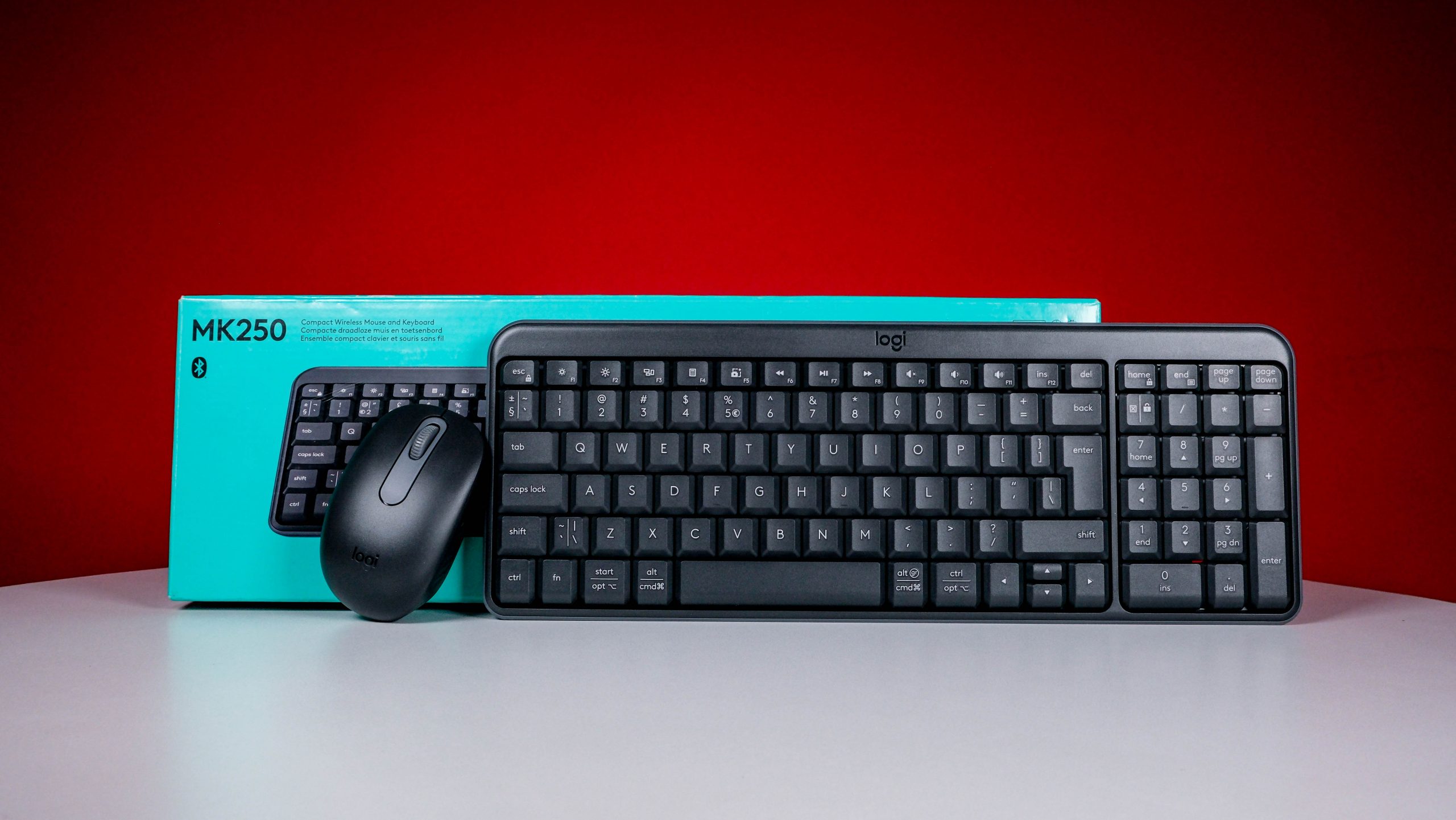
'Gets the job done' is the first descriptive phrase that comes to mind when we think about Logitech's MK250 keyboard/mouse combo. The K250 keyboard is a little too light and airy for our tastes, but you can correct that by spending more money on something else. The M196 mouse, on the other hand, is just weighty enough that it reminded us of how ambidextrous computer mice (mouses?) should operate.
-
Design
-
Features
-
Battery
-
Value
The way we reviewed the Logitech MK250 keyboard and mouse combo is the way all peripherals should be tested. We wrote the review using it. If the keyboard survives to the end without being snapped in half, it’s probably worth your money. Depending entirely on how much said keyboard costs.
It’s an easy bar to clear for anything with a premium build and mechanical switches, but at around R500, anything could happen. It could wind up broken (via strategically applied percussive maintenance) or it could emerge unscathed. The best part? Nobody will know till they arrive at the bottom of this page.
Paper and plastic
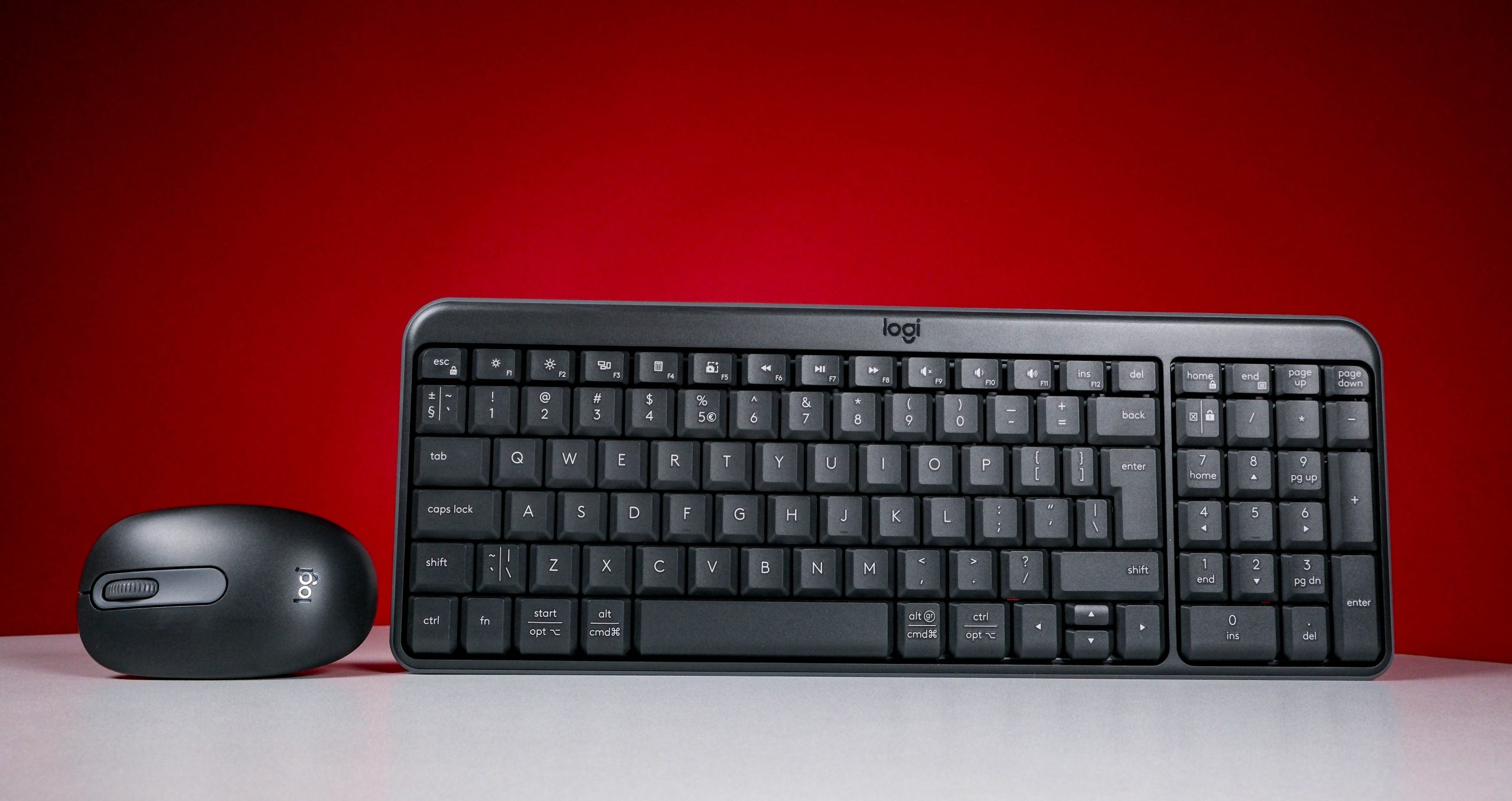 The MK250 title for this peripheral set is a touch misleading. That’s what Logitech calls the entire Bluetooth keyboard/mouse setup. The keyboard alone is the K250. The companion Bluetooth mouse is the M196, purchasable on its own for the princely sum of R220. Of the pair, the mouse is the sturdier item, but you probably won’t huck the keyboard in the bin for being too flimsy.
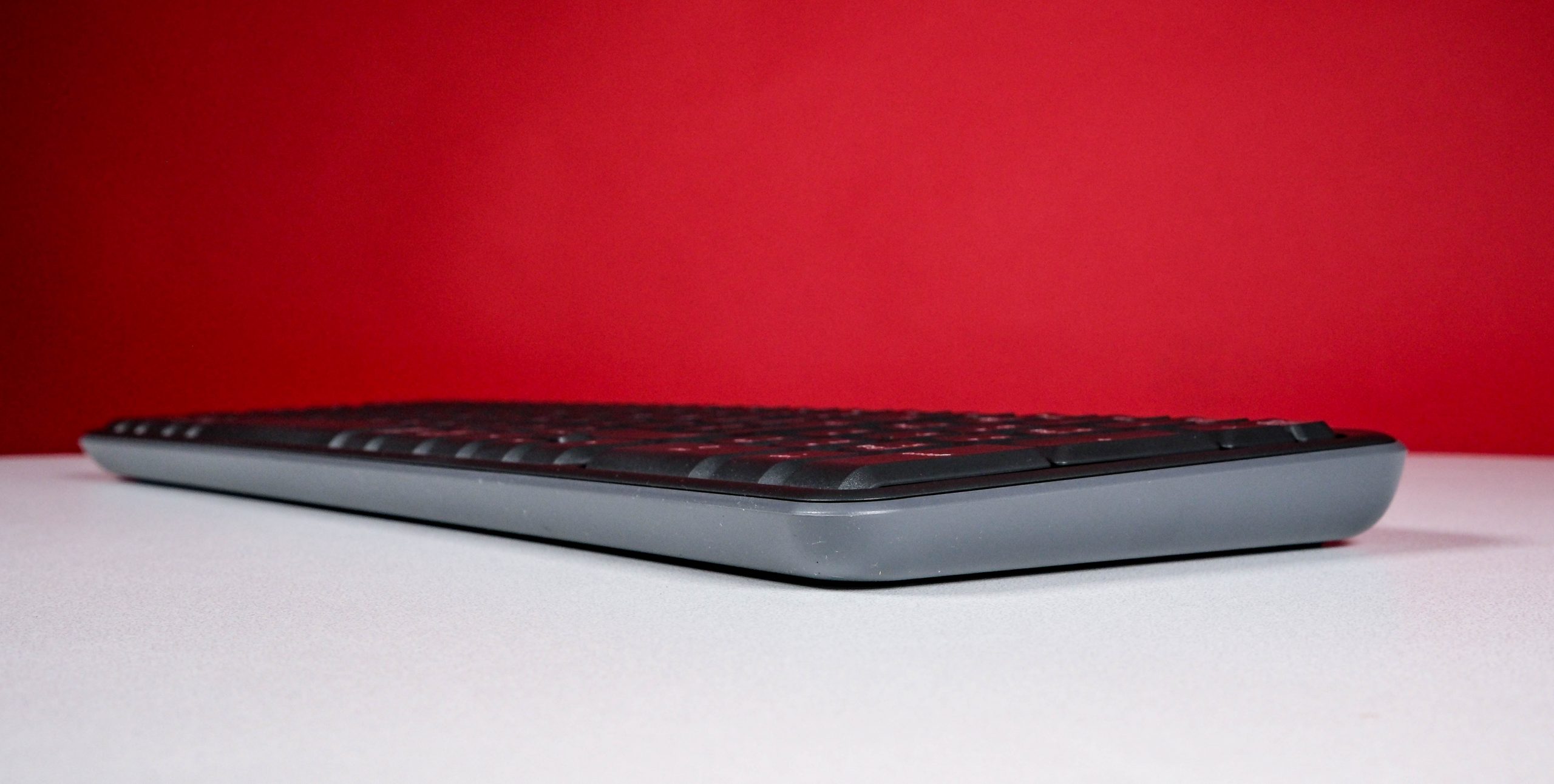
The MK250 keyboard is definitely a budget piece, light enough to easily reposition and with a frame that wouldn’t survive a collision with a yapping co-worker’s skull. You’d probably hear a dreadful crack if you ever sat on one. Given how light it is, finding it on your chair by mistake is a possibility. That said, the keys are well-spaced and easy to depress, with a somewhat clacky feel that betrays just how high they are from the main frame. The word “floaty” comes to mind while typing.
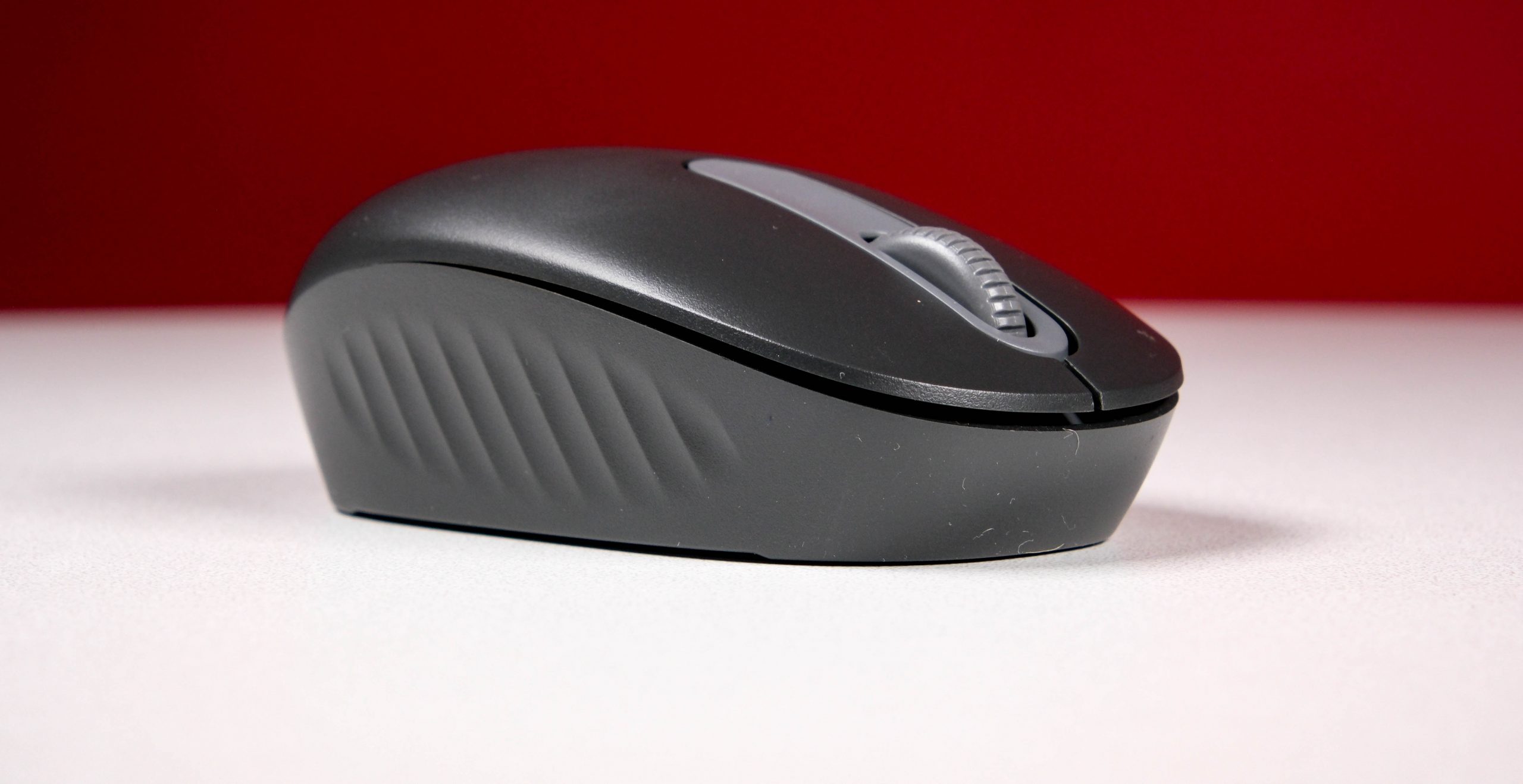 The mouse, on the other hand (heh), is a relative rarity. Properly ambidextrous, it’ll switch from lefties to righties with minimal fuss. There’s some heft to it, mostly supplied by the AA battery jammed into its underside, but it still feels good when in use.
Tweakers
 Setup is relatively simple. Insert batteries, turn on, and locate the device in the Bluetooth menu. This connection option makes for versatility, so we could have used a smartphone for this review instead of a MacBook Air. Heck, even a TV might work, but that’s a level of self-hatred too far. Pairing for the mouse and keyboard is done separately, letting you mix and match usage to suit. There are even fewer steps involved if you’re pairing them with a Windows PC, with their Swift Pair compatibility.
Actually typing anything on the MK250 is surprisingly comfortable, once your brain forgets how much space is under your fingers. Unless you’re prone to eating dry rusks over your computer, the keys should function for quite some time before giving up. They should at least outlast the twelve-month battery life Logitech claims for the MK250 combo. We weren’t going to wait to test that, because by then the new model would be out.
Less impressive, the default setting for Logitech’s mouse proved a little grandmotherly for us. The problem is easily rectified with a trip to wherever your target machine hides its device settings, but we feel like Logitech could have been less conservative here and saved us a trip. Ah, well.
Logitech MK250 verdict
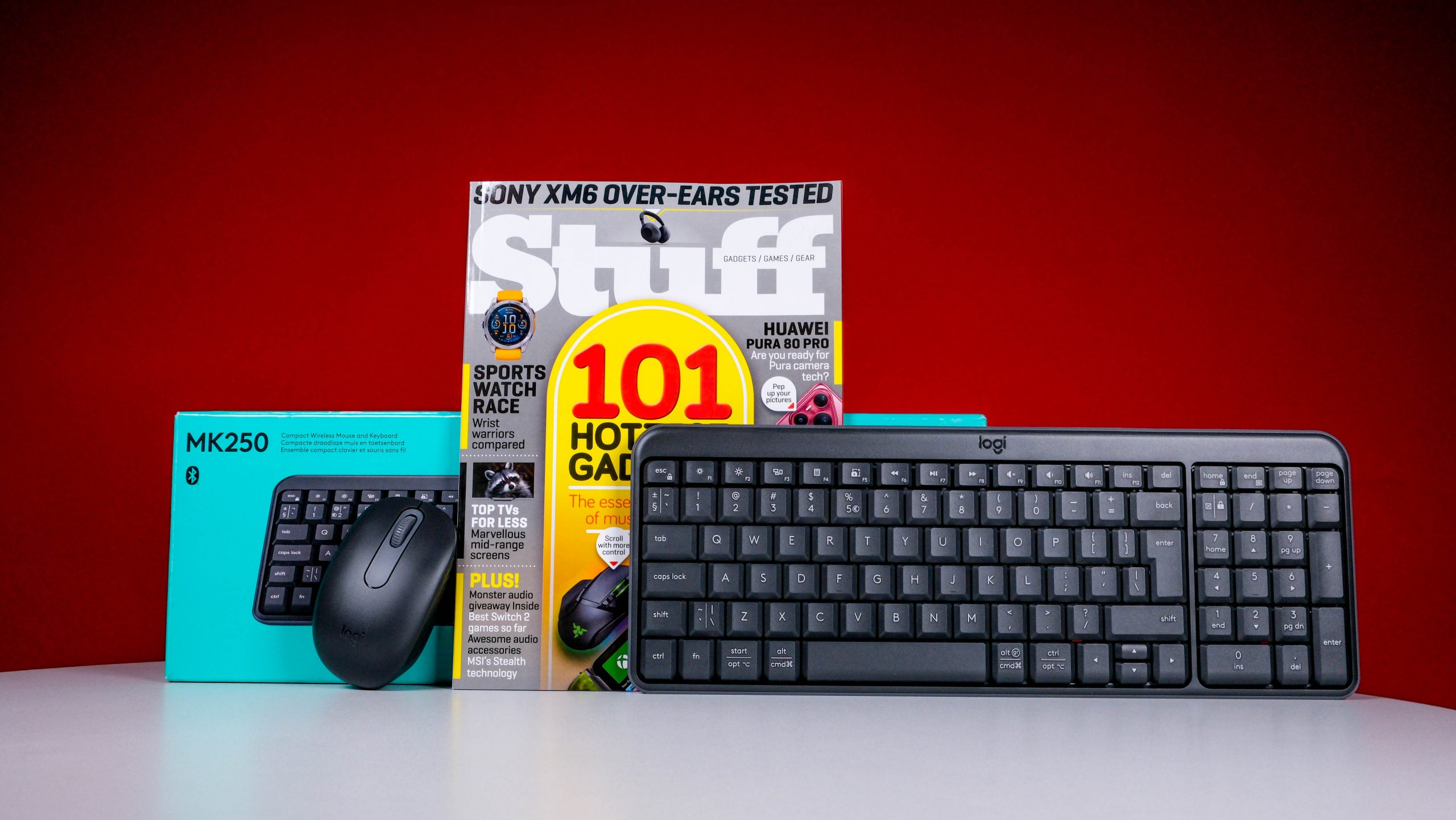 For five hundred bucks, though? Are you wasting your money? Almost certainly not, but you’ll have to keep in mind there’s substantial flex in the MK250 thanks to its price point. You’ll only notice the empty key space when it’s laid flat and in use, but it’ll twist like a slice of lemon if you grip it by the vertical edges. Up to a point, before plastic starts to crack.
Which… isn’t a fate Logitech’s keyboard or mouse suffered during this review. We just teased them a little. The M196 mouse almost justifies the cost on its own, while the MK250 is serviceable enough to pair with a basic desktop or all-in-one and have a good time using human interface devices. Just… try and keep it away from large crumbs, yeah?