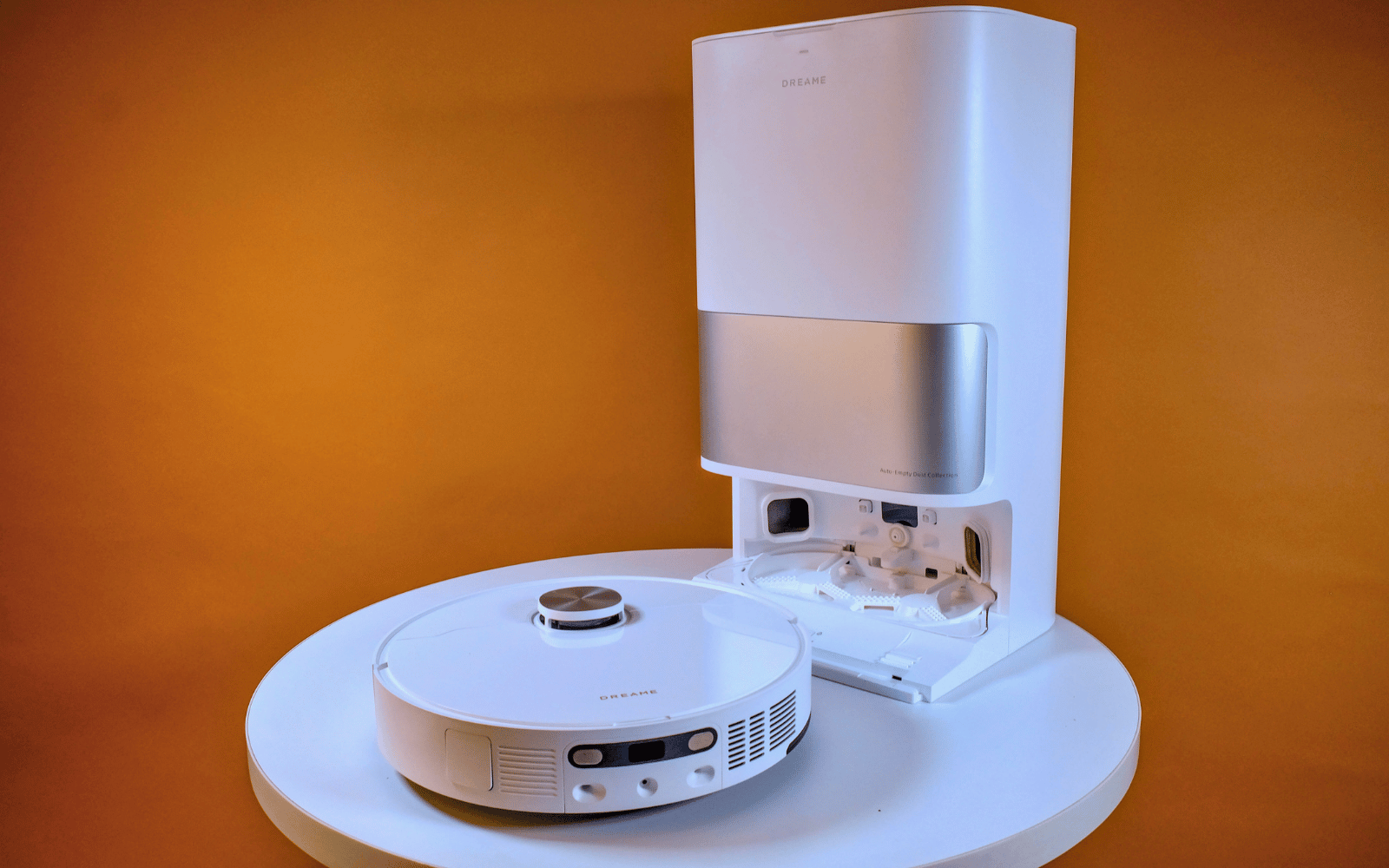
The Dreame L10S Ultra Gen 2 might not be the cheapest device that will help you clean your home, but it does offer good value for your money. The self-emptying and cleaning station, together with the companion app, means you can mostly forget about it for a few weeks after it's setup. And the fact that it can automatically add detergent means its ready to tackle tougher messes.
-
Design
-
Performance
-
Features
-
Value
After doing a spot of manual cleaning with the Dreame R20 Cordless stick vacuum, we were keen to see how the company’s robotic vacuums stacked up. We enjoyed our time with the Xiaomi X20+, and considering how similar they look, we expected the same from the L10S Ultra Gen 2.
On paper, it shares many similarities (not just its design) with its Xiaomi counterpart, yet costs a few thousand rand more – R16,000 compared to R12,000 for the X20+. What does the extra money get you? Cleaner floors? Longer-lasting consumables? Automatic beverage-making capabilities?
After living with it for the last few months, we’re well-equipped to answer those questions: maybe, maybe, and no, in that order.
Set up in a jiffy
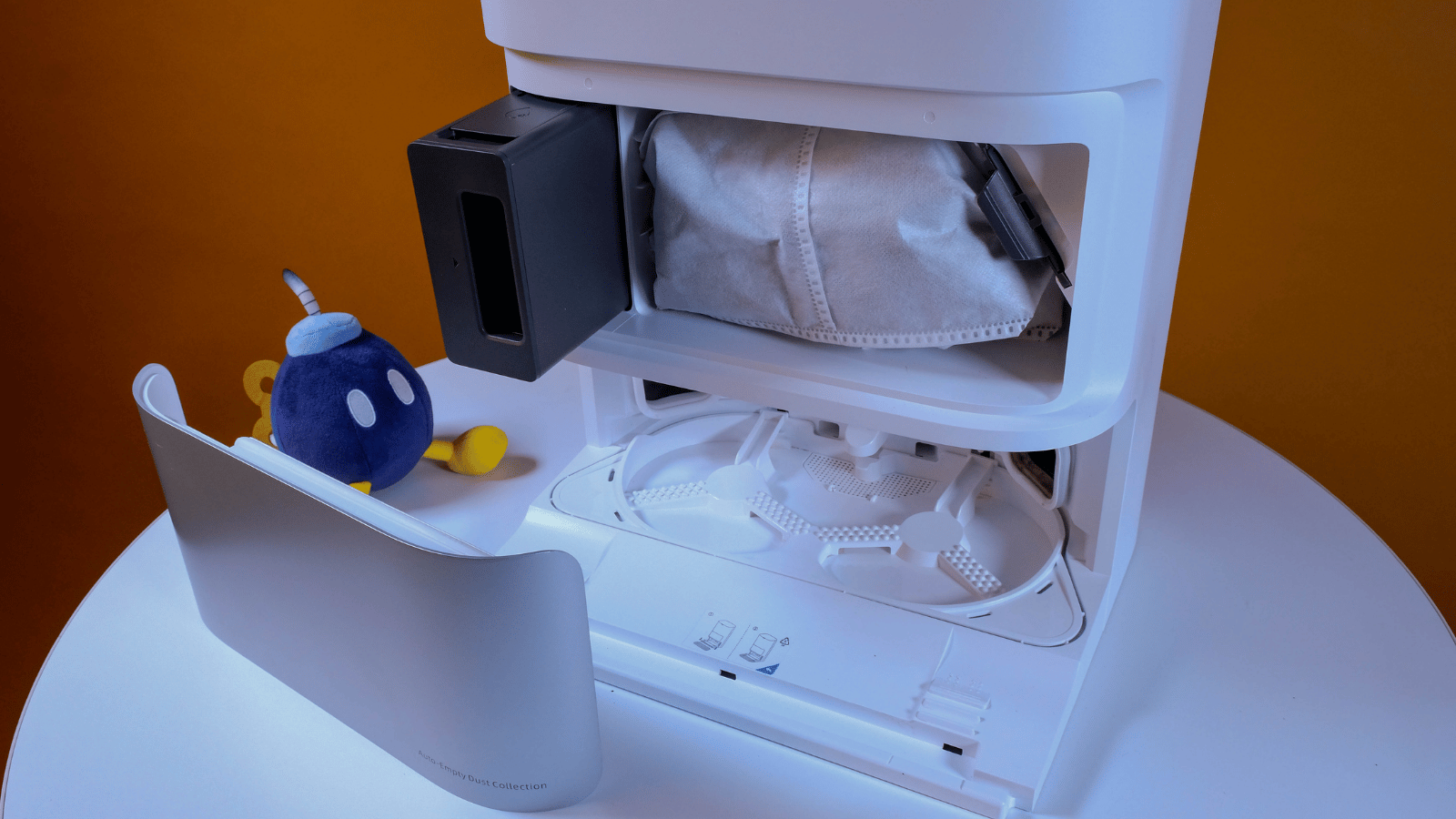
The unboxing and setup process was as painless as we had hoped. Once you’ve hauled everything out of the box, it all fits together intuitively. There’s a small brush that clips into place and two slots for the mop heads around back. We initially had an issue connecting it to our Wi-Fi via the Dreamehome app, but we can chalk that up to our spotty router. Once it was connected after a few attempts, it stayed that way, even after a firmware update.
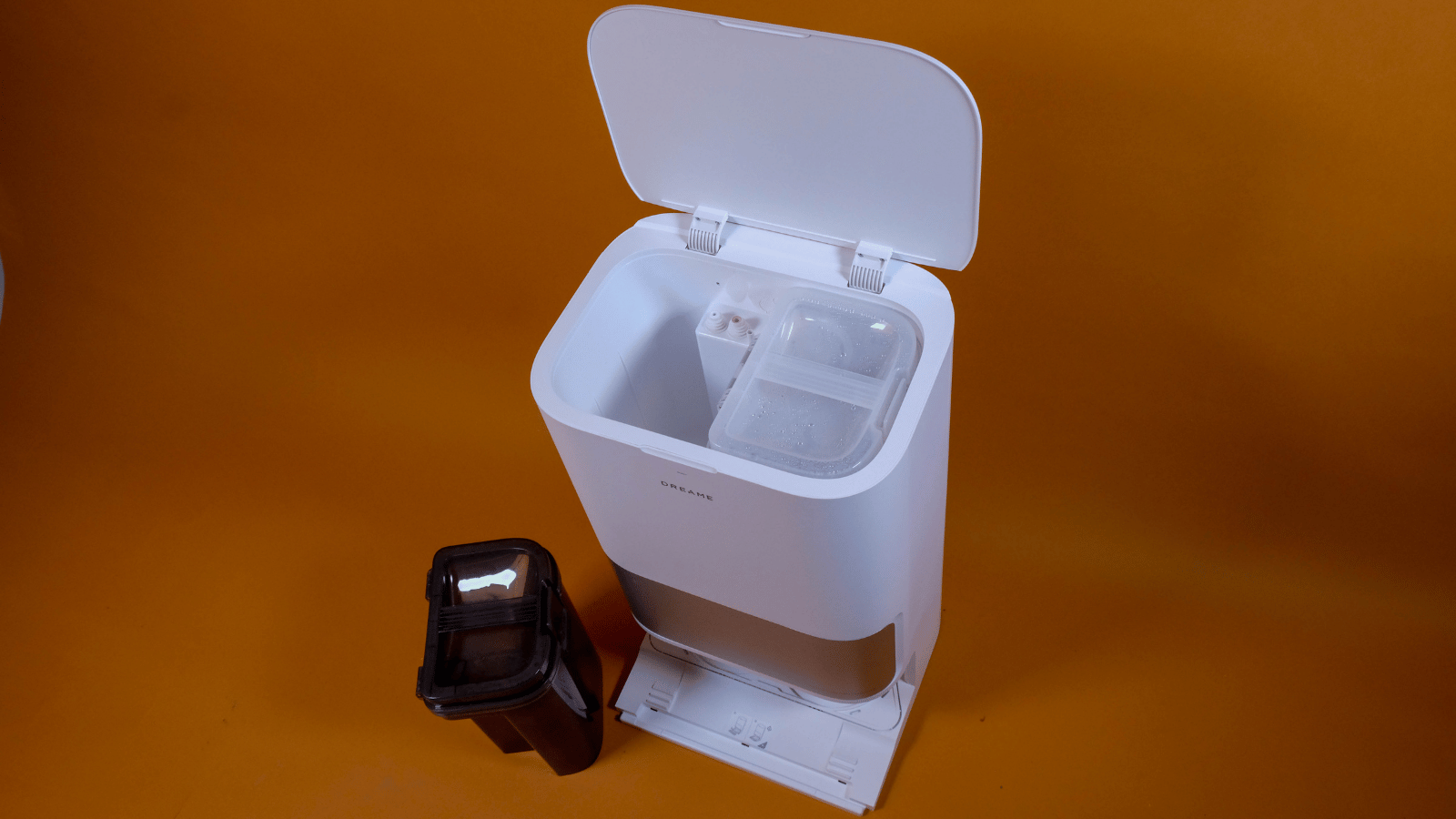
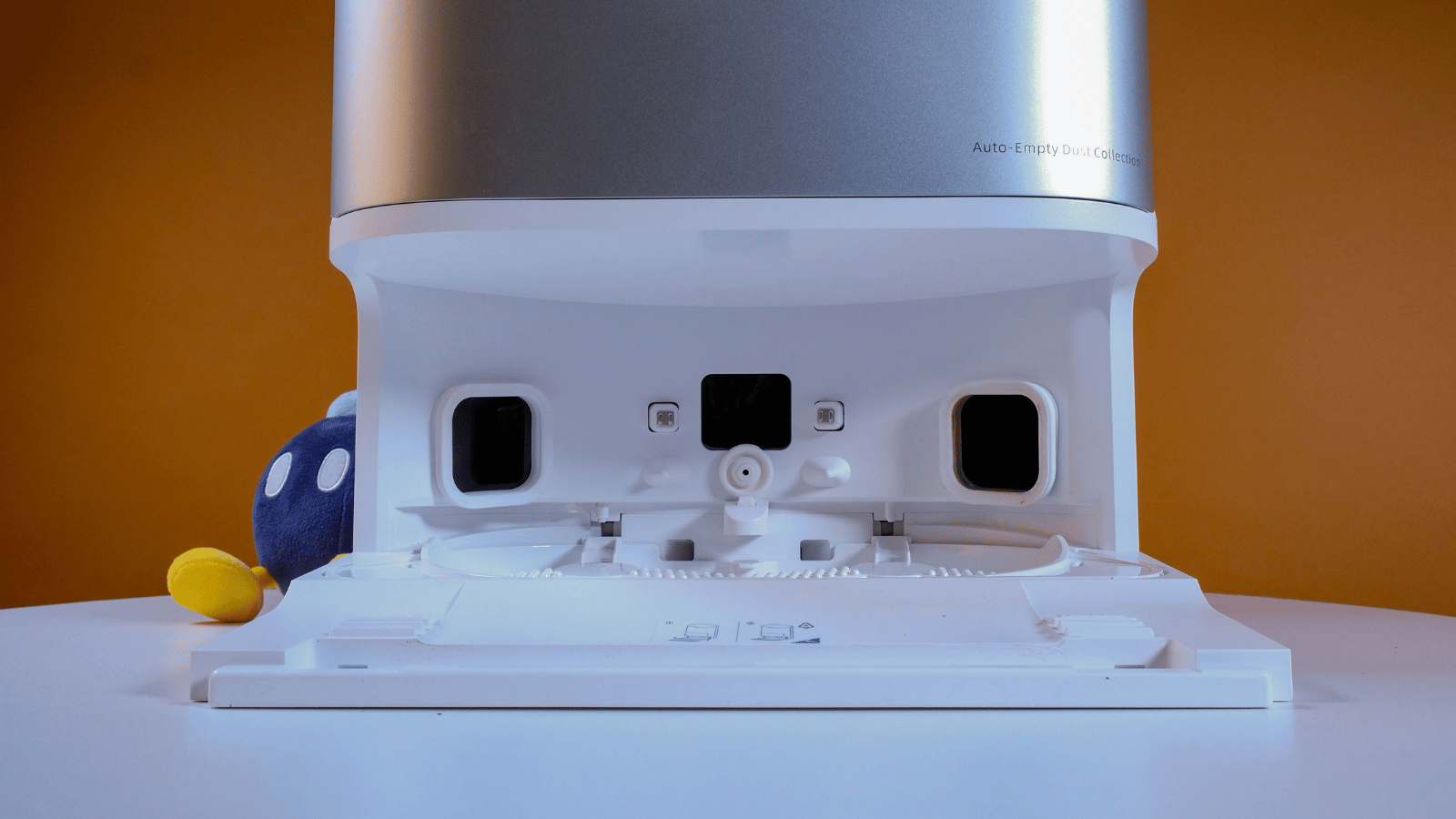
One bit of the setup process that differs from the X20+ is the loading of detergent. You get a small 250ml bottle in the box and a compartment in the station that will dispense when needed. While you’re at it, you may as well fill the clean water tank and make sure your bag is pre-installed like ours was. It should be good for roughly two months of dirt collection, and we were happy to find a replacement bag included with the kit.
When you need to replace any of the consumable parts, you can order them right from Dreame’s online store.
Having learned from the last one, the second thing we did, after letting the L10S Ultra Gen 2 zoom around to map its new home, was to set up the environment in the app. You’re able to partition rooms, demarcate carpeted areas, set no-go and no-mop zones, and place digital versions of common household furniture around the map.
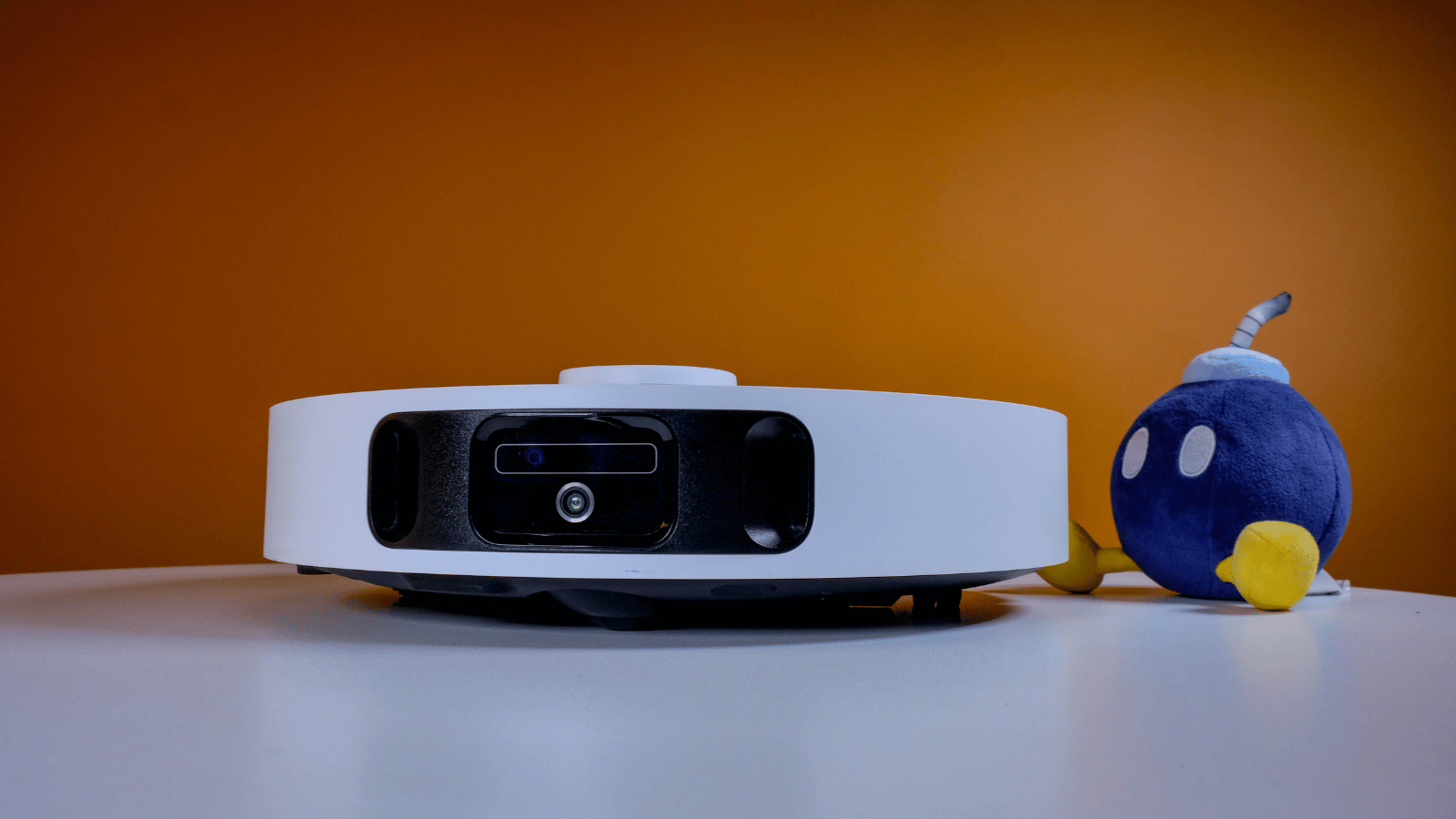
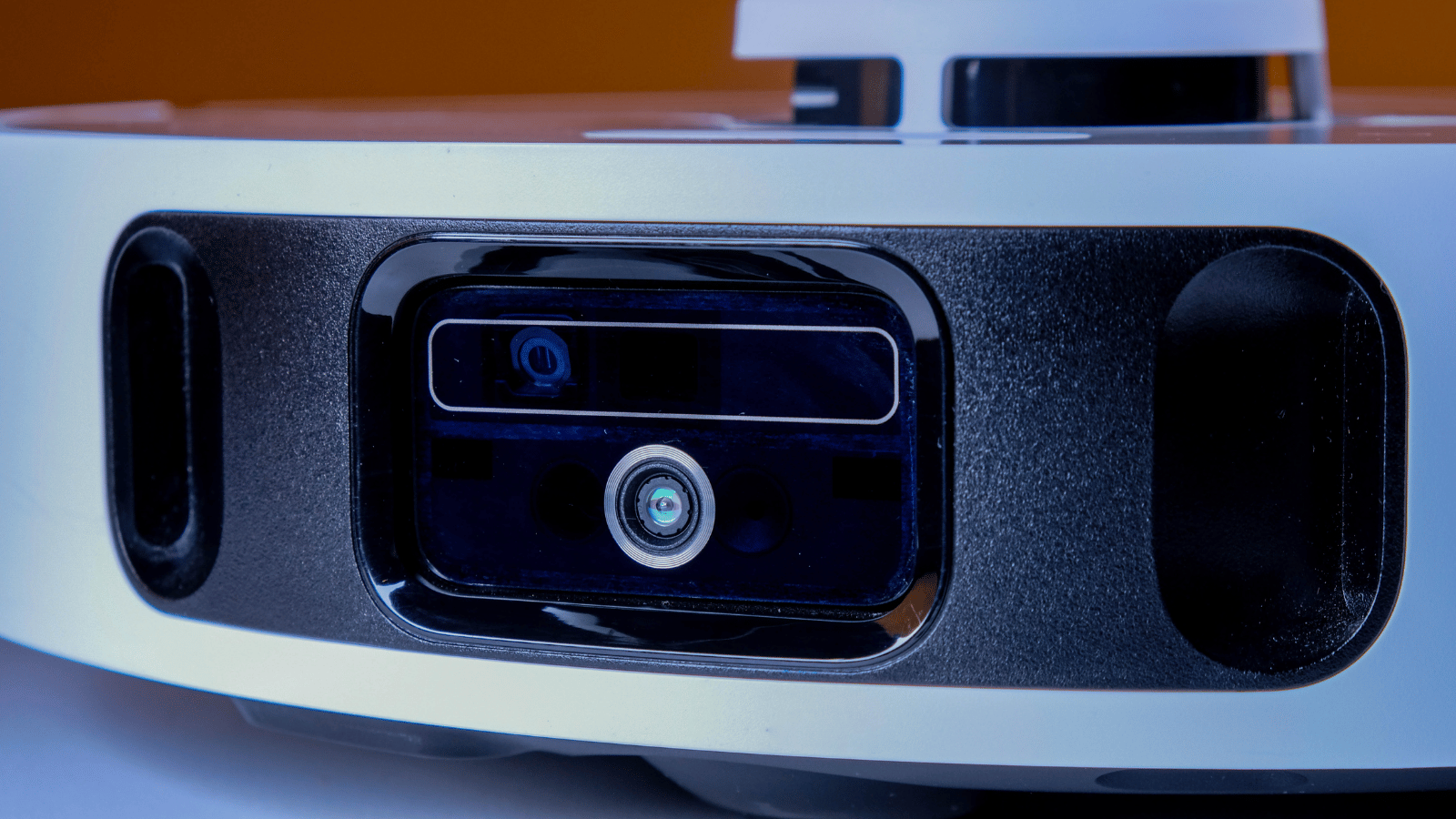
In theory, all that info should help this cleaning companion navigate better. You can also set up an automated cleaning schedule or connect it to your smart home system for issuing voice commands. Thanks to the LiDAR sensor, navigation and mapping turned out to be a breeze. But the big protruding nob on top will mean it can’t get under low furniture.
Sucking and mopping
The app provides a plethora of cleaning functions, including ‘vacuum’, ‘mop’, ‘vacuum and mop’, and ‘mop after vacuuming’. Within each of those modes are five vacuum power modes (quiet, standard, turbo, max, and max+) with up to 10,000 PA of suction power, and a whopping 32 levels of mop wetness. We doubt anyone will be able to tell the difference between any two incremental levels, but increasing the wetness from the ‘moist’ section to ‘wet’ made the difference for stubborn stains.
During our testing, we didn’t come across any human-made accidental messes that the L10S Ultra Gen 2 couldn’t (eventually) handle. Whether on our thin carpets or tiled floor, dry or wet messes left little to no trace. Some, like spots of tomato sauce from the previous day, might require a few extra passes.
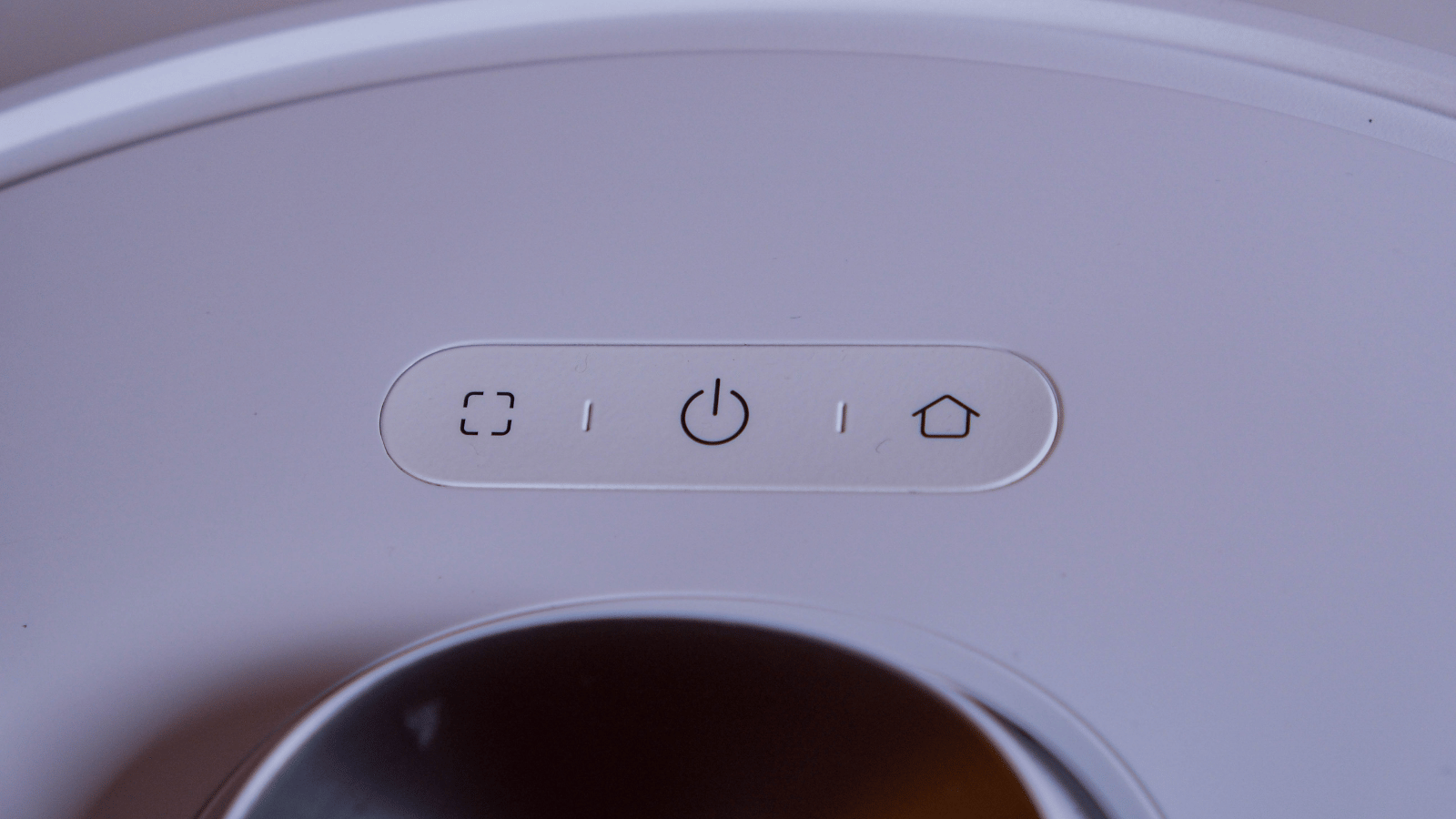
If you ever find yourself needing to clean just a specific area, the L10S Ultra Gen 2 also supports spot cleaning. Just plonk it down in the vicinity of the mess and press the button on the ‘bot to initiate.
If you’d rather not manually dial in your ‘bot’s cleaning regimen, Dreame also offers what it calls ‘CleanGenius’ in the app. This feature will apply cleaning settings it thinks will work best for specific rooms based on how they’re set up and what type of floor is specified (or detected).
Our flat consists of a carpeted area and a smaller tiled kitchenette. Using the CleanGenius setting, the ‘bot decided it was best to start with the furthest room (carpet), before heading to the kitchen to vacuum up the loose dirt, and finish it off with a mop. That makes sense to use, so we ended up leaving it on that setting for the majority of its cleaning.
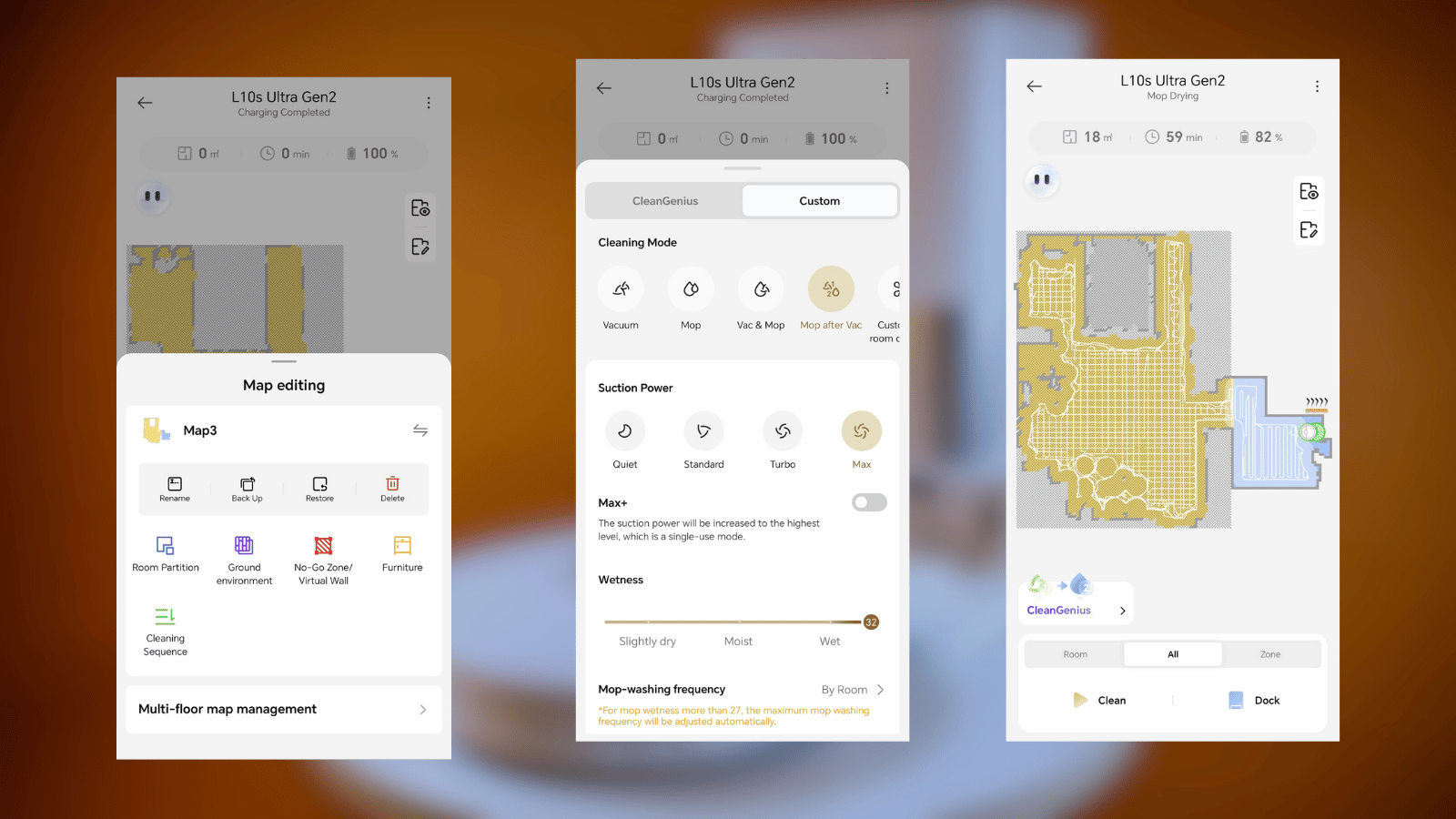
Digging into the settings will also reveal advanced features, like the ‘AI-driven MopExtend’ function, which will, as you might’ve guessed, extend one of the mop pads out to clean close to edges and under some furniture — especially useful for kitchens.
There’s also a setting to reduce the number of times the L10S Ultra Gen 2 bonks into things. It might mean its cleaning efficiency and coverage are slightly reduced, but it could also mean precariously placed objects on wobbly stands stay where they are.
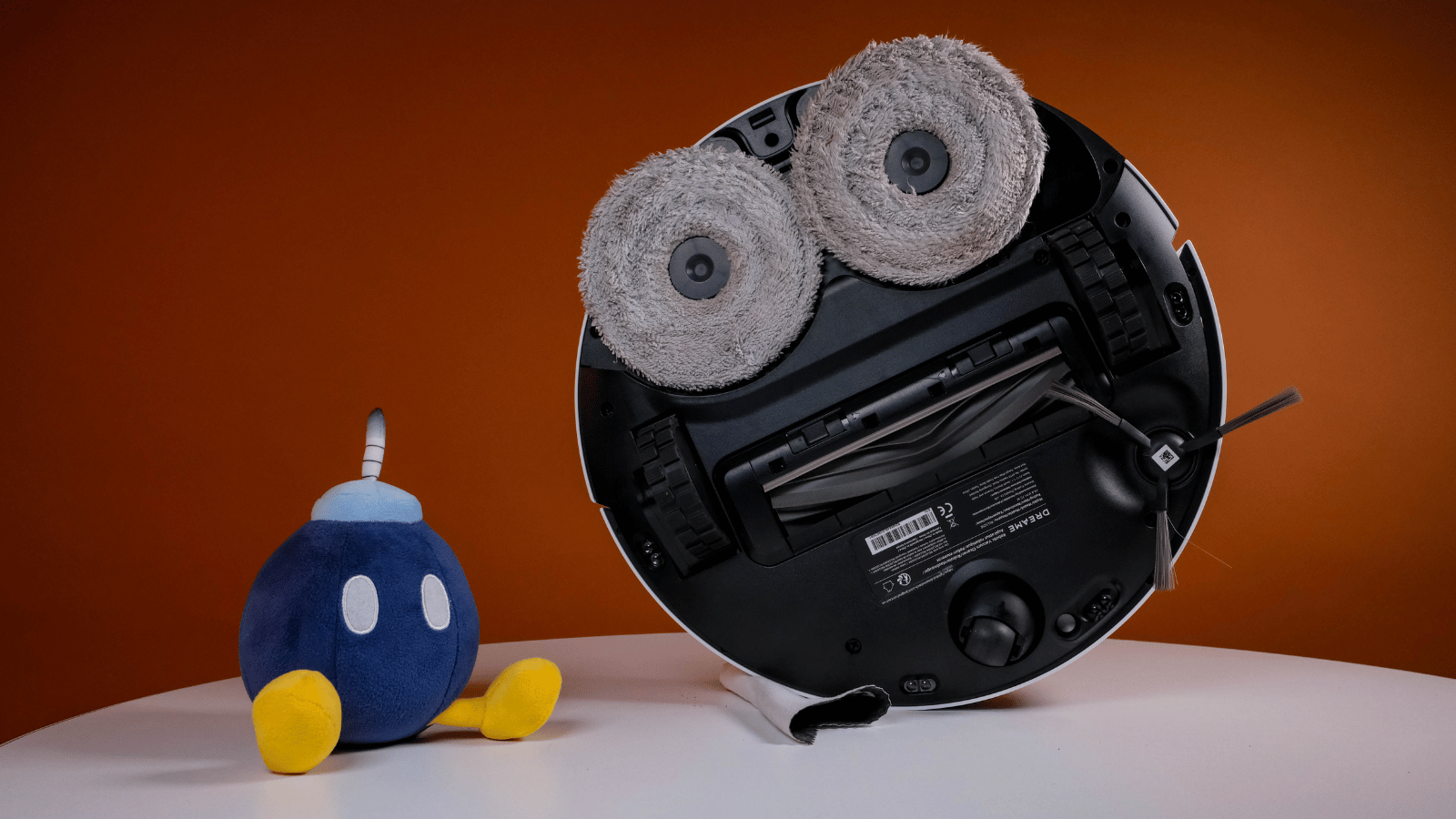 Overall performance was impressive. There was only one occasion, after it had completed a cleaning run, where we had to call it out again to do a more intensive spot cleaning (that stubborn tomato sauce).
It houses a 5,200mAh battery, which Dreame says should be good for up to 240 minutes of non-stop cleaning. That will depend on how you’ve configured the cleaning settings. But the great thing about robot cleaners like this is that they will sort themselves out. If it’s running low on power, it’ll return to its base for a charge before heading back out to finish up. Although that was never necessary for our roughly 20m² flat. This one is equipped to handle much larger spaces.
Dreame L10S Ultra Gen 2 verdict
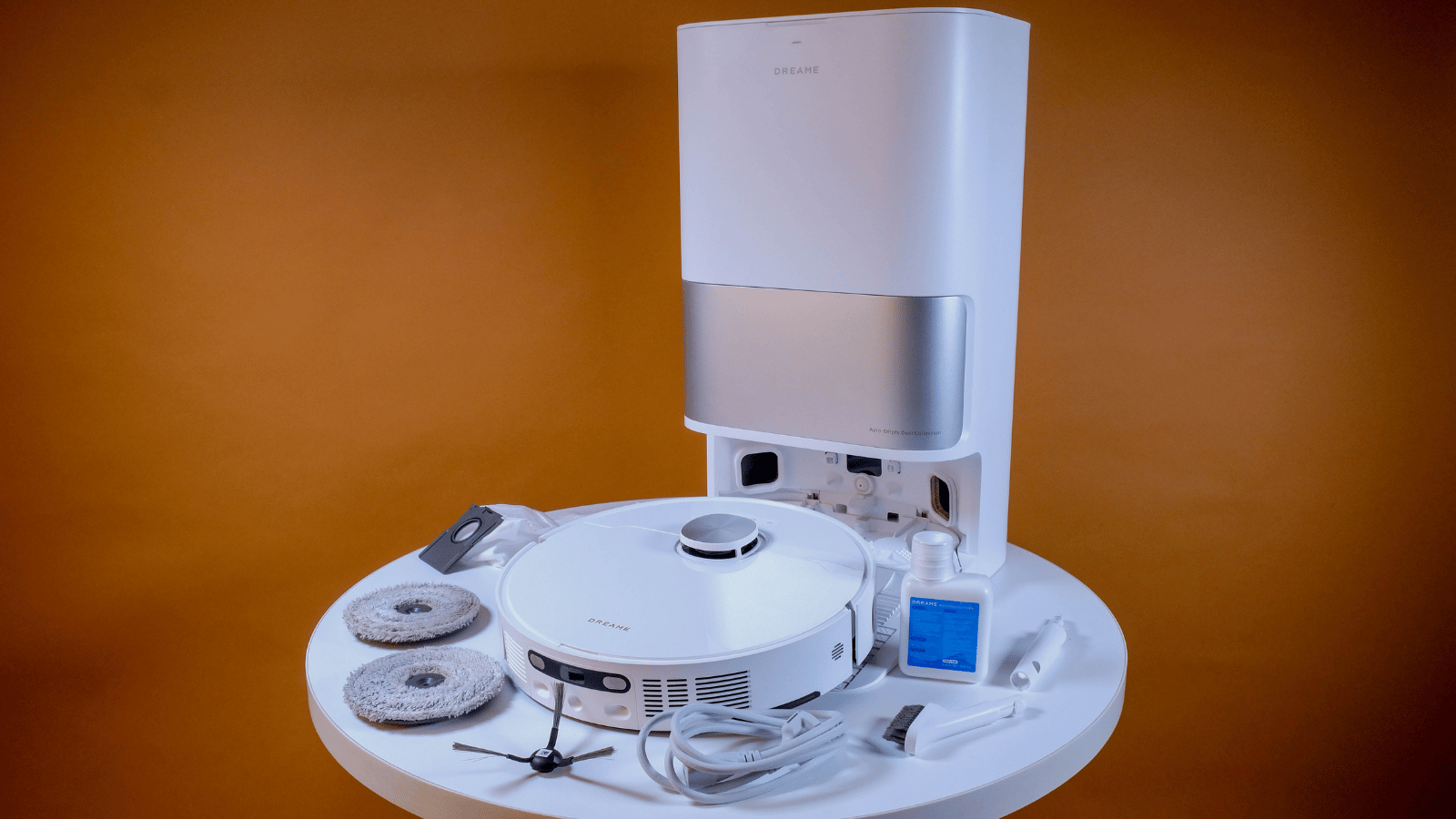 Like we said for the X20+, robots like this won’t completely remove the need for manual cleaning, and they aren’t entirely set-and-forget. The water and detergent tank will need refilling after a while, the dust bag needs replacing, and while the mops will wash themselves, you’ll still have to wash the board that performs that action every month or so and clean out the ‘bot’s internal dust collection tank and filter.
That said, the sharp drop in cleaning maintenance is enough to sell us on having one of these ‘bots zooming around cleaning up after you. If your household includes long-haired members, you might find your robot needs your attention more often to remove tangled hair. Still, rather that than having to pick it all up yourself, right?