Razer's 8KHz update to the Huntsman V3 Pro TKL might not be enough to persuade you if you already have an analogue board, but anyone coming from a plain ol' mechanical keyboard in search of new tech will find a lot to love... if they can stomach the price.
-
Design
-
Features
-
Performance
-
Value
If you earn money playing video games professionally, there’s a good chance you already use some version of Razer’s Huntsman V3 Pro. The original came out in 2023, but instead of launching the Huntsman V4, Razer seems content to add one or two features to tide gamers over for another few years.
If you picked up the Huntsman V3 Pro when it launched, or if you have another brand’s analogue gaming keyboard, you probably won’t find enough reason to drop R5,500 on this one. But if you’re coming from a regular mechanical gaming keyboard and want to know what all the analogue fuss is about, this is one of the locally supported options… provided your wallet can handle it.
Keys? Check. Board? Check.
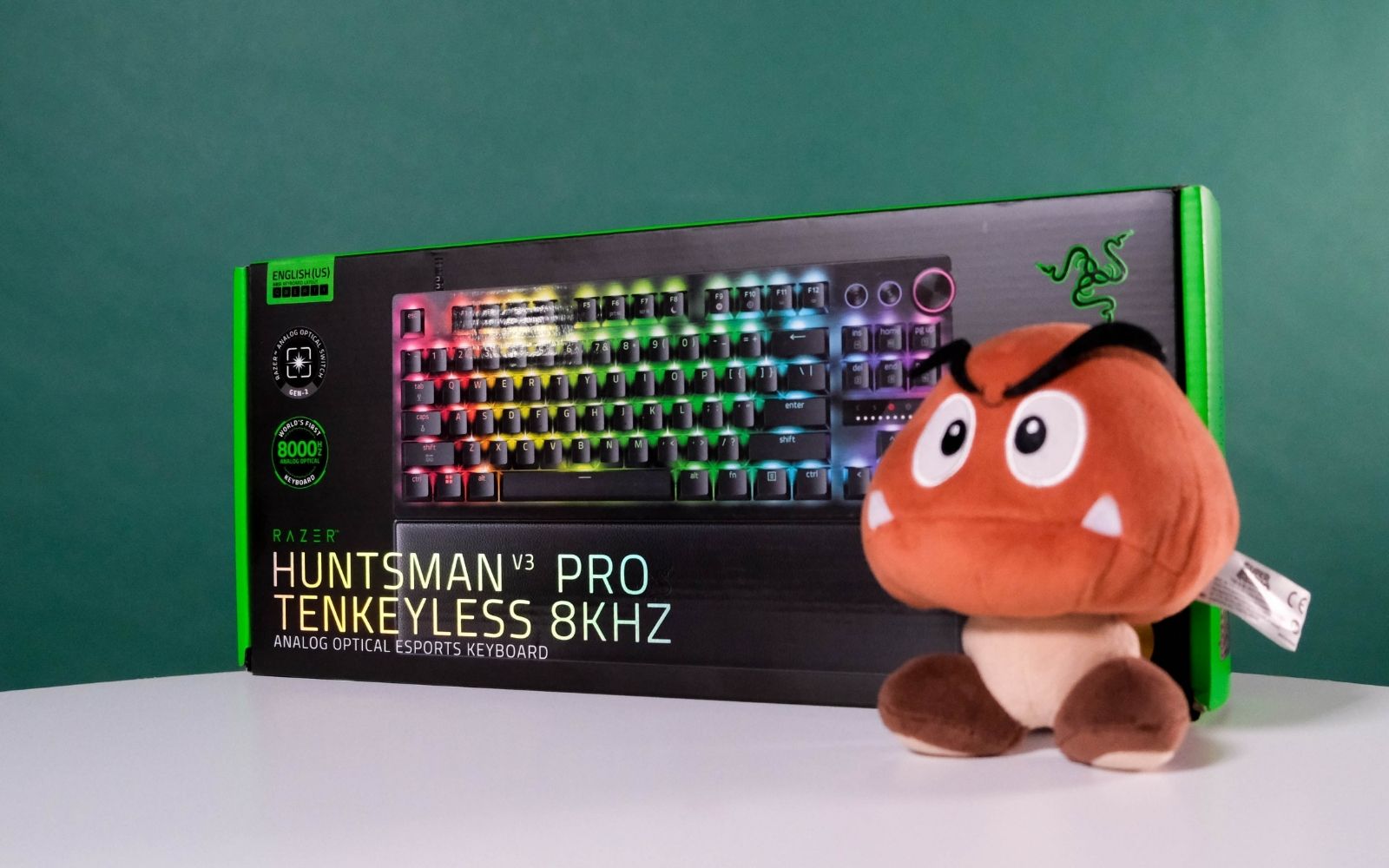
The Razer Huntsman V3 Pro Tenkeyless 8KHz Analogue Optical Esports Keyboard, or henceforth the Huntsman V3 Pro TKL 8K, is one of Razer’s latest additions to its flagship Huntsman gaming keyboard range. Breaking that name down further, this is the tenkeyless (no number pad) version that also supports a true 8KHz polling rate. It also comes in other versions with various bits added or removed, but we reviewed the TKL 8KHz model.
As far as TKL keyboards go, the only physical bits that make this one stand out are the three additional controls in the top right. You get two buttons and a rotary dial. The leftmost button can be customised in Razer Synapse, while the other one will handle media play and pause. The wheel controls the volume.
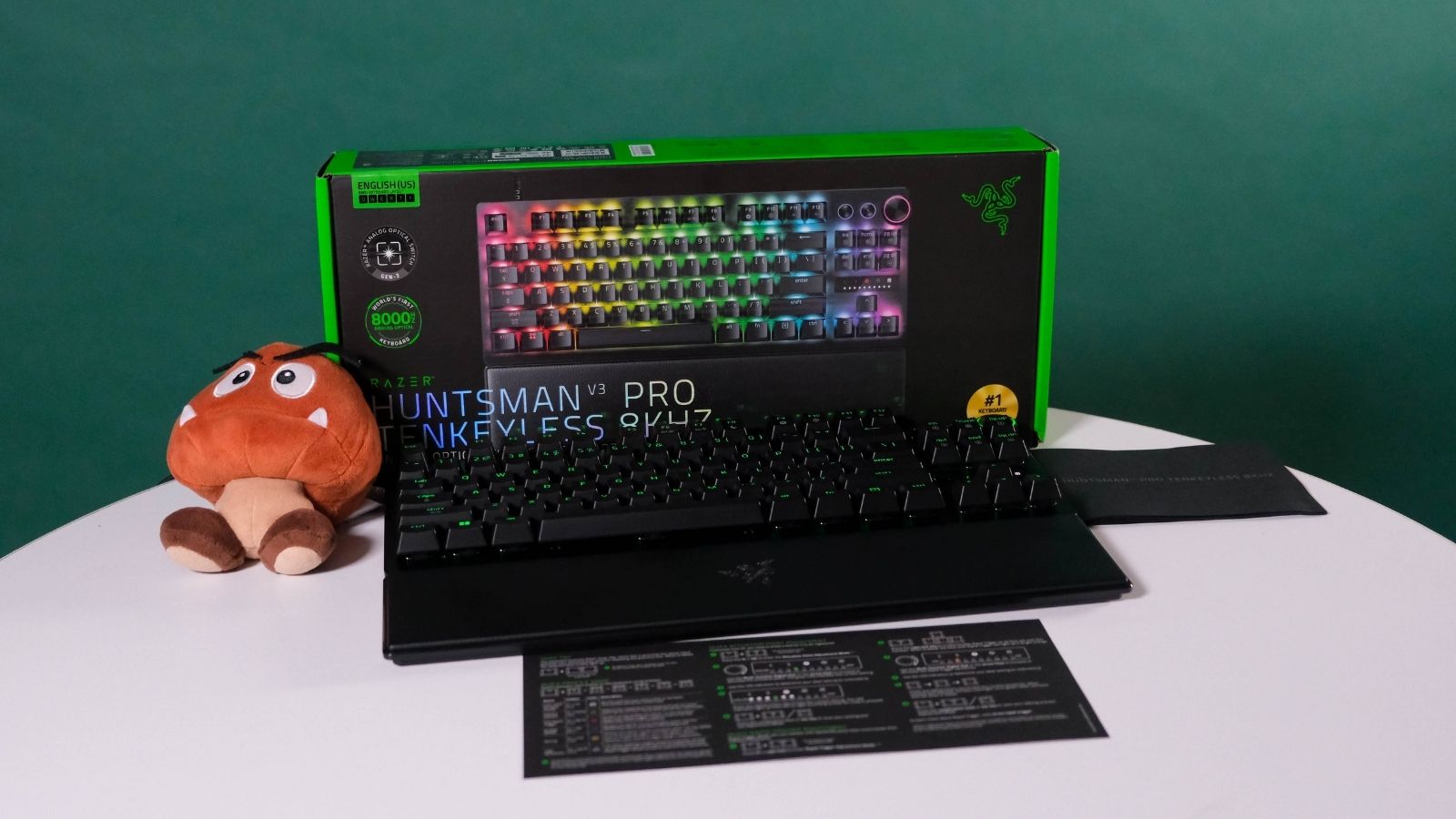 Other than that, you will have seen the rest before. There’s a dedicated insert/home island and separate arrow keys. Above the arrow keys is a dinky display showing when Caps Lock is enabled, and a visual representation of the actuation of your key presses. You will also use it if you want to make actuation adjustments on the fly, without using Synapse.
In the box, you also get a USB Type A to C cable and a magnetic ‘firm’ wrist rest. This isn’t a hot-swappable board, so no switch puller. A keycap puller would go a long way in keeping your board clean.
Suitably snazzy
The cable is of good quality and is the only way to connect this keyboard to a PC. There are no onboard wireless capabilities here. While Razer mentions that the wrist rest is ‘firm’ on its site, we still couldn’t help but feel it was an afterthought. It’s nice that it’s included, but the choice to make it firm seems counterintuitive to the relief a wrist rest is meant to provide.
The PBT plastic used for the keycaps could prove divisive. You, like us, might not mind the textured finish. If you do, you might be able to swap out the stock keycaps since they have what looks like a Cherry MX-style stem, but we didn’t test that. You could also run into clearance, shine-through, or non-standard layout issues. Attempt with caution.
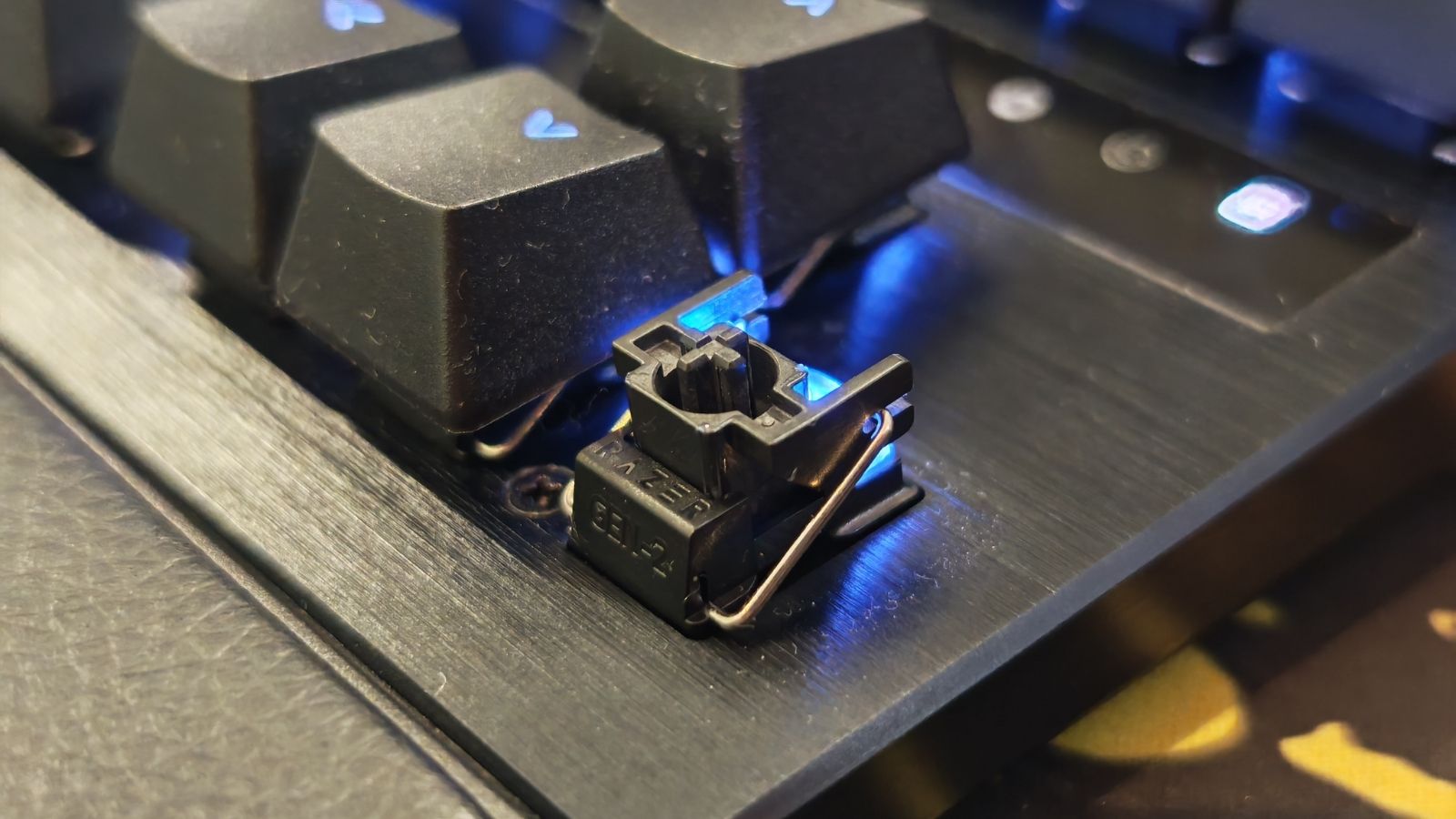 We suppose we should also mention the lighting. Being a Razer device, per-key RGB lighting is present and doesn’t disappoint. There are plenty of presets and profiles to fiddle with, it will slot into your setup if you’ve got other colourful tech, and every key provides great shine-through. In a dark room, the only bits you’ll struggle to see are the secondary functions, but you’ll have them memorised in no time.
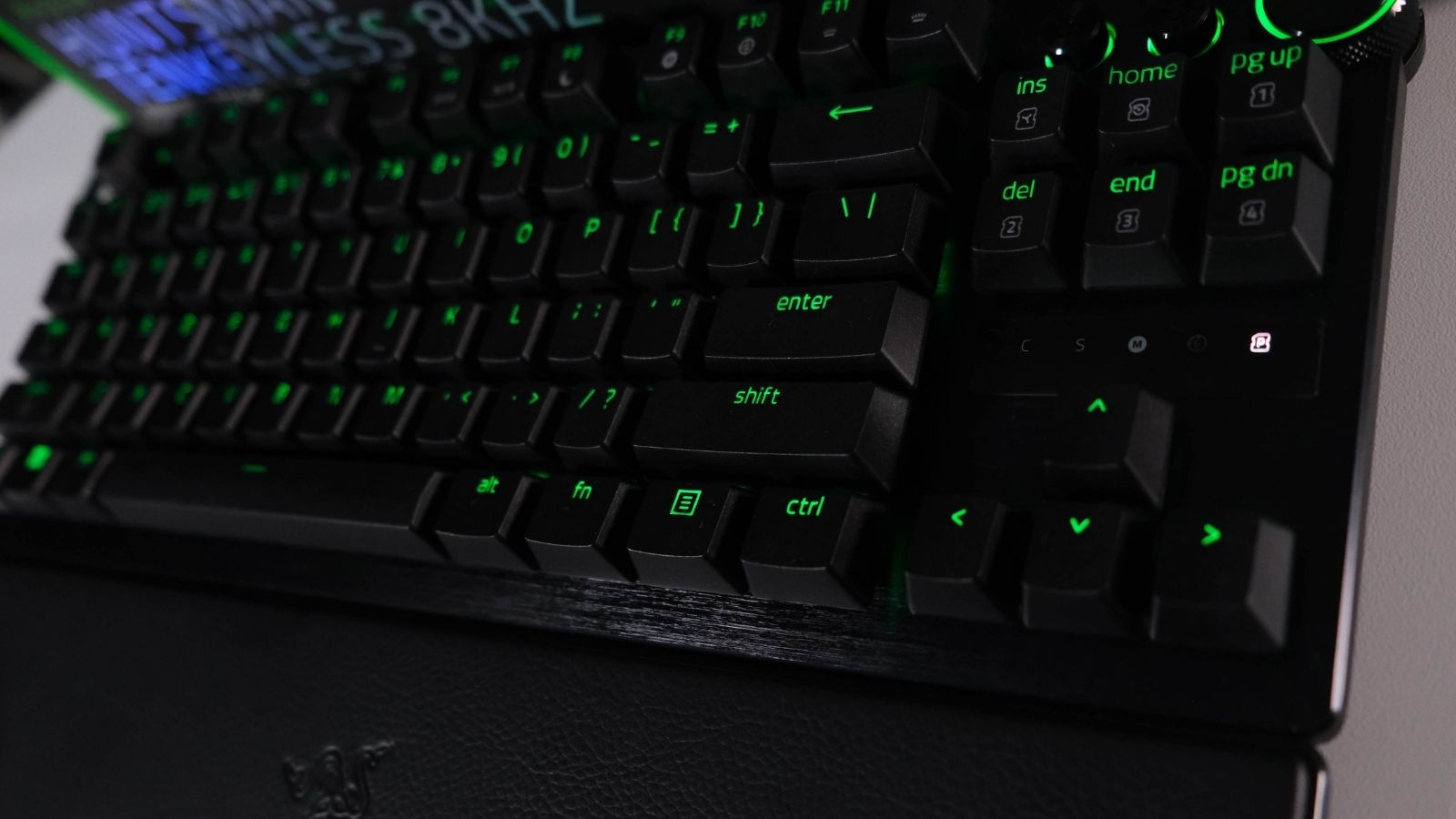 There are function shortcuts to adjust brightness on the fly and enable or adjust the important features. Razer also provides a cheat sheet in the box so you can learn them and never have to open Synapse again, but using the software is the easiest when you’re starting out.
Speaking of which, we did notice that the Huntsman V3 Pro TKL 8K is on the list of supported devices for the beta of Razer’s web-based Synapse. But in the brief time we tried it, it didn’t work so great. That will likely be remedied in the near future. It’s the way every other brand in the industry is heading, and Razer will be foolish to be left behind. Not having the Synapse software running in the background will always be the better option.
Taps that snap
 On the surface, the Huntsman V3 Pro TKL 8K is fairly standard as far as high-end gaming keyboards go. It’s the 2nd-gen Razer analogue optical switches and sauce in the software that make this keyboard a staple among esports pros. The fact that Razer sponsors a bunch of esports teams probably helps, too.
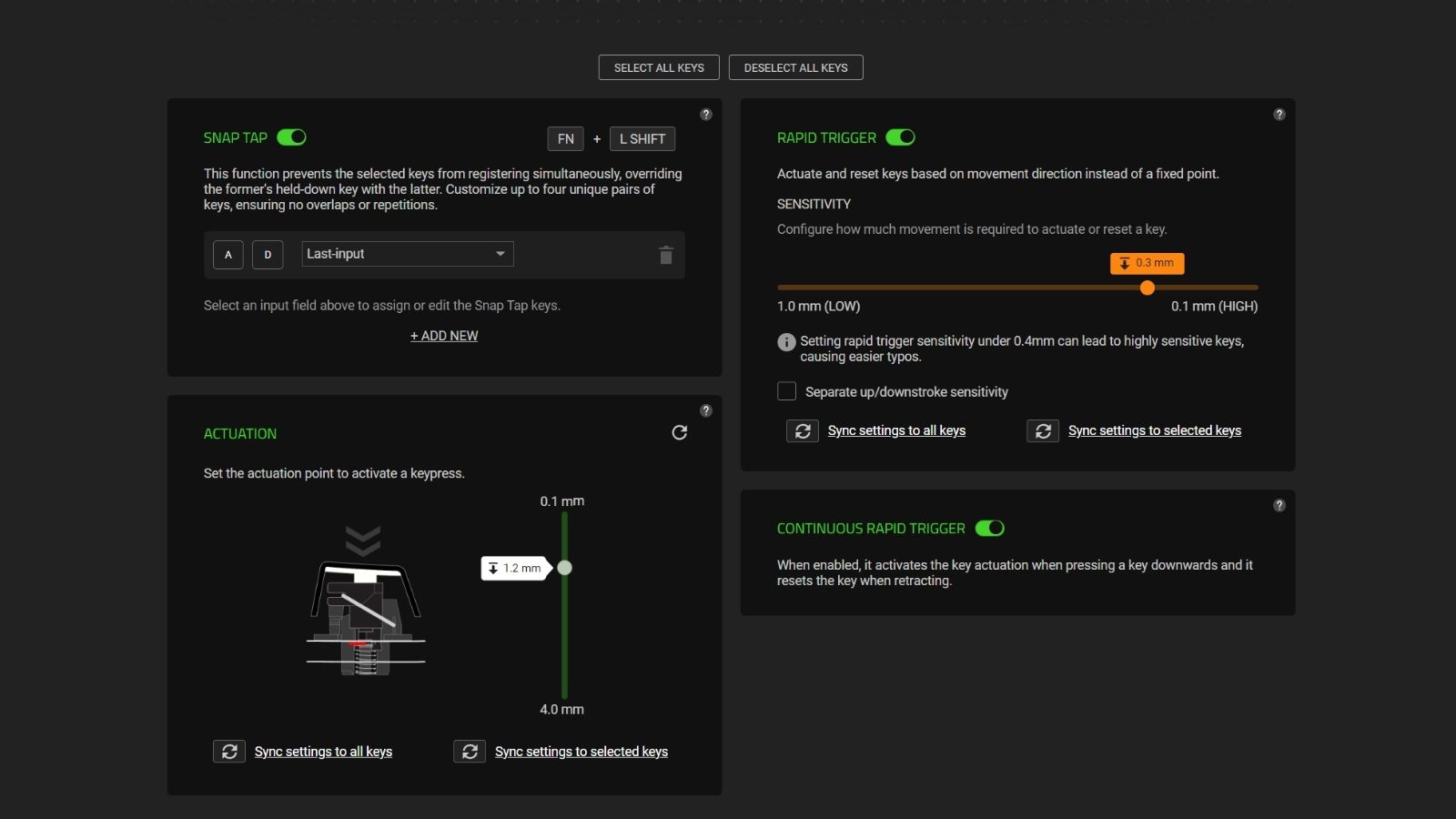
Analogue switches have been the best thing to happen to gaming keyboards since mechanical switches were introduced years ago. These feature a 40g actuation force and support an adjustable actuation range of 0.1mm to 4.0mm. That means they won’t require much to depress, and you can adjust how sensitive (or not) you want every switch to be.
Then, you get features like Rapid Trigger and Snap Tap. These are what all the fuss is about. Rapid trigger enables the keys you select to reset the instant you start releasing them, allowing for much faster repeated keystrokes. This feature alone is reason enough to consider an analogue keyboard. If you don’t play Counter-Strike 2, Snap Tap is the other one.
With Snap Tap, you can select up to four pairs of keys, and the feature will prioritise the latest input between the pairs without you having to lift the last one you pressed, meaning you can’t inadvertently press them both at the same time. Whichever you pressed last will be the input that’s counted.
In games like Valorent or CS2, with ‘A’ and ‘D’ selected, this allows for near-instant directional changes or “counter-strafing”. If this sounds like cheating, you’re not the only one who thinks so. It is disabled by default and will get you kicked from official Counter-Strike 2 games.
Something for all gamers
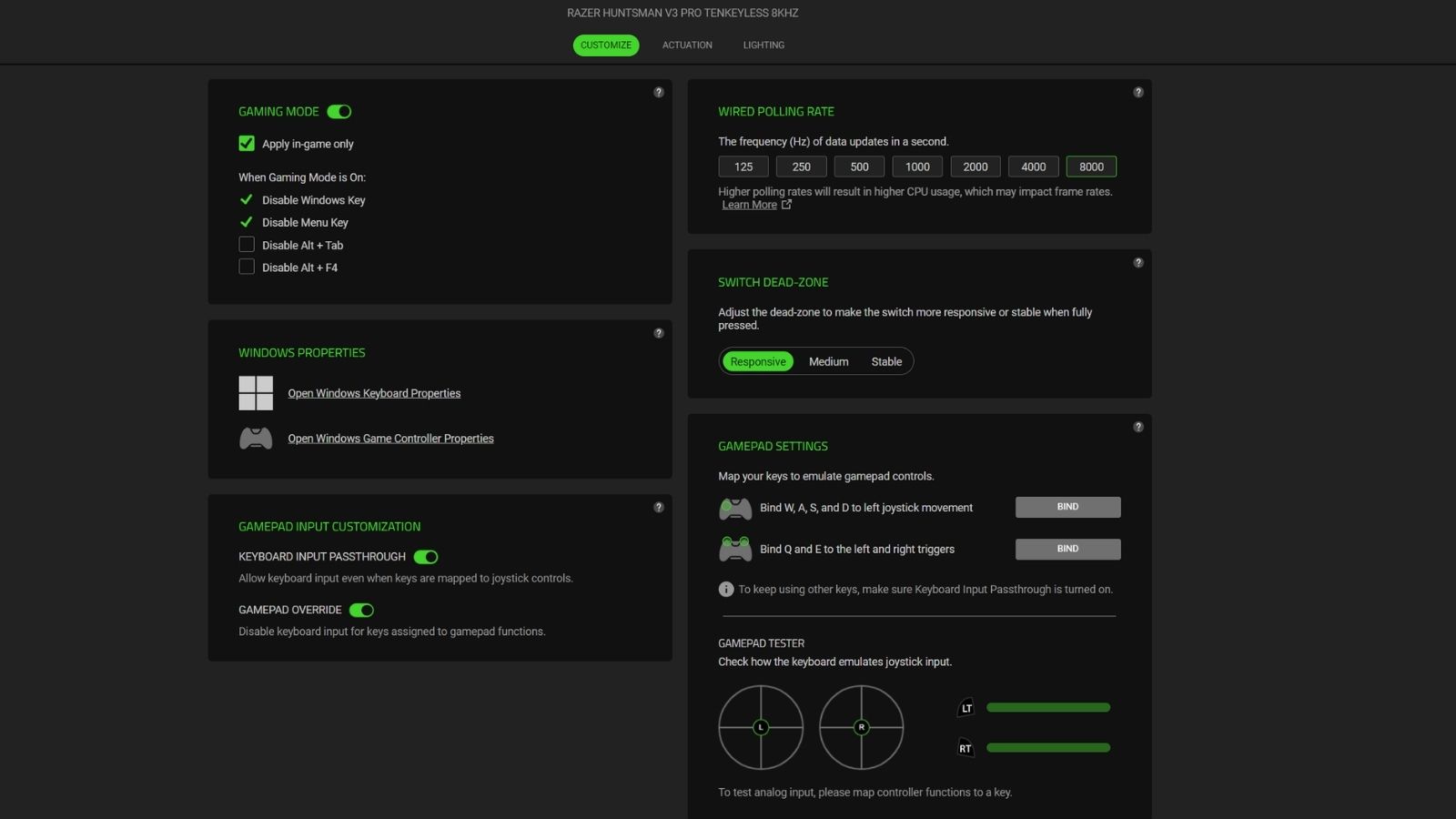 Shooters aren’t the only games to benefit from these analogue switches. The Huntsman V3 Pro TKL 8K also supports gamepad emulation. You can bind the WASD keys to mimic a joystick or ‘Q’ and ‘E’ to act as left and right triggers. The board even features a preset for racing games. As with any new kit, these take time to get used to. So don’t be too quick to dismiss them. You paid good money for them, after all.
We suppose we should also mention the other thing you paid good money for — the fact that this keyboard supports a “true” 8,000 Hz polling rate. That means it will report keystrokes to your PC 8,000 times per second. Razer claims its switches, combined with this polling rate, are “11% faster than the nearest competitor”. Whether you’ll actually feel the difference is entirely up to you. We didn’t.
Though we should also mention that higher polling rates, whether for your mouse or keyboard, will result in higher CPU usage. Some older games have also been known to display issues, as the game engine they’re built on was never designed to receive inputs that fast. Thankfully, it’s also adjustable.
Razer Huntsman V3 Pro TKL 8K verdict
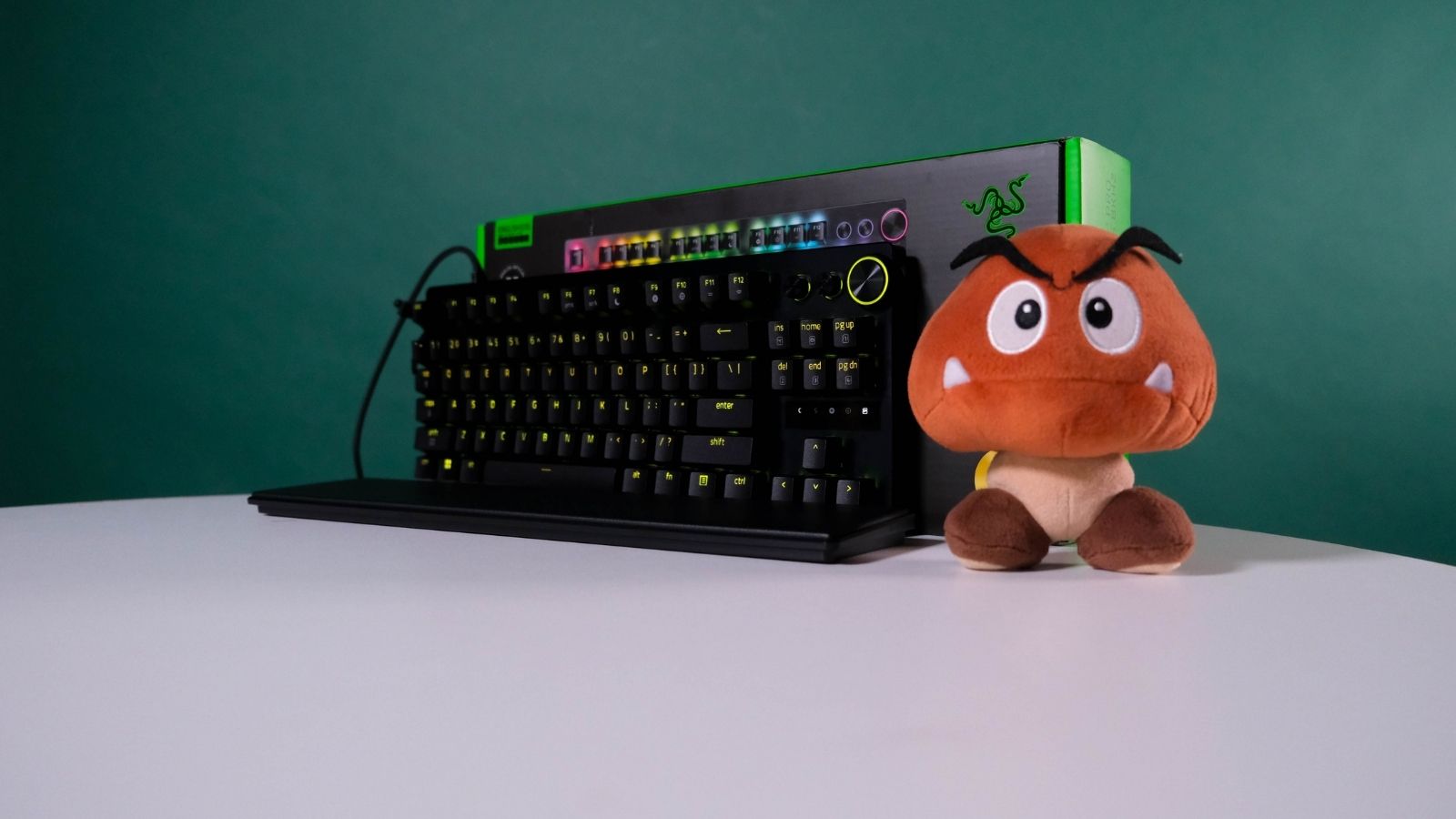 To invoke its full name for the final time, the Razer Huntsman V3 Pro Tenkeyless 8KHz Analogue Optical Esports Keyboard is a solid option for any aspiring professional gamers. Even if you don’t have hopes to go pro, features like Rapid Trigger and Snap Tap will give you a meaningful competitive advantage in just about any game you play if they’re set up right.
This is a solidly built keyboard and offers a lot for your money — a quick shoutout to the work Razer did on the keystroke feeling and the extra foam dampening that changes this keyboard’s sound profile for the better.
The only catch is that you need a lot of money to play. That’s pretty much our only gripe with it. That, and the odd choice of wrist rest. Razer’s Synapse software can be headache-inducing, but keep your cheat sheet handy, and you might not ever have to install it.
If you’re looking for a competitive edge, there’s a reason this is popular among esports pros. The size makes sense (if you don’t do a lot of number inputting), it feels well-constructed, and it offers a decent feature set. Whether it’s worth the extra R200 over the non-8KHz model is debatable. But that’s not a large difference, and could be worth it for better feeling and sounding keystrokes. If you care about those, what’s the harm?
True Counter-Strike 2 fans should pay the extra R1,500 for the Dragon Lore edition. It doesn’t have the 8KHz poling rate or better-sounding keys, but c’mon. Look at it.