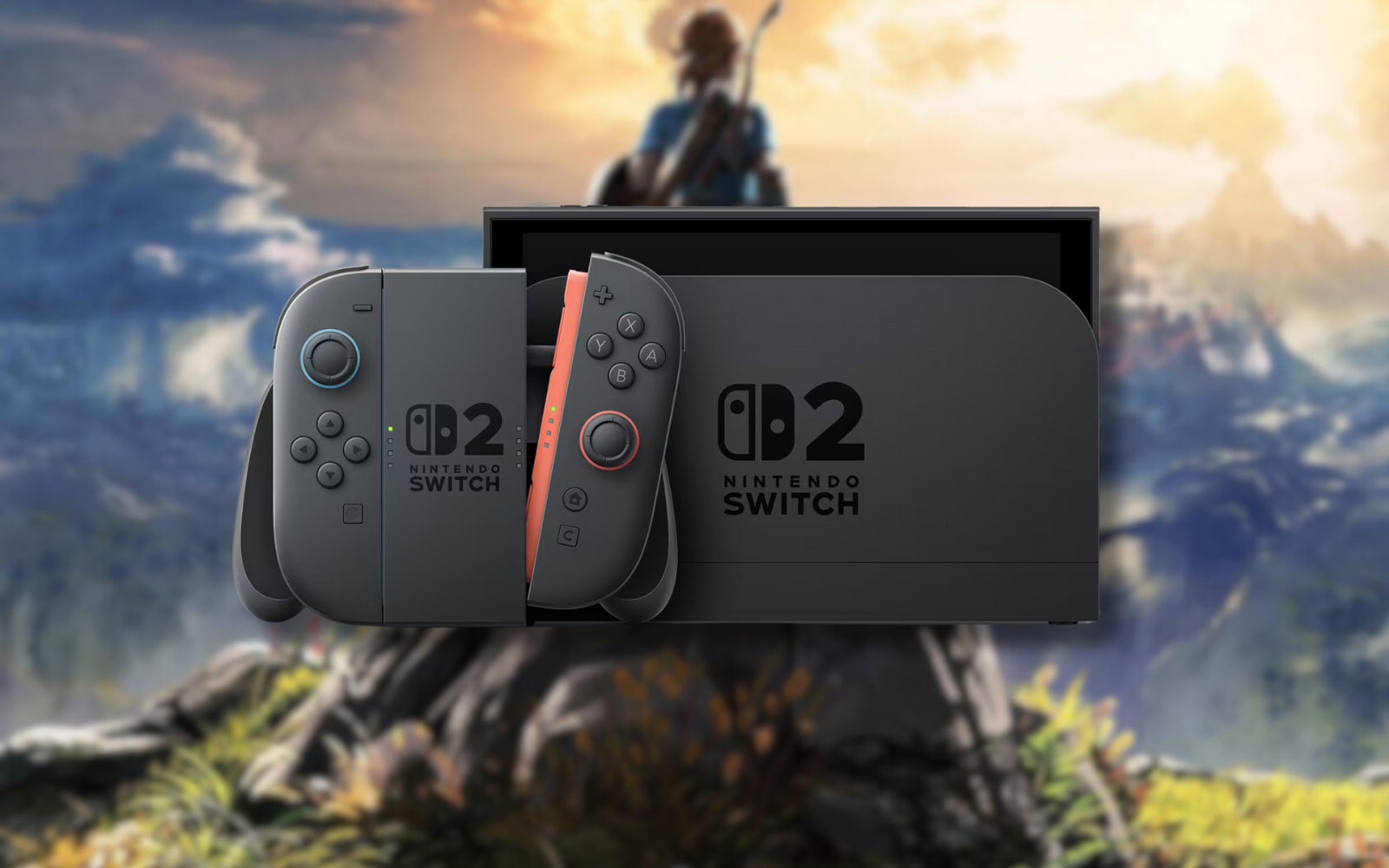
Nintendo just dropped a big update for Switch 2 owners out of nowhere: Handheld Boost Mode. Arriving as part of the 22.0.0 update, the feature allows Switch (1) games to act as though they were running at their docked potential in handheld mode. The original Switch uses a 720p display, while the Switch 2 uses a 1080p one.
“When enabled, Handheld Mode Boost causes the performance of Nintendo Switch software while undocked to run as if it were being played in TV mode,” reads Nintendo’s support page for the feature.
Toggle that Switch
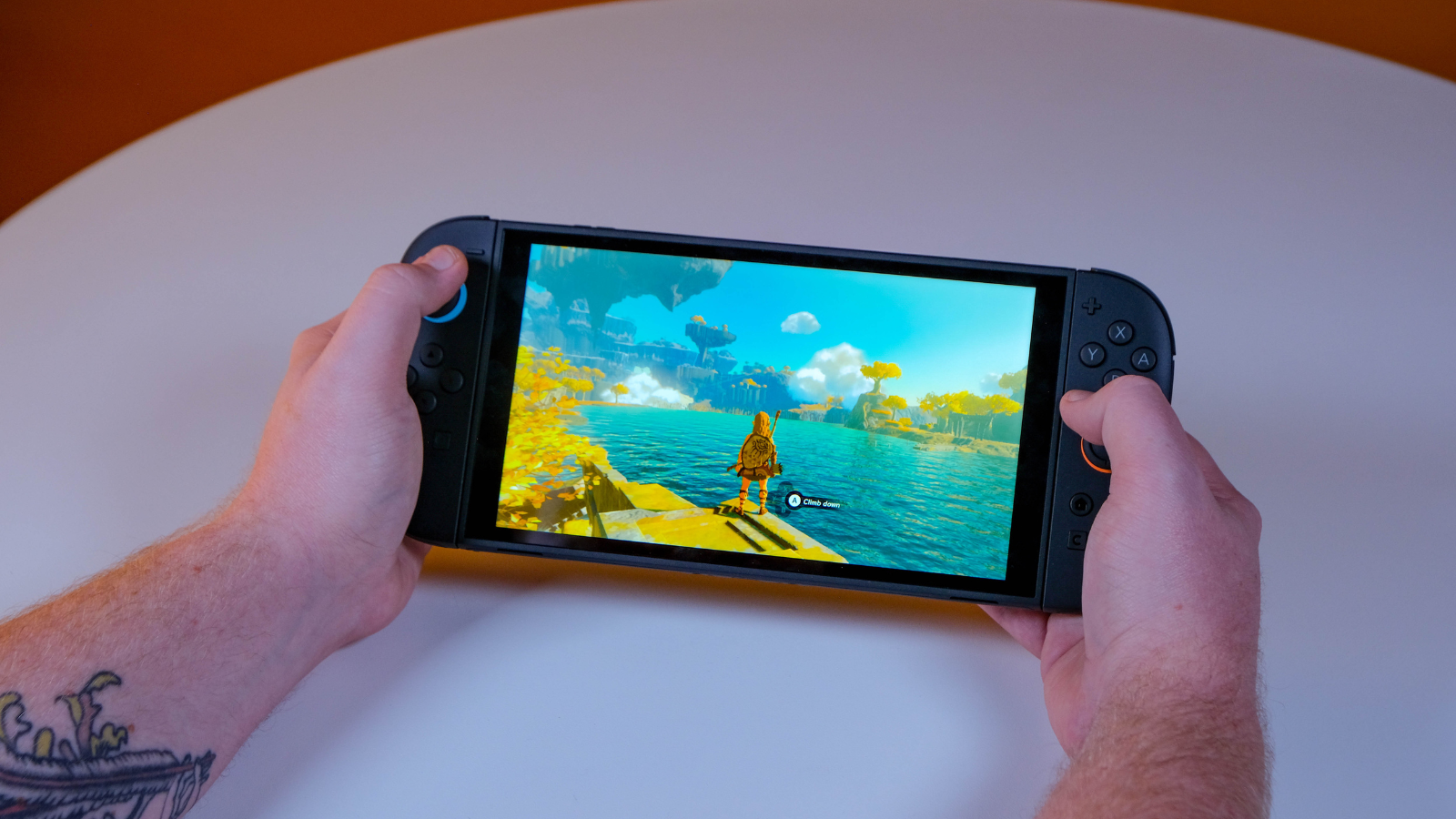
The feature is so obvious that we feel it should have shipped with the console from the get-go. We should make it clear that not every game will benefit. Nintendo isn’t spilling the beans on what games those are, leading us to believe it’s a small few. The rest? Expect some big visual upgrades in handheld mode.
Flick the mode on in the system’s settings, and you’ll have to sacrifice some of the Switch 2’s already dismal battery life to see the boost. For those playing at home, that shouldn’t be much of an issue. But for those about to hop on a long flight? You might want to toggle the setting off to squeeze out some extra playtime. Nintendo also mentions that “some instructions may be incorrect or fail to operate correctly” since it forces TV mode.
Complete these steps to enable Handheld Boost Mode:
- Select System Settings on the HOME Menu.
- Scroll down through the System Settings menu and select System.
- Scroll down on the right and select Nintendo Switch Software Handling.
- Select Handheld Mode Boost to enable or disable this setting.