

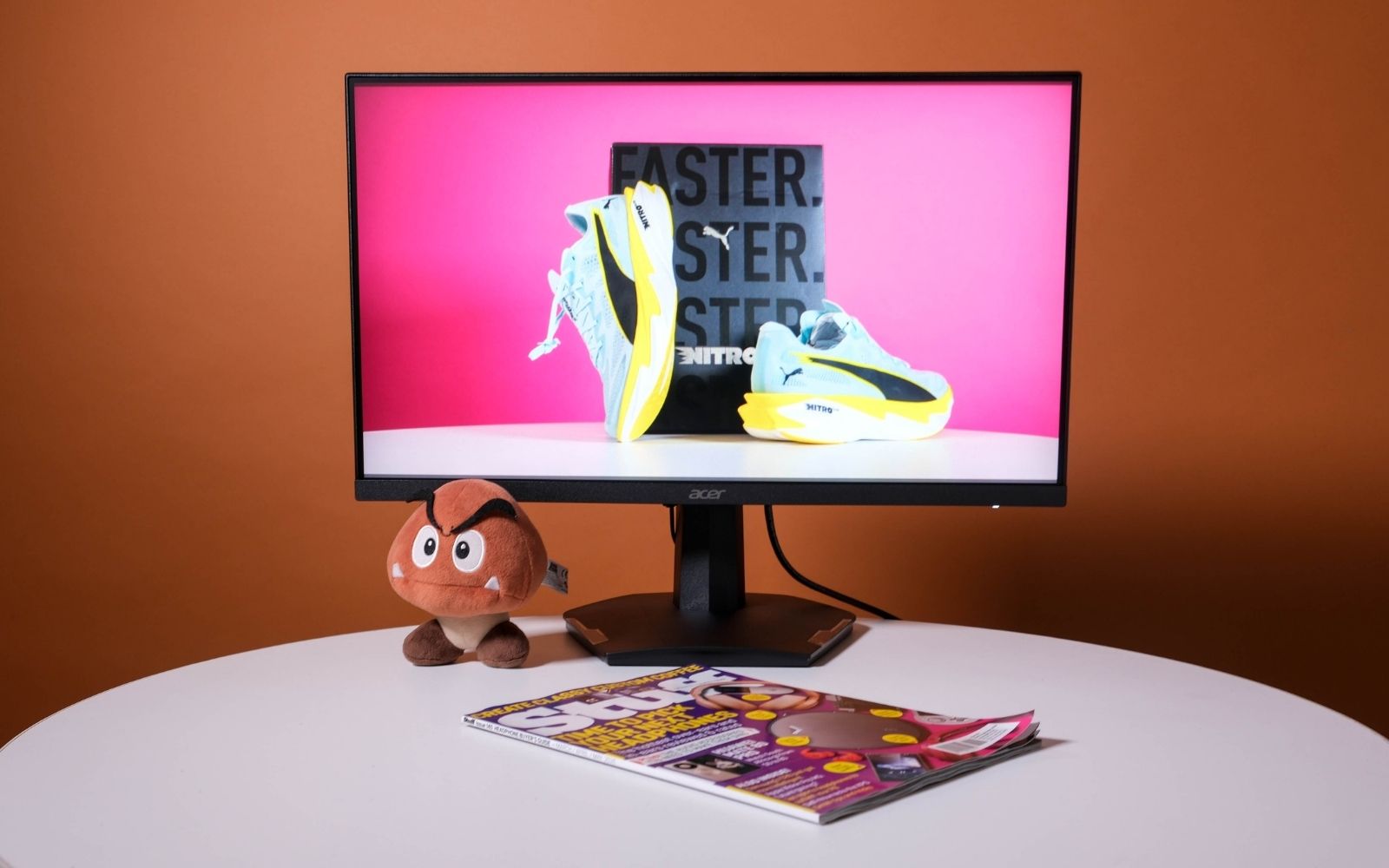
The fact that it is assembled here allows Acer to price the Nitro VG240 gaming monitor competitively and that's this monitor's biggest advantage. It serves as a versatile budget entry point into gaming, for those just starting out their journey to folks who've been around the block enough to know you don't need fancy tech to have a good time. If your budget is smaller than your ambitions, this deserves your consideration.
-
Design
-
Performance
-
Features
-
Value
Monitors might be one of the only things not priced out of reach for most consumers these days. Yes, flagship OLED monitors that allow you to switch resolution and refresh rate are still pretty pricey. But it wasn’t so long ago that we were saying the same thing about high-refresh-rate monitors like the Acer Nitro VG240.
If you’re not worried about fancy features or frills, or if you stick to easy-to-run esports titles with the settings turned down to maximise your fps, then the VG240 could be just the monitor you need.
If you want your AAA titles to look great in HDR or don’t like the sight of black plastic, we’d say keep shopping, but you aren’t likely to find anything that meets those requirements in this price range. Time to reevaluate your priorities.
The bare necessities
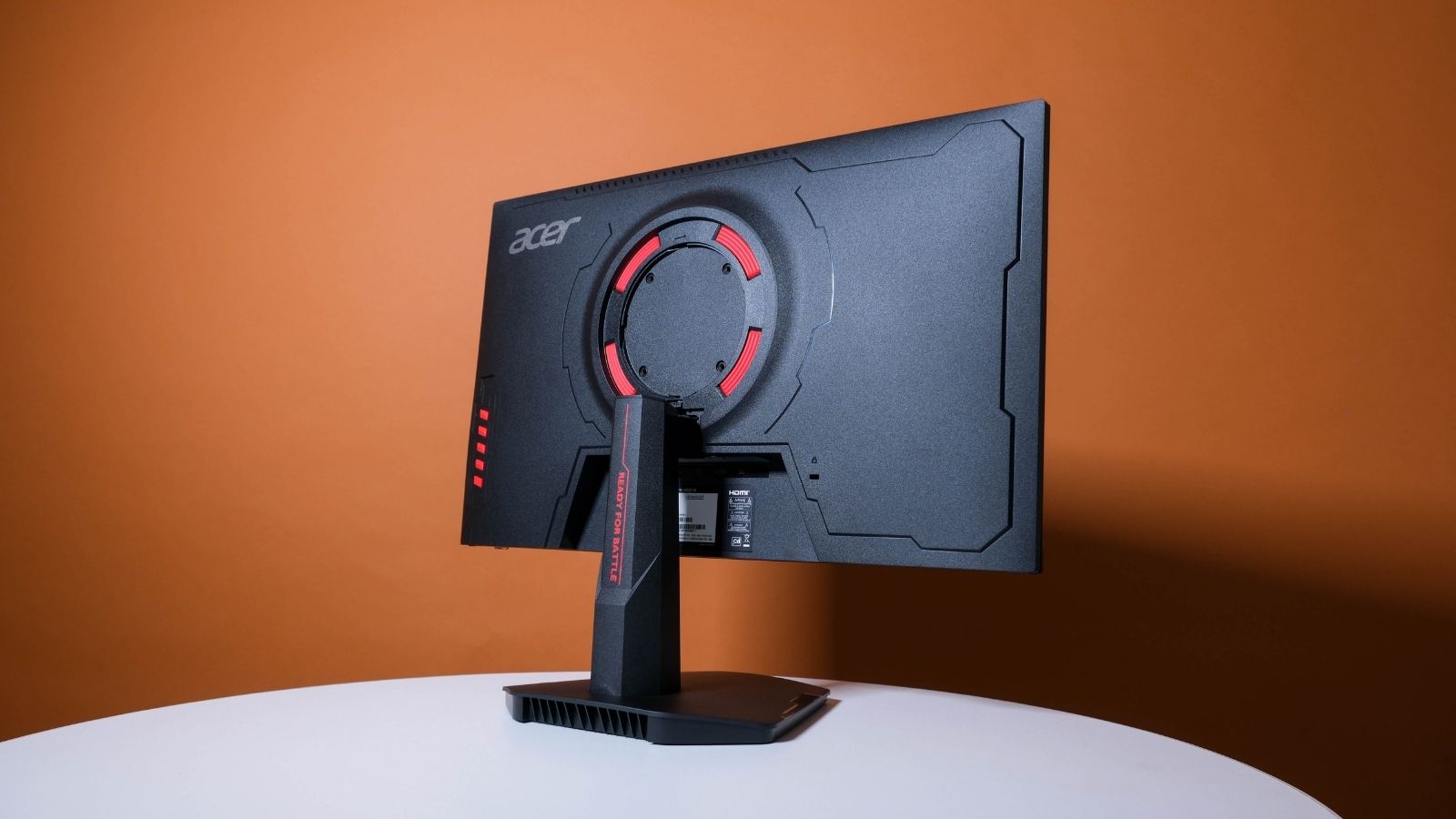
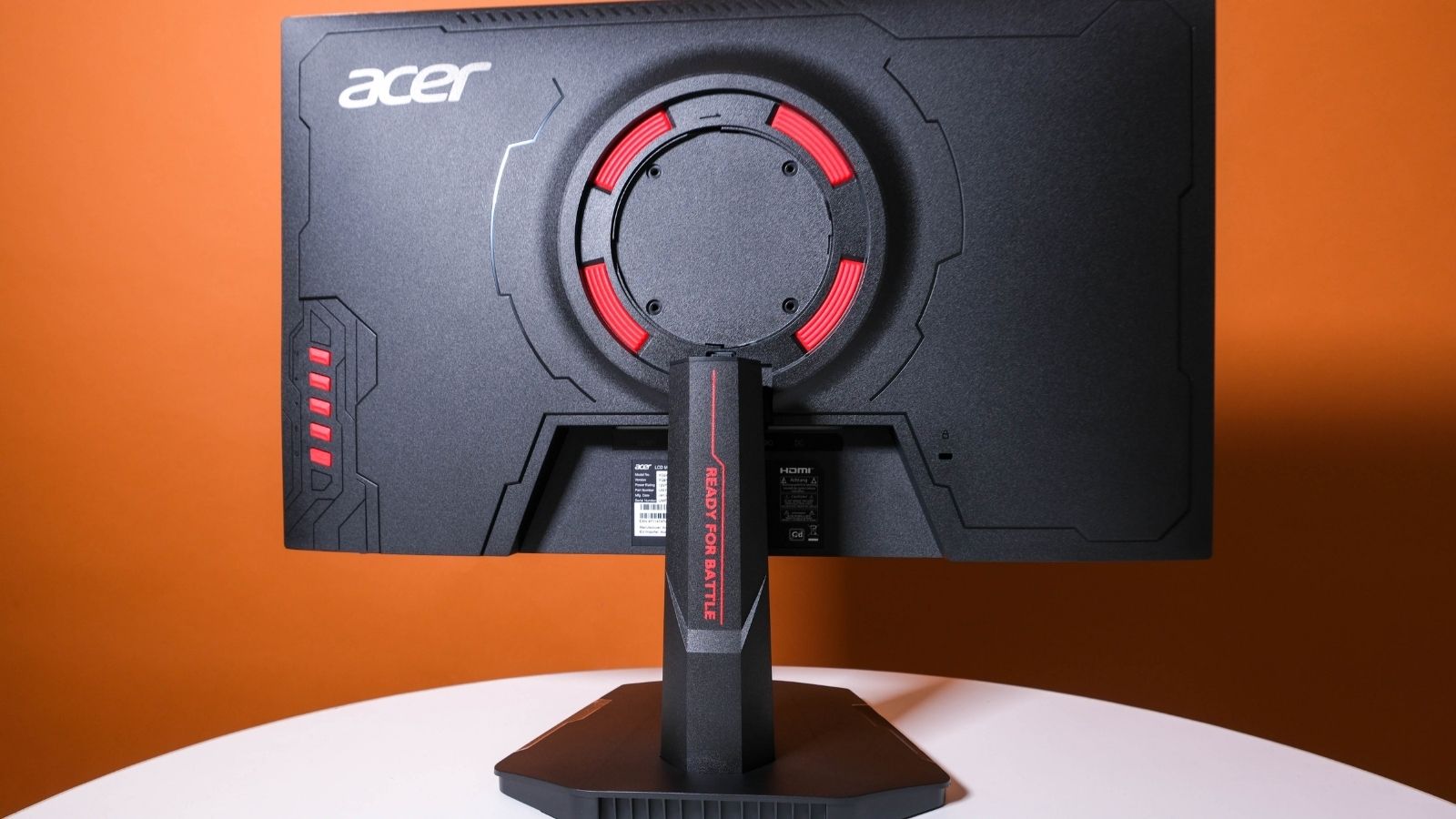
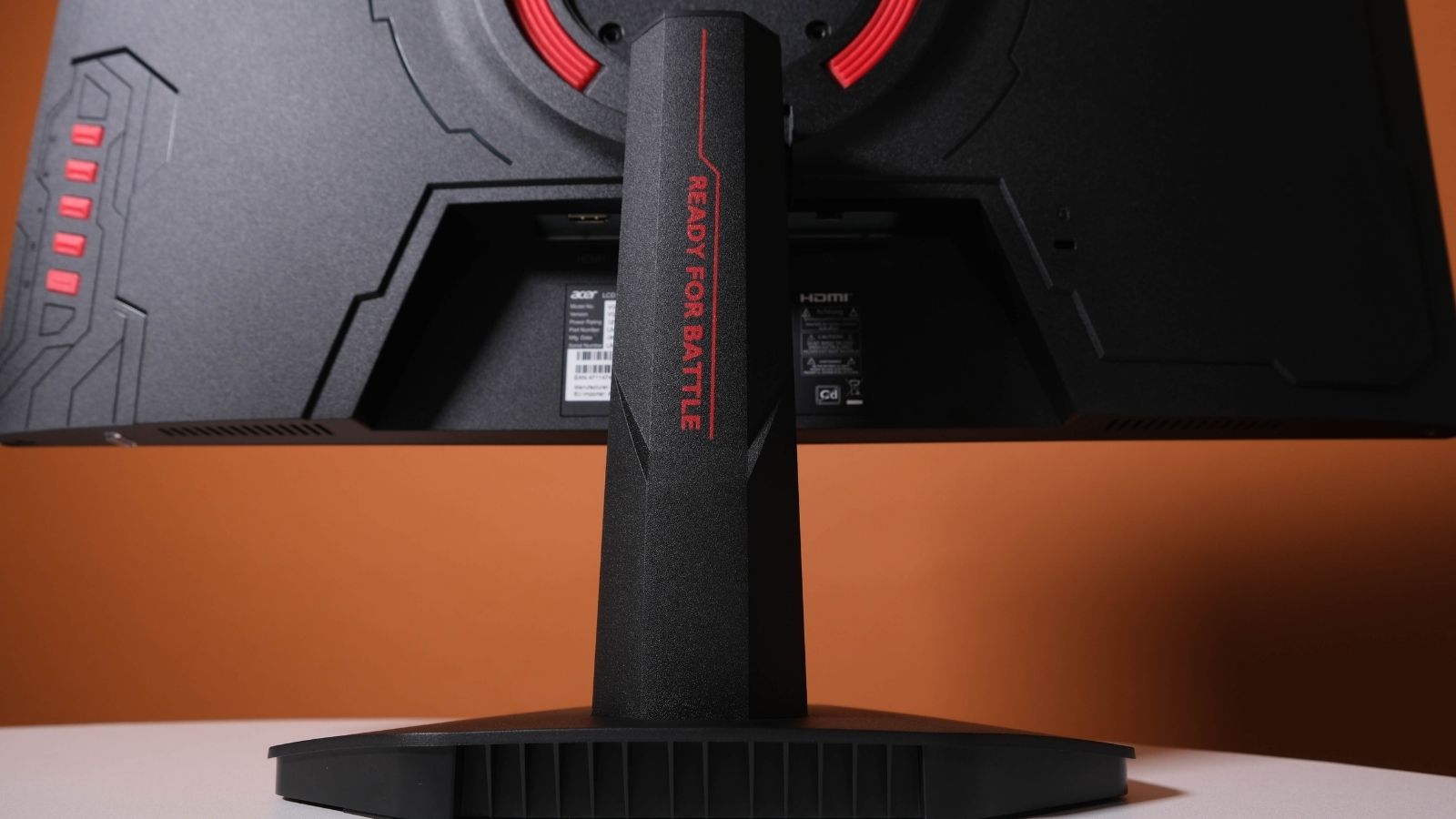 Acer kept the Nitro VG240’s design simple. Its 95% plastic construction isn’t the prettiest to look at, though the red accents are trying their best to add some gamer flair. Not that you’ll see it much while sitting in front of it.
The included stand offers a bit of tilt and toolless assembly, but otherwise merely holds the screen up. Want anything more? You’ll have to mount it via the VESA 75mm x 75mm mount under a removable panel. You’ll need a screwdriver for that part.
While we’re back here, we’ll also mention the single DisplayPort 1.2 port and dual HDMI 2.0 ports. There’s also a 3.5mm audio output jack if you’re desperate. No internal speakers, thankfully. The only other interesting bits are the buttons you’ll use to adjust settings on the fly and navigate the on-screen menus. The joystick-like nubbins are reserved for pricier monitors.
Any features?
 The Nitro VG240’s stand and construction might be mediocre, but that’s not what you’re paying for. You’re giving Acer your money for the panel. In this case, you’re getting a 24in (23.8in if you want to be pedantic) FHD (1,920 x 1,080px) LCD IPS panel with a 240Hz refresh rate and HDR10 support. It is Nvidia G-Sync Compatible and supports AMD’s Freesync to help mitigate screen tearing by dynamically adjusting the monitor’s refresh rate in real-time to match the varying frame rate output of your graphics card.
Acer also claims a 1,000:1 contrast ratio, 1ms grey-to-grey response time, and 90% coverage of the DCI-P3 colour gamut. Unfortunately, we left our calibration equipment in our other pants, but the contrast ratio is generally what is expected from IPS panels like this one and looked about right to our eyes. We can’t say the same thing about the 1ms response time.
Surprisingly, when you switch it into one of the dedicated colour space modes (DCI-P3 or sRGB), it holds its own rather well. Well enough to get by if you need to design something, anyway. This could vary between models, and yours could need some calibrating if that’s something you plan on doing often. But it’s still decent for what you’re paying.
It’s also worth pointing out that you’ll need to use DisplayPort to hit 240Hz at the native 1080p resolution. The HDMI 2.0 port is limited to 200Hz at 1080p. That’s still noticeably higher than 60Hz, but it might leave you wondering what the 40 extra hertz feel like.
Actually using the thing
During our time gaming on the Nitro VG240, we found its shortcomings fairly easy to overlook. It didn’t always attain the claimed 1ms response time and often displayed visual artefacts consistent with slow pixel response, like ghosting.
Its brightness, like most aspects of this display, was fine. In a dim room, it won’t be a problem. In a bright room, unless you’ve got strong fluorescents shining directly on the screen, you should still be mostly okay (some colours might look a bit weird). If you’ve got open curtains or blinds behind your sitting position, you’ll want to close them.
The headline feature, the 240Hz refresh rate, did wonders for our Counter-Strike 2 rank. We’d wager most folks will be able to feel the difference in games where your GPU isn’t running into performance problems and can spit out 240 frames per second. Especially if you’re coming from a paltry 60Hz.
You’ll need a fairly capable GPU to hit a consistent 240 fps in CS2, or any esports title for that matter. That’s helped somewhat by the FHD resolution, and games like Dota 2, Rocket League, League of Legends, or Valorant should be easy going if you don’t mind dropping down to ‘High’ or ‘Medium’, depending on your system’s specs.
Acer Nitro VG240 verdict
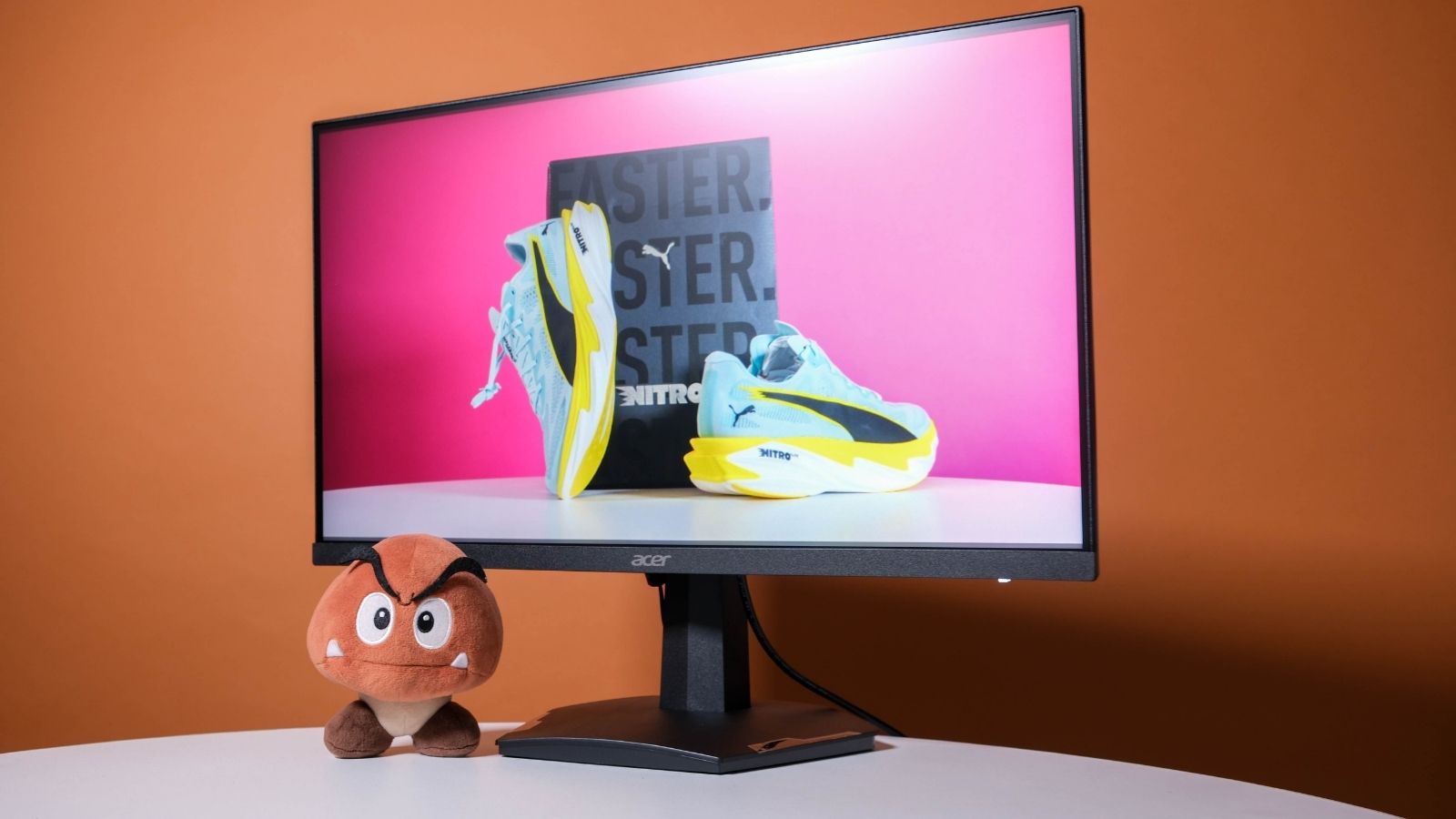 It’s not going to wow you with its looks as it sits idle on your desk, but fire up Acer’s Nitro VG240 and jump into your favourite fast-paced game and you’ll see why we’re being so nice about its shortcomings. There are plenty of monitors that offer even faster refresh rates, but if you’ve only ever known 60Hz, we suggest trying them out first before you buy. You might find 240Hz is your max and anything above that is lost on you. No point spending the extra money then, is there?
Speaking of money, Wootware and Computer Mania currently list this monitor for R2,700, although that’s supposedly on discount. Its actual price is R3,800 and R3,500, respectively. At the current price, it’s an easy recommendation. The supposed ‘real’ price is still decent for what you’re getting. But if you’re reading this after the sales have ended, try to get it for as close to R3k as you can. Spending much more than that might mean other monitors could make better sense.