The Acer AiTV Box isn't the definitive answer to streaming in South Africa. It is the most advanced, however, sporting a robust line-up of ports, consistently great visuals, and a clear focus on gaming. The AI bits are so-so and the price is the highest of the Google TV options out there (so far), but for the right user, it's worth it. If you're a more casual viewer, there are other, cheaper options out there. You just have to look (though not very far).
-
Design
-
Performance
-
Controller
-
UI
-
Value
Until recently, Xiaomi’s TV Box S was the undisputed champ of Google-based TV boxes in South Africa. That was before Acer threw its hat into the ring with the AiTV Box (we’re not calling it that), driving a R1,500 price — only a little more than Xiaomi’s R1,400. As great as Xiaomi’s little streamer is… It’s got competition.
White Knight
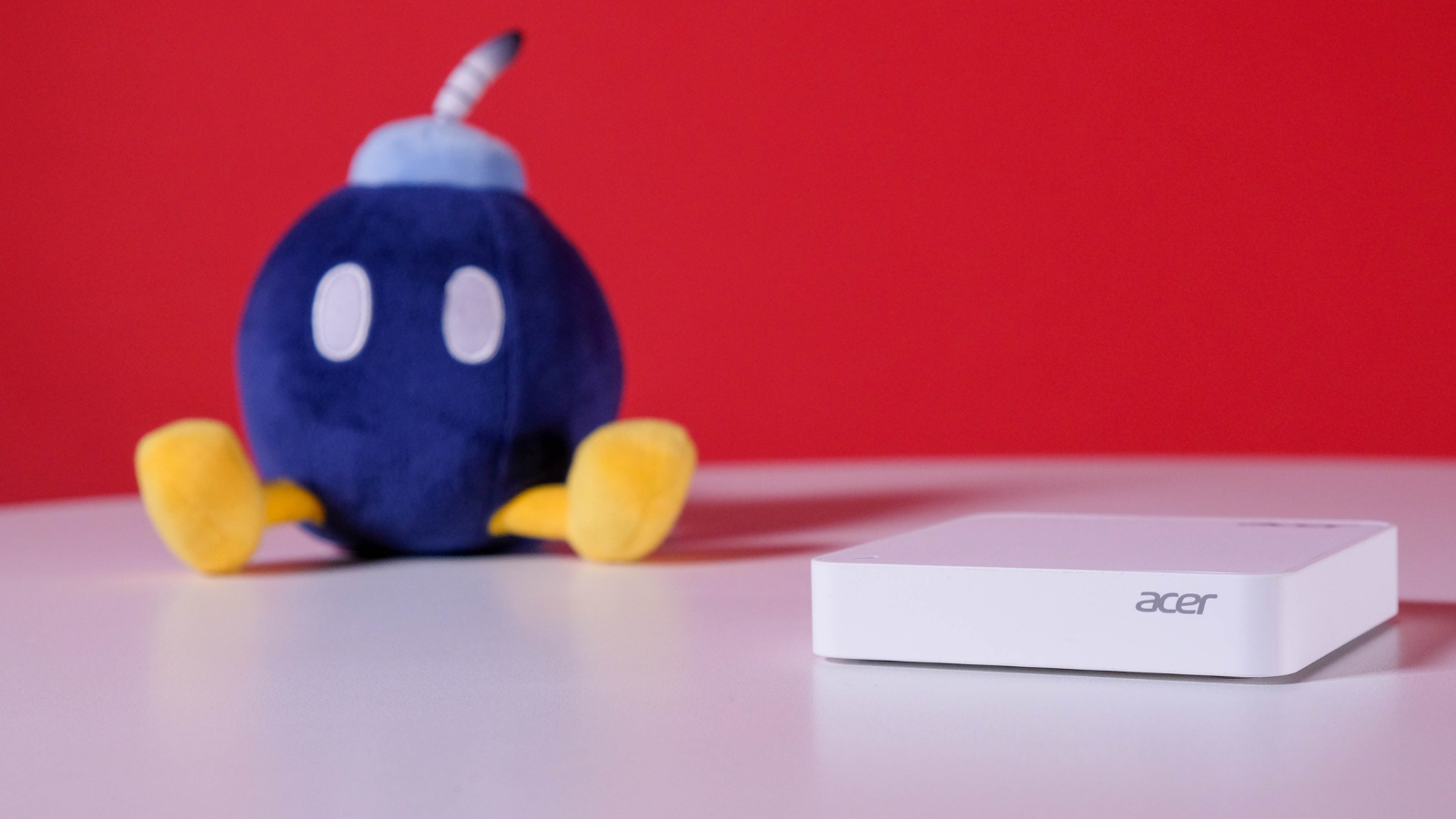
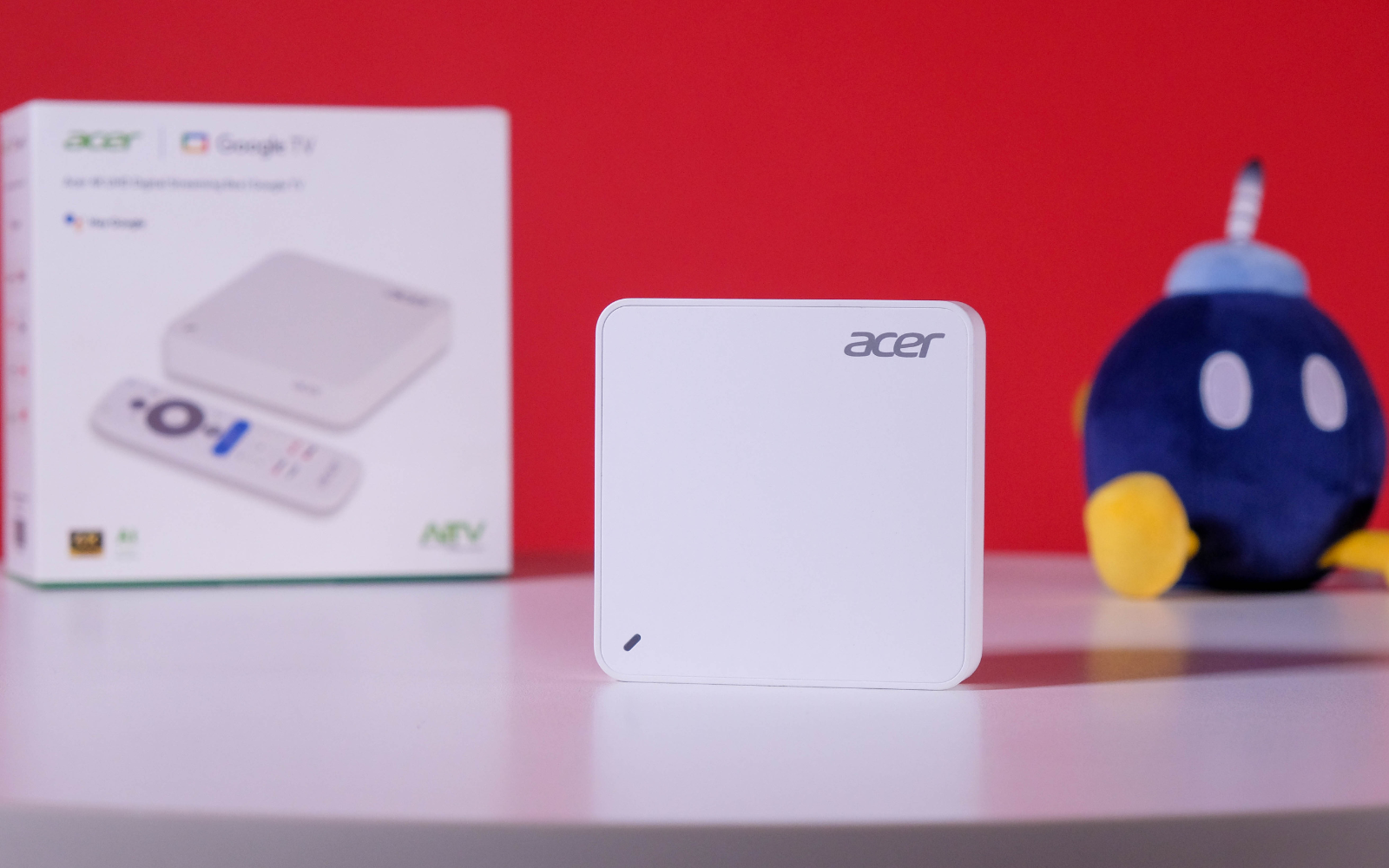
Acer’s first crack at the TV box market really would rather you tucked it out of sight, especially if guests are coming over. Housing all those internals is a simple, dare we say boring, white box with the company’s logo on the top right corner and along the front. As pretty as Xiaomi’s efforts are, it’s not a dealbreaker for us in this market. We’re less fond of the white coat it’s wearing, which really reveals your cleaning habits.
That shape does lend itself to squatting more firmly on whichever surface you plop it down on. Rubber feet adorn the bottom, more than a match for stiff HDMI cables that could harsh your TV cabinet’s feng shui.
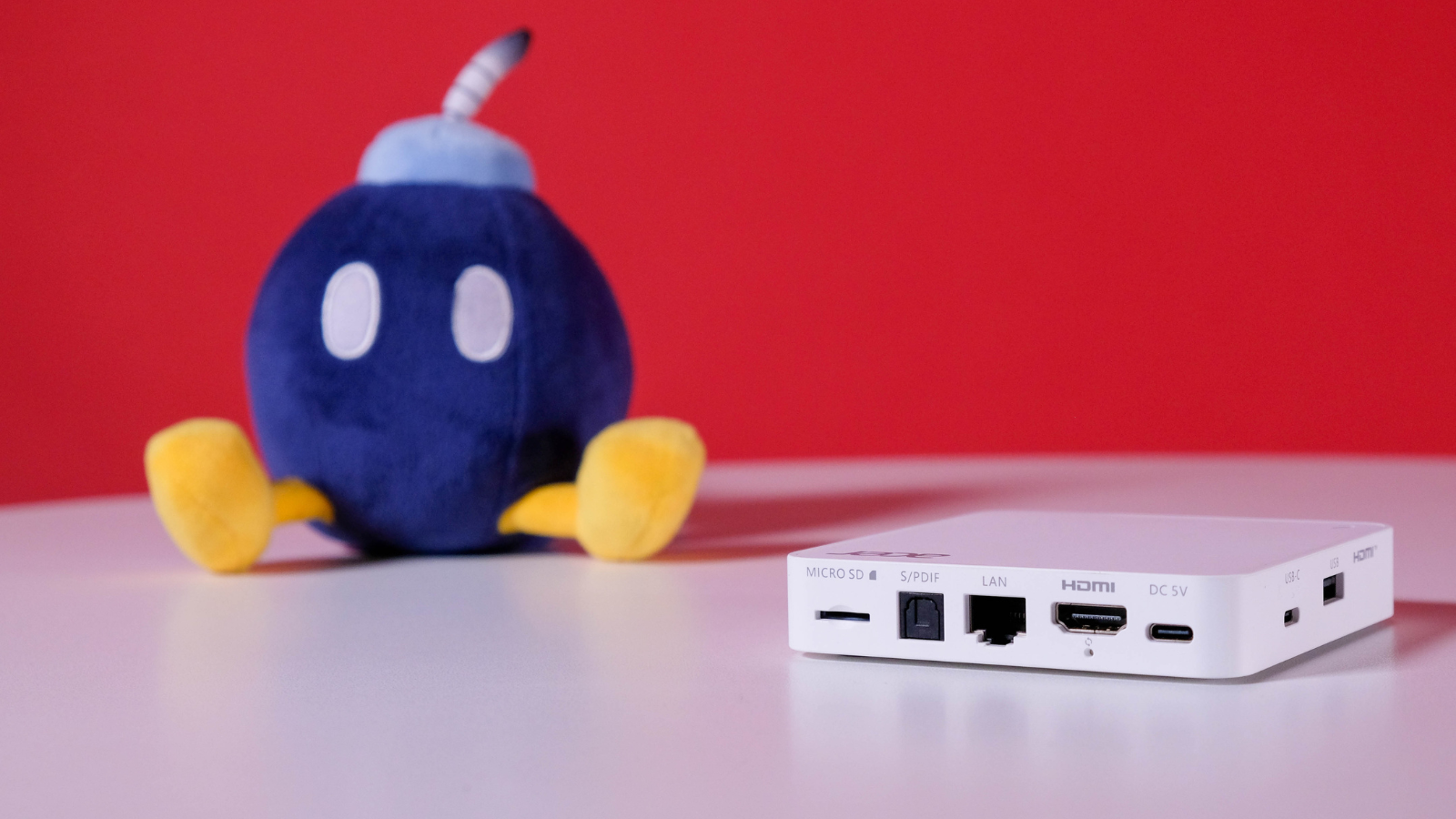
Like the TV Box S, Acer decided the 3.5mm audio port wasn’t necessary for modern users. And they’re mostly right. We didn’t miss the port in our weeks with the device, but it’s something to consider if you rely on that little port to provide audio from a nearby speaker system. But for a regular user, there’s no need to lament.
It makes up for it with a plethora of other ports. There’s the HDMI 2.1 eARC to supply the 4K visuals, S/PDIF, microSD slot. and a Gigabit Ethernet port (though Wi-Fi 6 is also an option) to help realise Acer’s dream of making this as much a gamer as a streamer. ‘Round the sides lie a regular USB-A and USB-C port.
Up to par
As good as Acer’s hardware is, you’ll first have to contend with Google TV running the show. That’s not inherently a bad thing, apart from the ten-or-so minutes you’ll spend twiddling your thumbs while the OS updates and sets everything up. Once inside, the benefits of the sharp UI and the Google App Store are clear.
Being Android-based, there’s hardly anything you can’t download. We stuck with the regulars, Netflix, Prime Video, Disney+, and Crunchyroll to supply us with enough distractions. And oh, does that content stand out, especially when running a Netflix Premium account and putting its Dolby Vision support to use.
The Acer AiTV Box sports an Amlogic S905X5M chip, 2GB RAM, and 32GB of storage, plus room for a microSD card that’ll please emulator enthusiasts, even if it did little to get us excited. The device boasts steady performance that never once lagged (and felt fractionally smoother when typing than Xiaomi’s device) despite us throwing different apps and streaming services at it in quick succession. It works, and well.
That chipset means it ships with AI powers, mostly offering a slight bump to the 4K visuals already on offer. It mostly gets it right, even if it did come in handy most for giving us a boost in the gaming department. Oh, right. This is a gamer at heart.
Kinda Steam, punk
Where the Acer AiTV Box sets itself apart is its focus on game streaming. Acer made a big splash about hooking up your Steam library to its little box (see, we told you that ethernet port would come in handy) via the Steam Link app. Setup was straightforward, requiring us to input a four-digit code on the Steam client, connect a controller, and let it handle the rest. It wasn’t long before our humble library became available on the big screen.
Our 200Mbps line was capable of streaming our games at a respectable 60fps, even if we did suffer the odd disconnection, despite the line strength. It couldn’t quite drag us away from the PS5 or Switch 2 for long stretches — especially when dealing with something more competitive — but those older, lower-stakes titles. It worked wonders for us. Just don’t put too much pressure on that little router running a 20Mbps line.
Controller
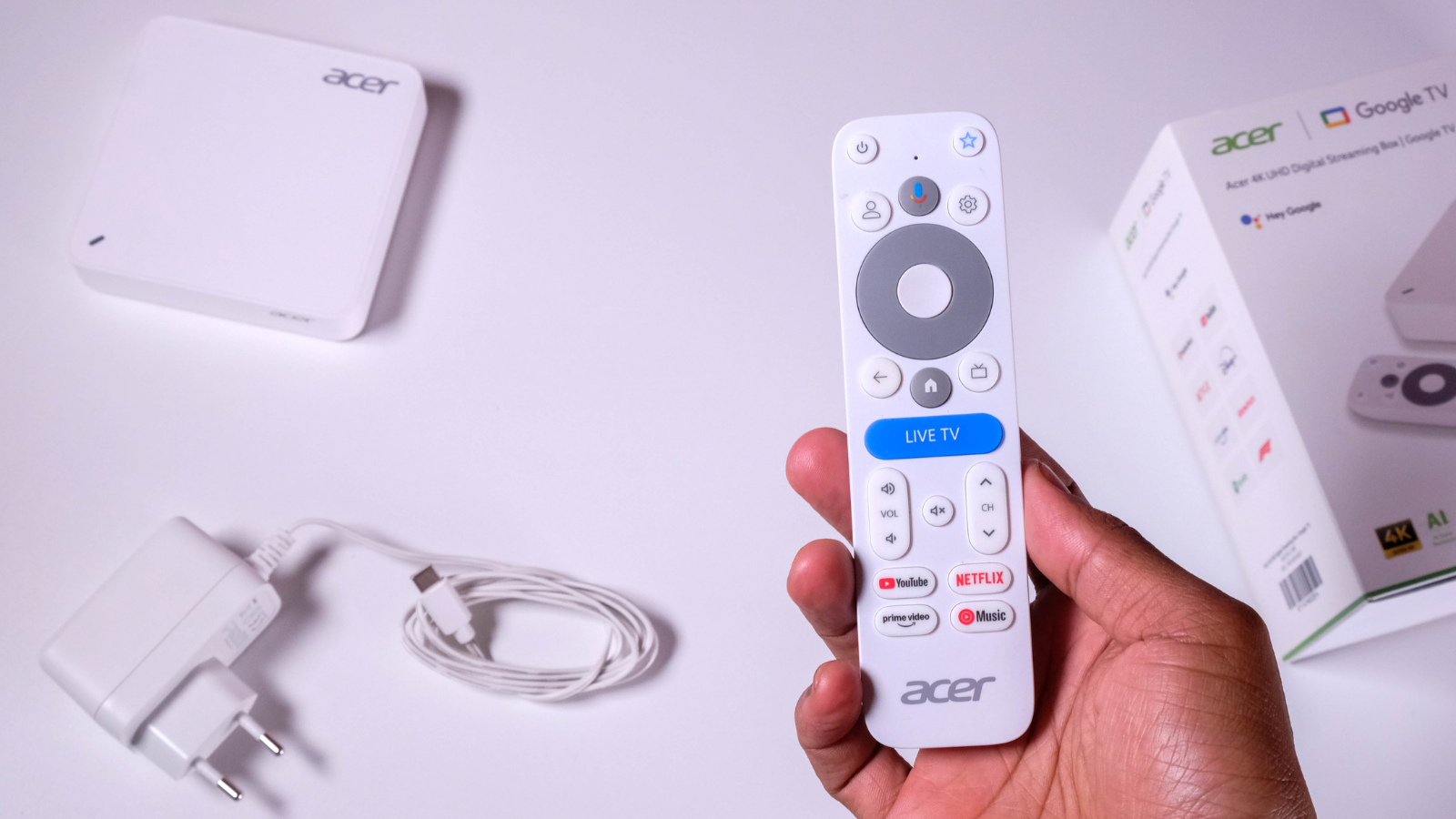
It may share similar design principles to the all-white box housing the internals, but we actually grew to love Acer’s solution over time. It’s quiet, which is a must for anyone doing late-night browsing, and the buttons are (mostly) well-positioned — with the massive “Live TV” button being this controller’s only downfall.
YouTube, Netflix, Prime Video, and YouTube Music buttons adorn the bottom half of the remote, offering quick access to the sort of apps South Africans will actually find themselves using. While you can still use your phone as a controller for the Acer AiTV Box, the remote is necessary during the initial setup, so it’s best to have a couple of AAA batteries handy. Trust us. We learned the hard way.
Arcer AiTV Box verdict
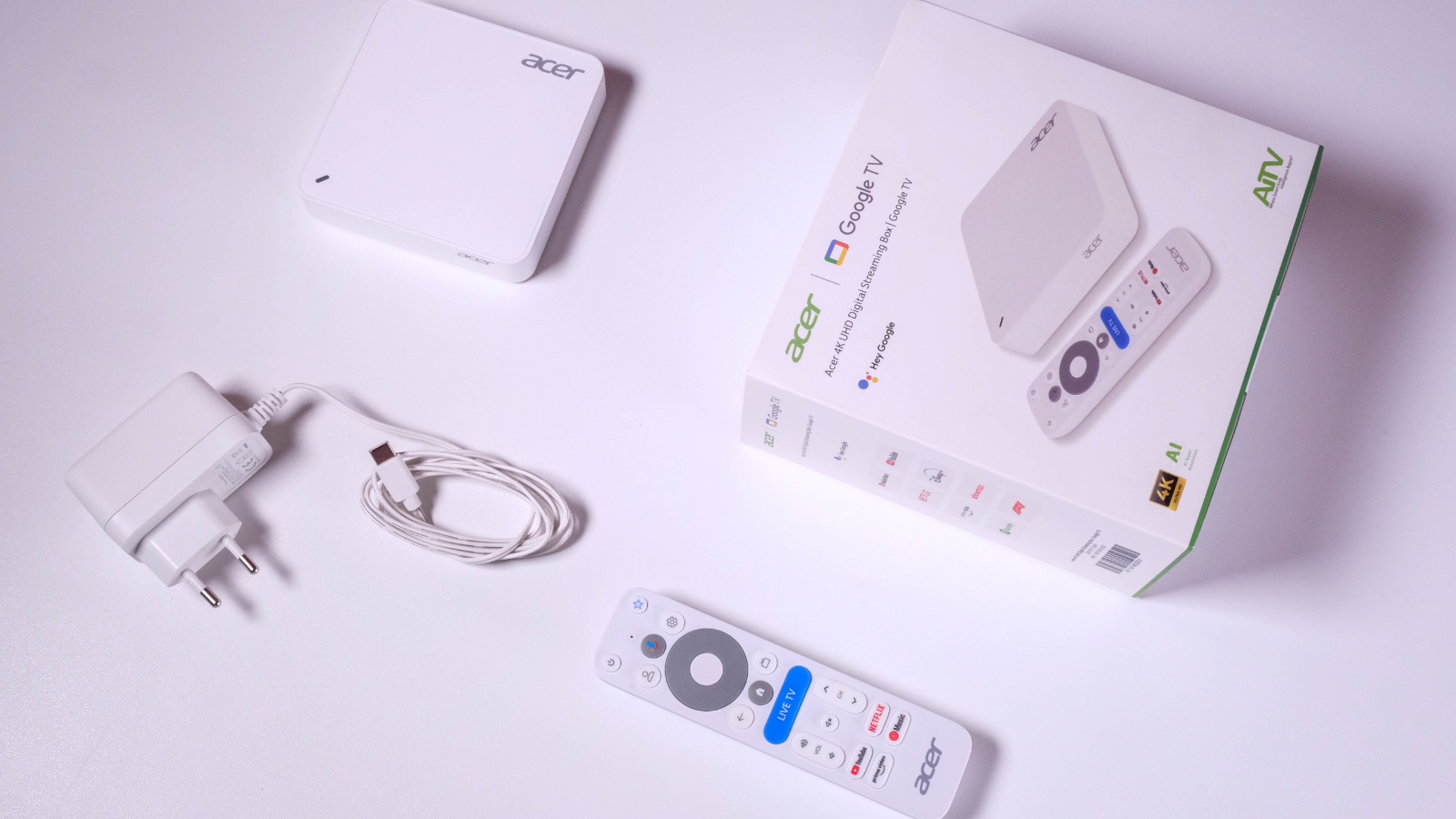
Acer’s first big swing outside of its comfort zone to exploit the South African market is, thankfully, a success. Unless you’re dropping the dough for Apple’s glassy contraption, the R1,500 this costs is likely the most you’ll ever spend for any decent TV Box. Is it worth it? For the power user willing to put the device’s gaming prowess, extra storage, and ethernet port to good use, without a doubt. If it’s purely a Stranger Things machine you seek, we have no qualms recommending something cheaper, like Xiaomi’s 2nd-gen TV Box S?