This August, Google will officially end support for its Chrome browser on older Macs, particularly those still running macOS 11, or Big Sur, meaning it’s time to either get with the program or deal with the consequences. Fortunately, those don’t seem all that dire — if you aren’t concerned about security, of course.
Still climbing Big Sur?
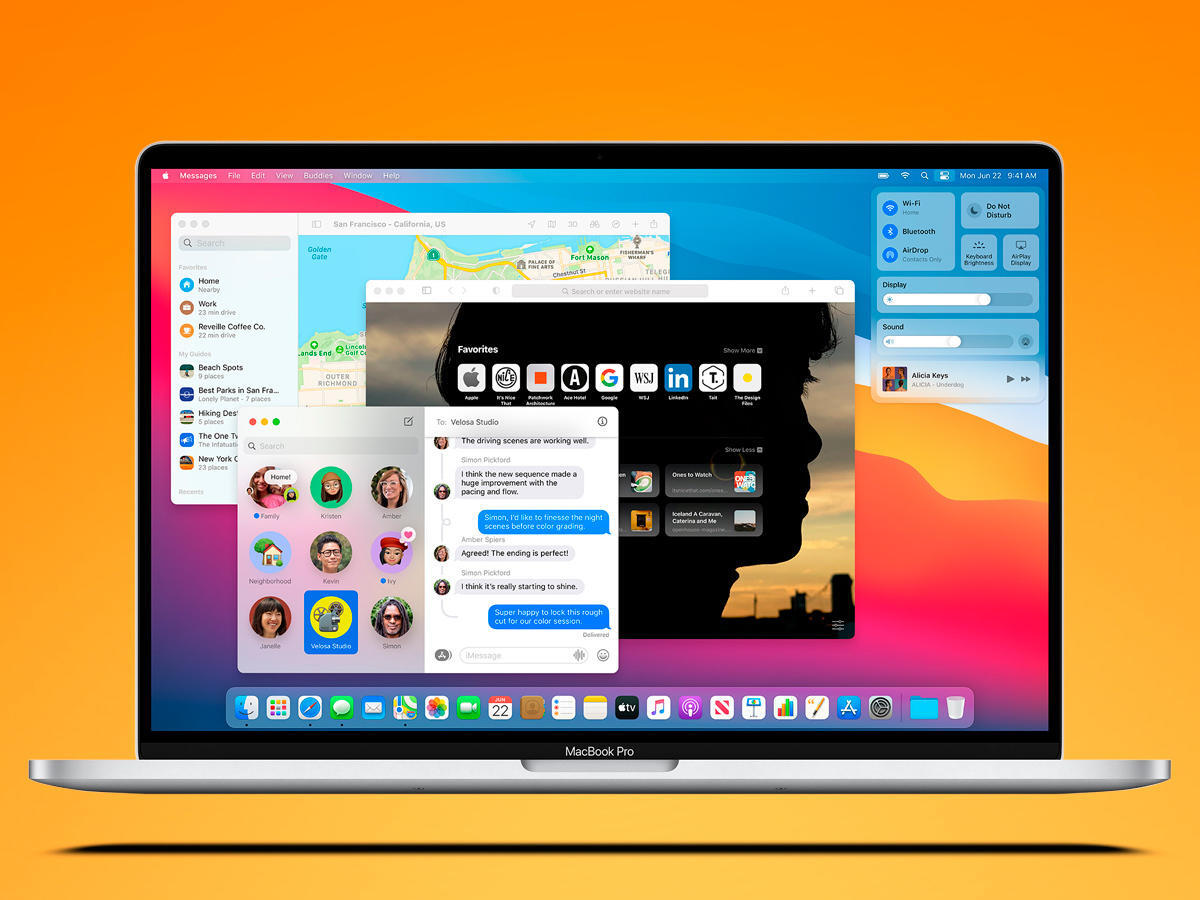
The latest version of Chrome, Chrome 138, is the last to properly support Big Sur, before the browser switches over to Chrome 139. The company will release the first early stable update on 30 July, expanding to a proper stable release on 5 August. After this, the game is up for older Macs.
“Chrome 138 will be the last release to support macOS 11; Chrome 139+ will no longer support macOS 11, which is outside of its support window with Apple. Running on a supported operating system is essential to maintaining security,” reads the Chrome status page.
Read More: Google adds AI summaries to its Discover section, whether you want it or not
If you’re still stubbornly clinging to your ageing Mac by that time or your device can’t handle the upgrade to macOS 12, you’ll be glad to know that you can continue to use the browser. You’ll miss out on Google’s regular security updates, potentially leaving you and your data exposed. Well, more exposed. You’ll also be subjected to a “warning infobar” that Google hopes might annoy users into an upgrade.
The obvious solution in this case is to… use a different browser. There’s Apple’s built-in Safari tied to the OS itself, though Apple has already ended support for this software, meaning the browser won’t receive regular updates either. That leaves you with a few options: Firefox, Microsoft Edge, Opera, and Tor all still support macOS 11, according to PCMag.