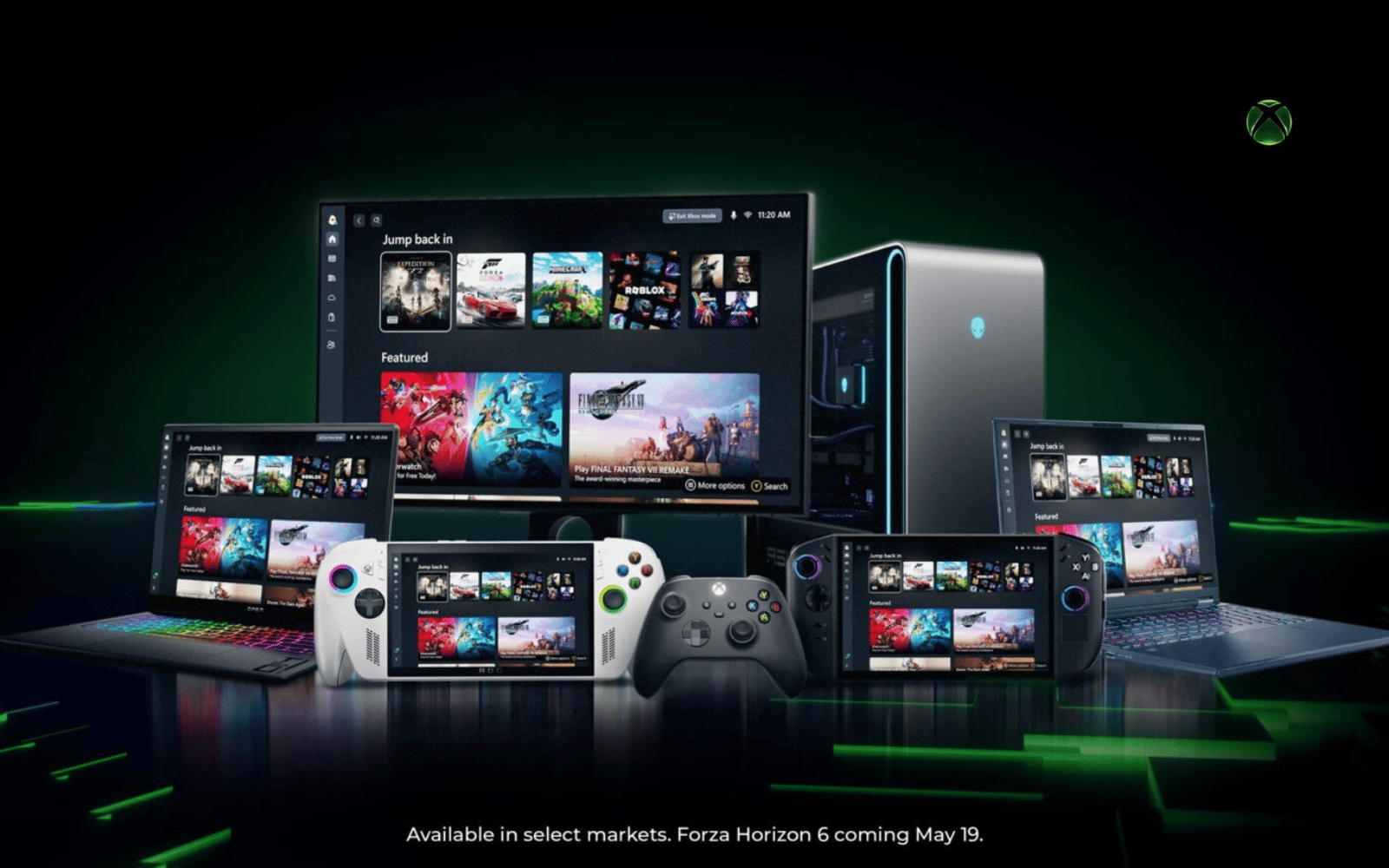
Microsoft has announced that ‘Xbox mode’ is finally rolling out to users worldwide. The full-screen, console-inspired overlay is meant to simplify gaming on your Windows-based machine, kinda like Steam’s ‘Big Picture’ mode but Xbox-flavoured.
If you already do most of your gaming on your ROG Xbox Ally X, or you’re a Windows Insider, then this probably won’t be a big deal for you. That handheld console shipped with an earlier version of what became ‘Xbox mode’, and Insiders have been able to play with early builds for several months. The rest of us have had to wait. Some will need to wait even longer.
This is an Xbox mode
This dedicated full-screen mode comes with a simplified, controller-friendly interface and some system optimisations in tow, which are meant to free up resources that would otherwise be spent or reserved for trivial, non-gaming things. It can also act as your central games library, bringing together Xbox Game Pass titles with games installed from other vendors, like Steam, Epic, EA, and Ubisoft Connect.
“Xbox mode is designed for the moments when you want your games to take center stage on Windows 11 PCs and handhelds. Inspired by the Xbox console experience, Xbox mode offers a streamlined interface that puts your library and recently played titles within easy reach while minimizing background distractions,” said Microsoft.
To get Xbox mode on your Windows 11 device, you’ll need to be on version 24H2 or 25H2. The update you’re looking for carries the KB5083631 identifier, but if you open Settings > Windows Update and make sure the ‘Get the latest updates as soon as they are available‘ toggle is on, you should be good.
Read More: ROG Xbox Ally X review – Thinking outside the Xbox
Well, that depends on where you live. We made sure our Windows 11 was up to date (a restart was required), checked that we had installed the update with the aforementioned identifier, but still don’t have access to the feature.
That means Microsoft is drip-feeding it to everyone globally. If you’ve got the new feature, you can launch it with Win key + F11. The rest of us will have to wait. Hopefully, that won’t be too long.