
Storage is expensive, and that's true here too. But most hard drives are considerably larger than SanDisk's highly portable option here. It retains enough speed to keep you happy, especially if you work with larger file sizes, but we'd recommend nabbing the largest capacity available. It's cheaper on paper, even if it costs more at the till.
-
Design
-
Performance
-
Ease of use
-
Value
We know that storage commands a premium these days. But while the prices keep going up (thanks, AI), folks still need somewhere to store all their cat photos. If you want your feline snaps available at a moment’s notice, you require speedy storage.
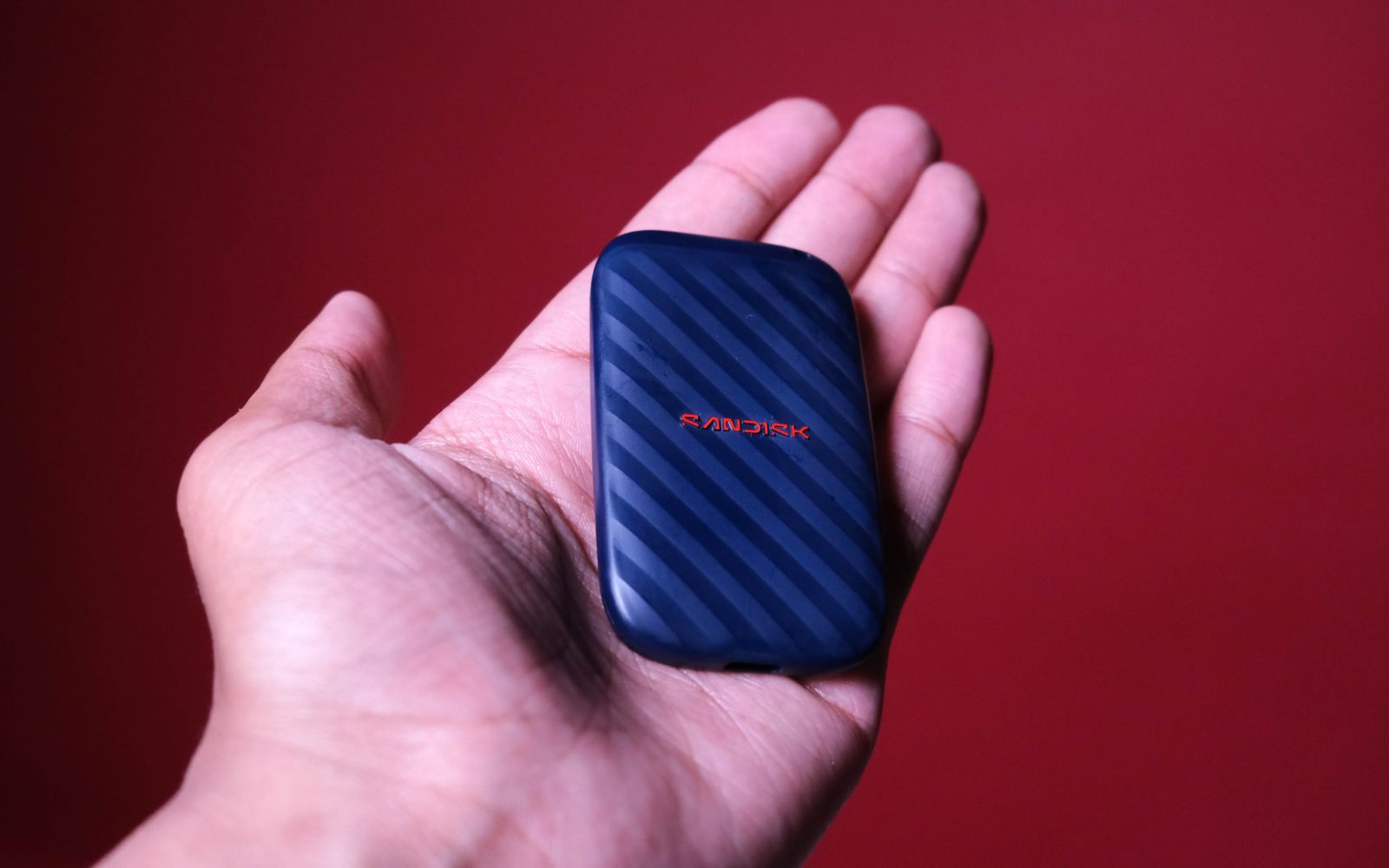
The SanDisk Portable SSD that arrived at Stuff‘s office for review is a good example. It doesn’t boast the fastest speeds possible, but it’s quick enough that you needn’t wait long for transfers to finish.
Don’t lose it
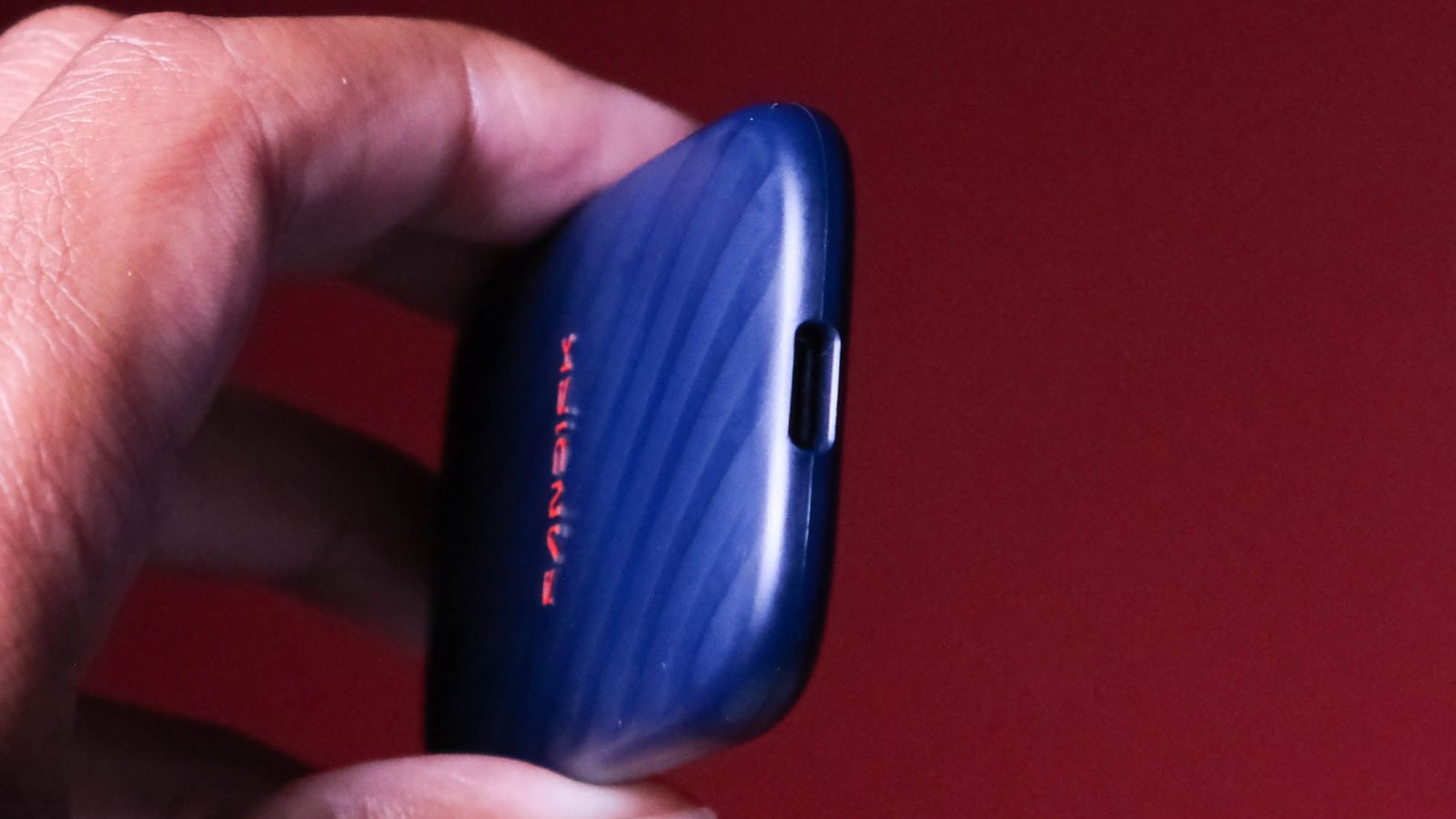
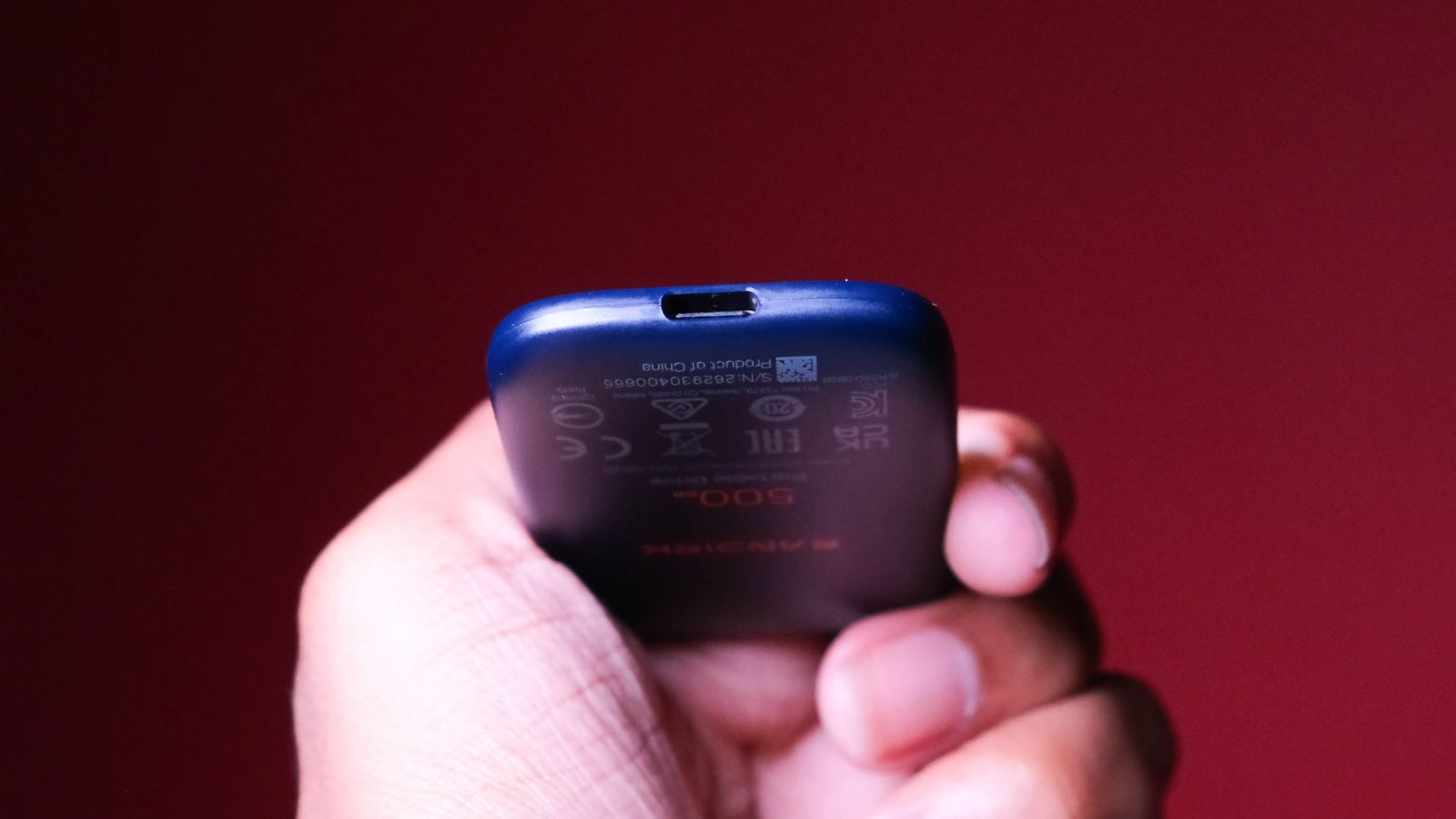
The biggest advantage of this particular SSD is how pocketable it is. At 75 × 45 × 10 mm, it’s liable to get lost in a bag or between the couch cushions, so we don’t recommend storing any Bitcoin on it. Weighing under 32 grams means you might not notice when it’s departed from your pocket. We’ll take that over lugging around a bigger, rugged alternative.
It might be small, but SanDisk is confident it’s hardy, too. It claims a 2-metre drop resistance. We didn’t put it through those paces, but printing that on the box is a good sign, right? It’ll be enough for some folks to have the confidence to use on-the-go, when accidents are more likely.
Rips and dips
Whether you go for the 500GB or the 1TB version, both will get your files where you want them lickety-split. There’s a USB-C port facilitating that, which uses the USB 3.2 Gen 2 interface. SanDisk lists the max read speed as “up to 600MB/s”, and we’re happy to report that number is bang-on… in some scenarios.
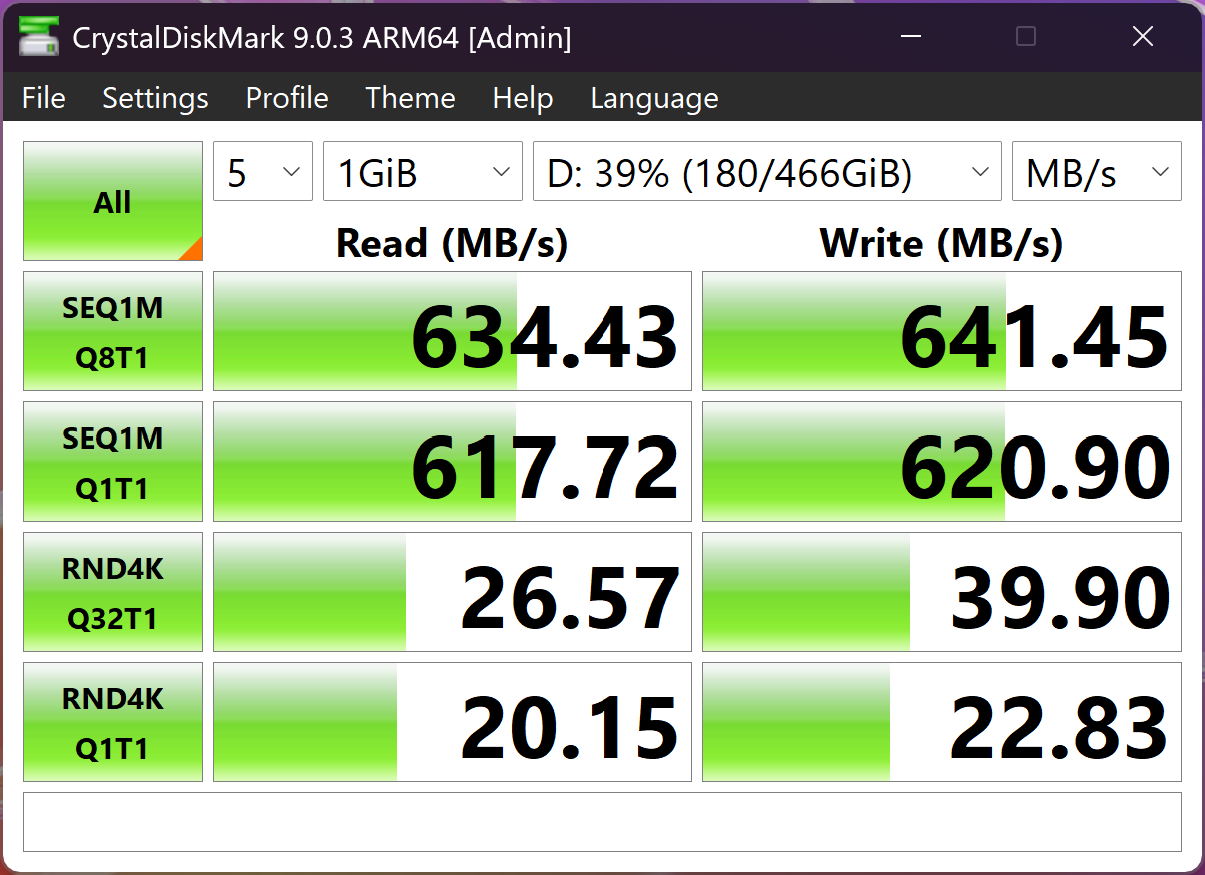
If you can’t get enough of synthetic benchmarks, you’ll love what Crystal Disk Mark spits out. We measured over the claimed 600MB/s read AND write speeds, even though SanDisk says the write speed is lower than the read speed. Those claims are still true; it just depends on what you’re transferring.
Real-world tasks are much better indicators of the speed you should expect. We lined up two tests that simulate how one might actually use this drive. We transferred a single 75GB file to and from the SSD, because both directions matter. We did the same with a folder containing over 155,000 small files of varying types.
For the single large file read speed test, from the SanDisk SSD to our test laptop (the Asus ProArt P16 RTX Spark, in this case), the transfer took just under two and a half minutes, and we measured an average speed of 573MB/s. That’s awfully close to SanDisk’s claimed 600MB/s. Instead of a single large file, if you’ve got several largeish files, like from a video shoot, you’ll see similar results.
More ripping and further dipping
Copying from the laptop to the SSD slowed things down a little. We saw a write speed of around 550MB/s for the first 10GB or so, then it dropped to about 345MB/s for the rest of the file, with the total transfer taking just over three and a half minutes. That’s a big drop-off, and it’s due to the limited SLC cache this drive uses. Once that cache fills up, the drive writes straight to its usually slower flash memory.
Things got even slower with our small-file transfer, similar to backing up your smartphone or work folder to this drive. Granted, the folder was just over 80GB, so we weren’t expecting miracles. Reading (SSD to Laptop) all 155,000 files took eleven minutes and eighteen seconds, and we measured an average speed of 128MB/s. The write speed (laptop to SSD) dropped to 77MB/s, with the transfer taking nearly 20 minutes.
For some perspective, copying that folder from an ancient HDD to the SSD so we could do this test took nearly an hour. That 77MB/s figure looks slow compared to its max speed, but it’s still relatively quick compared to the old tech you might be upgrading from.
SanDisk portable SSD (500GB) verdict
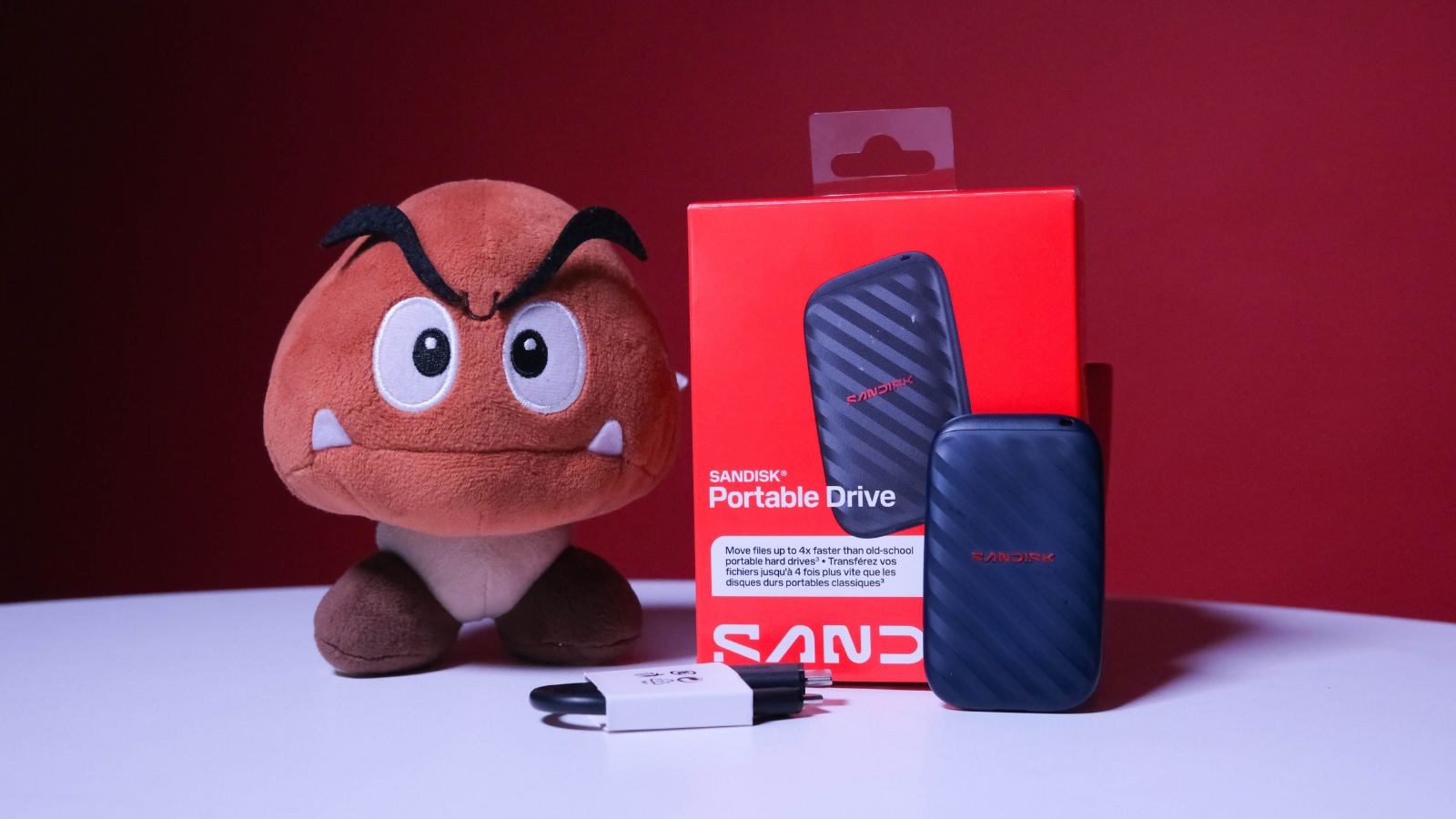
If you’re looking for a small storage device for transferring files, this is certainly an option. It’s fast enough for most casual uses, and small enough not to weigh you down.
Unfortunately, SanDisk hasn’t done this 500GB SSD any favours with its pricing. At R1,900 for 500GB, that’s almost R4.00 per gigabyte (R3.798 to be exact). The same model SSD with 1TB of storage comes out to exactly R2.557 per gigabyte, priced at R2,560. That makes the 1TB roughly 33% cheaper per gigabyte.
Of course, that doesn’t matter if you don’t have the budget for the bigger drive. But if you’re after value, the larger drive is the better option. It should perform similarly, although that’s a guess on our part. If you have exactly R2,000, this is a good option.