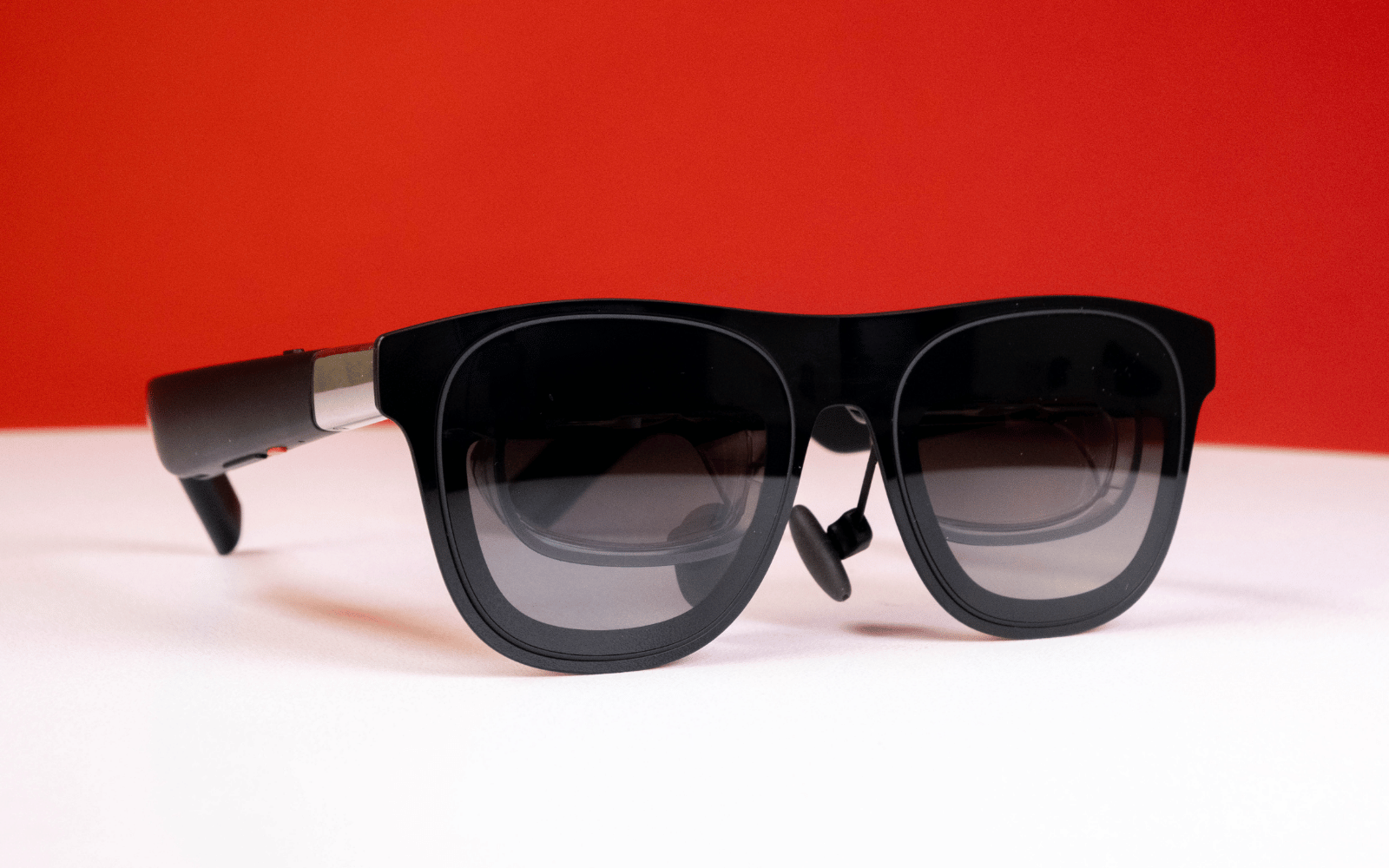
As one of the only locally supported devices in the category the Xreal One might take the 'best AR glasses' crown by default, but that doesn't mean they haven't earned it. With decent micro-OLED displays, surprisingly good built-in speakers, and a home-brewed chip that takes its AR capabilities to new heights, the Xreal One are the AR glasses to get.
-
Design
-
Performance
-
Features
-
Value
By now, you’ve likely heard of virtual reality (VR) and probably know what it does. Then, there’s augmented reality (AR). That one’s probably familiar, too. But unless you’re already invested in the VR/AR space, you’re less likely to have heard of Xreal. Having recently launched in South Africa, it’s aiming to change that.
Formerly Nreal, Xreal was founded in 2017 and launched what it says were the “first consumer-grade AR glasses” in 2019. Towards the end of last year, it launched the Xreal One and Xreal One Pro AR glasses with its X1 spatial computing chip.
We’ve been playing with the Xreal One for the past few weeks in different scenarios to see if it’s any good. The short answer is, yes. But there’s more to it than that.
You don’t need a prescription for these
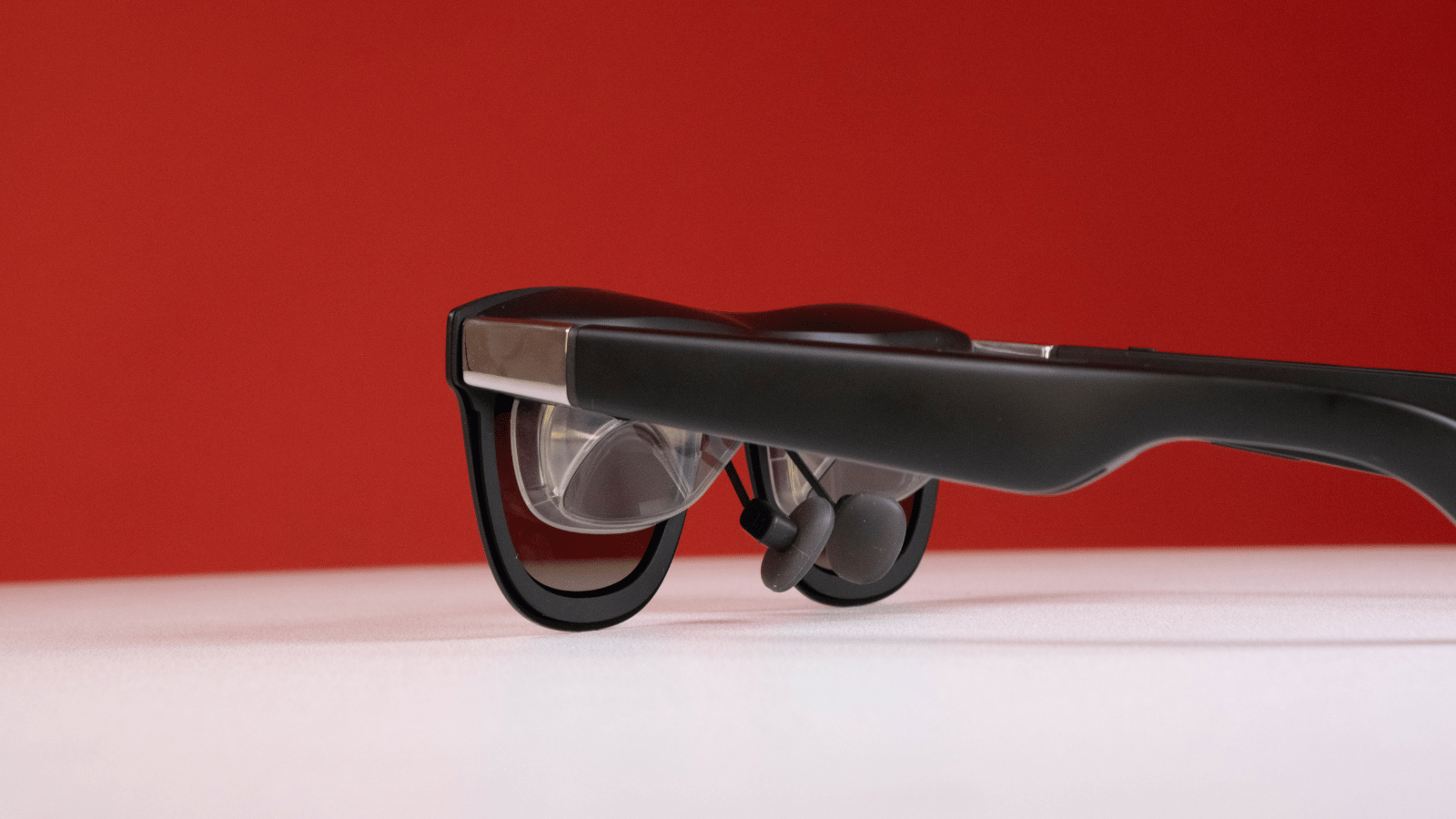 At a glance, the Xreal One looks like any other pair of glasses. When you get closer, however, you’ll notice they’re chunkier than regular spectacles, but a far cry from the size of the Apple Vision Pro.
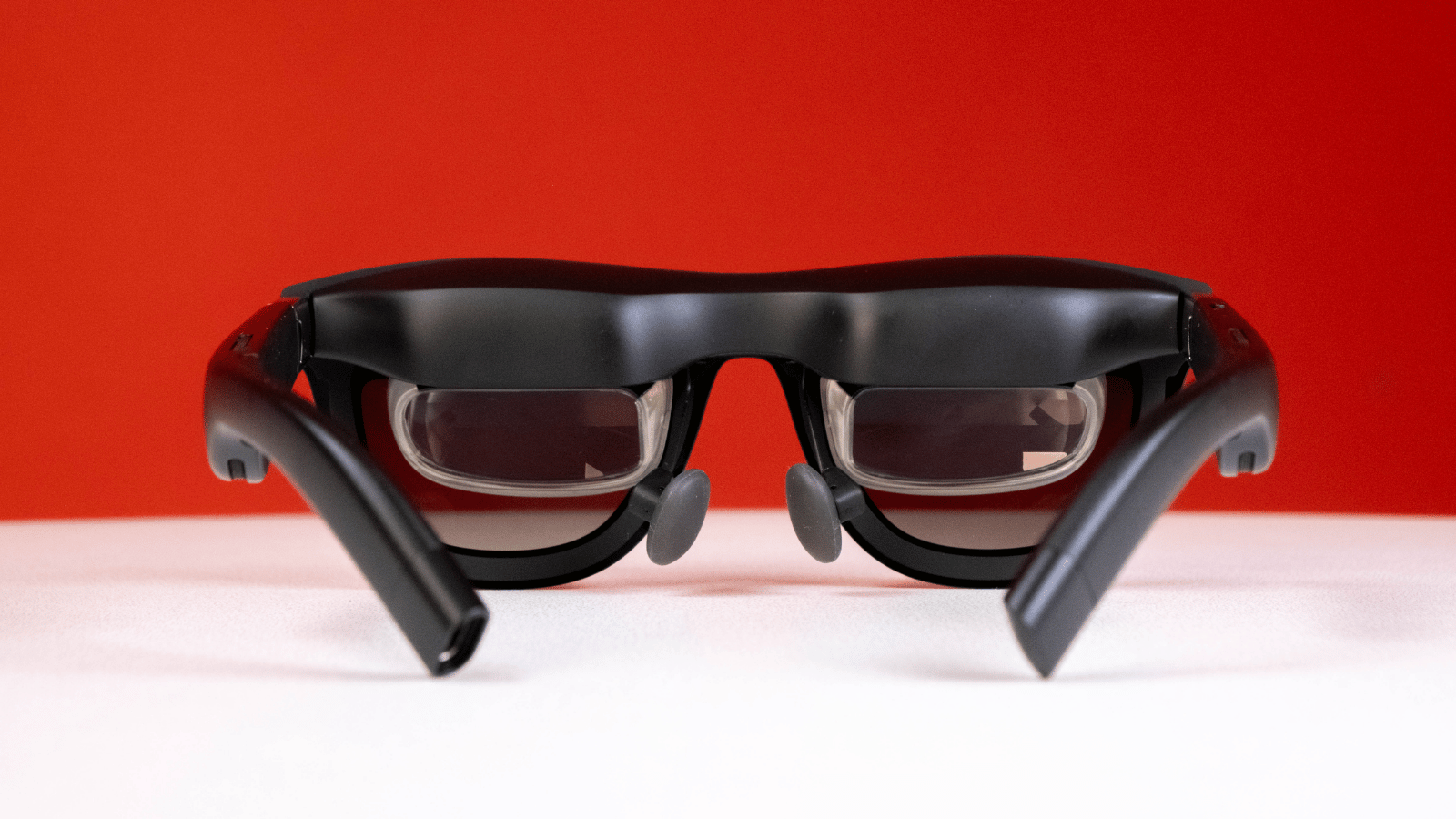
Due to their diminutive size, we’d understand if you didn’t believe that the top of the frame houses dual 1080p 120Hz 0.68in Micro-OLED displays, open-air speakers tuned by Bose in the bows, a few physical control buttons on the right arm, and a USB-C port. We’re still not sure how the company managed to fit all that tech inside something that weighs less than 100g, but it did, and we’re not complaining.
There are three sizes of nose pads to get them sitting comfortably on your face, and if you are a prescription glasses wearer, you’ll have to order the correct lens frames separately and then put prescription lenses into them.
These probably won’t serve well as actual sunglasses, but they’re capable of something cooler — electrochromic dimming. Pressing the top button on the right arm gives you three dimming levels. The darkest is dark enough to block almost all light behind the lenses to provide a more cinematic experience if you’re watching a movie, or just make what you’re looking at easier to see if you’re outside or in a bright room.
We can see clearly now, the lenses are dimmed
 As for what the Xreal One actually does, we like the ‘headphones for your eyes’ analogy. Imagine you’ve got company secrets to work on, but are confined to an aeroplane for the next few hours. You don’t want your aisle mate, or someone peering over your shoulder, to see the highly confidential material, or you’ll have to kill them.
Plugging the Xreal One into your phone or laptop means only you can see those secrets, or whatever you’re doing that you’d rather others not see. The downside is you’ll look kinda silly wearing them. But that could be said for most VR and AR devices. You’ll still need to be wary of the open-air speakers, however.
With the electrochromic lenses and open-air speakers, the Xreal One can be rather immersive in the right conditions. We were pleasantly surprised with the audio quality from the built-in speakers. We opted to pair the One with our Sony XM5 ‘buds, but that isn’t strictly necessary if you don’t need to worry about disturbing others around you.
While you’re immersed in your content, be mindful of your tether. Being tethered to something you’re not always aware of can be dangerous, but it’s non-negotiable with the Xreal One. These AR glasses won’t do anything until you plug them into something that supports the DisplayPort over USB-C standard. Most modern smartphones do, as do most mid- to high-end laptops, and some handheld gaming consoles like the ROG Xbox Ally X or Steam Deck. Switch 2 users will require the sold-separately Xreal Hub.
Freedom in three degrees
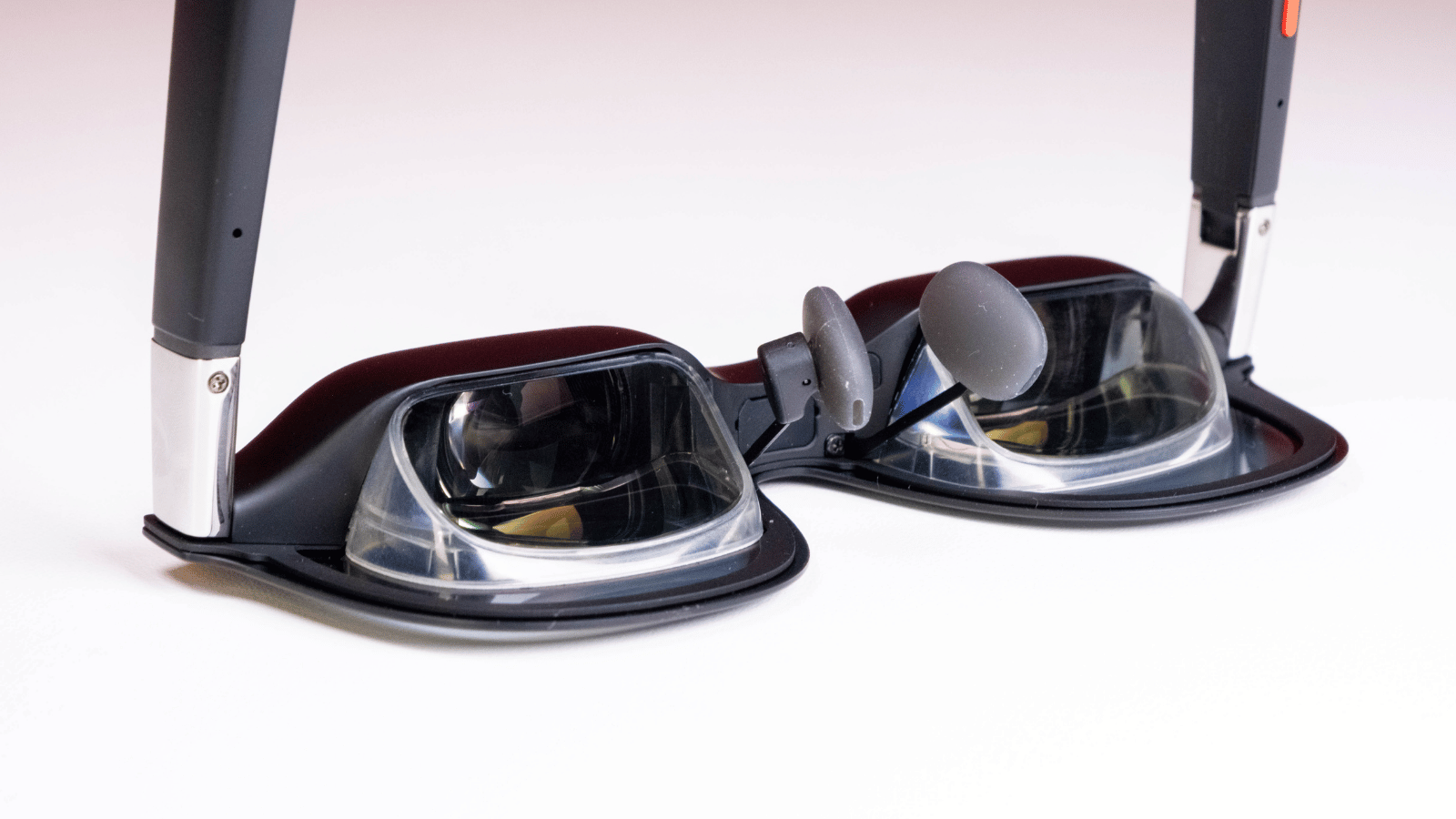 The Xreal One’s pièce de résistance is definitely its in-house X1 chip. It offers a lot of configuration and functionality on-device that previously required a whole app, we’re told. It’s also what makes the three degrees of freedom (DoF) tracking you get from the Xreal One possible.
This type of tracking has its limitations, but they’re almost irrelevant considering what these AR glasses are meant for. They won’t track your physical movement in the virtual space, but you can manipulate your virtual screen with yaw (looking left and right), pitch (up and down), and tilt (rolling side to side) adjustments to get it right where you want it.
For us, that was above the MSI ultrawide monitor on our desk during office hours, or right in front of our face while walking around the apartment. If you plan to be stationary for a while, you can anchor your virtual screen to a spot of your choosing or have it follow your head as you move it around.
It’s worth noting that the horizontal field of view is limited to just 50°, so you may need to fiddle with the settings to get the screen where you can see it using the buttons on the right arm. You can adjust the screen’s size and the distance it sits from your face.
Xreal One verdict
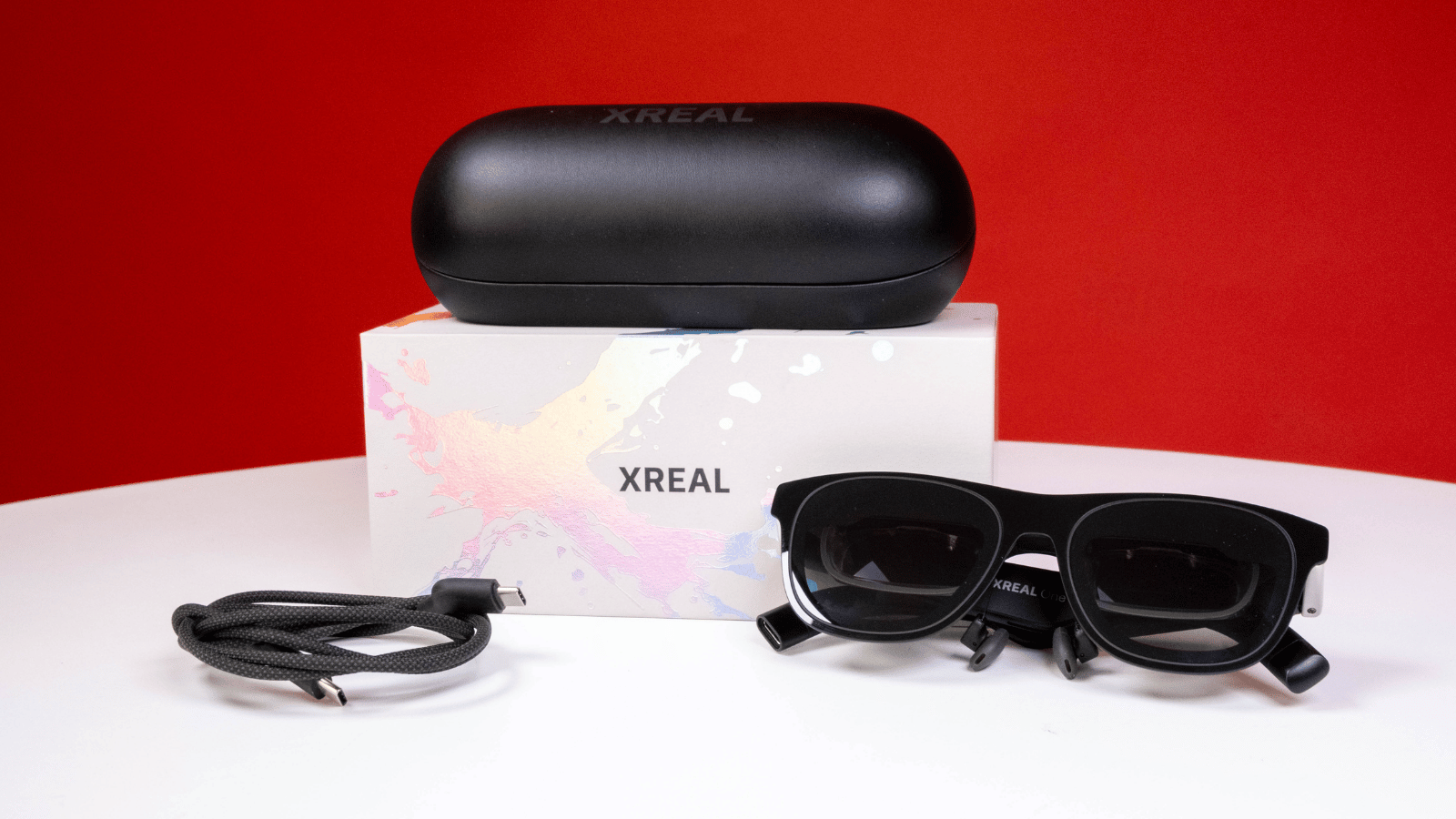 It’s not going to be for everyone, and its price of R14,000 (or slightly less) makes it a tough sell, but the Xreal One is one of the best AR glasses available. The dual Sony Micro-OLED displays are crisp and plenty bright enough for most cases, especially when you’ve got the electrochromic lenses set to their darkest setting. The Bose-tuned open-air speakers do a fine job, but might get annoying if you use them close to other people.
The 50° FoV can feel limiting, but the on-device settings allow adjustments with just a few button presses. And to top it all off, these sit fairly comfortably on your face, even for the length of a full Oppenheimer viewing. AR glasses have come a long way, and now with the Xreal One, South Africans can enjoy local hardware support. As long as you know what you’re in for, you should have a good time with these… if you’re okay with looking a little silly.