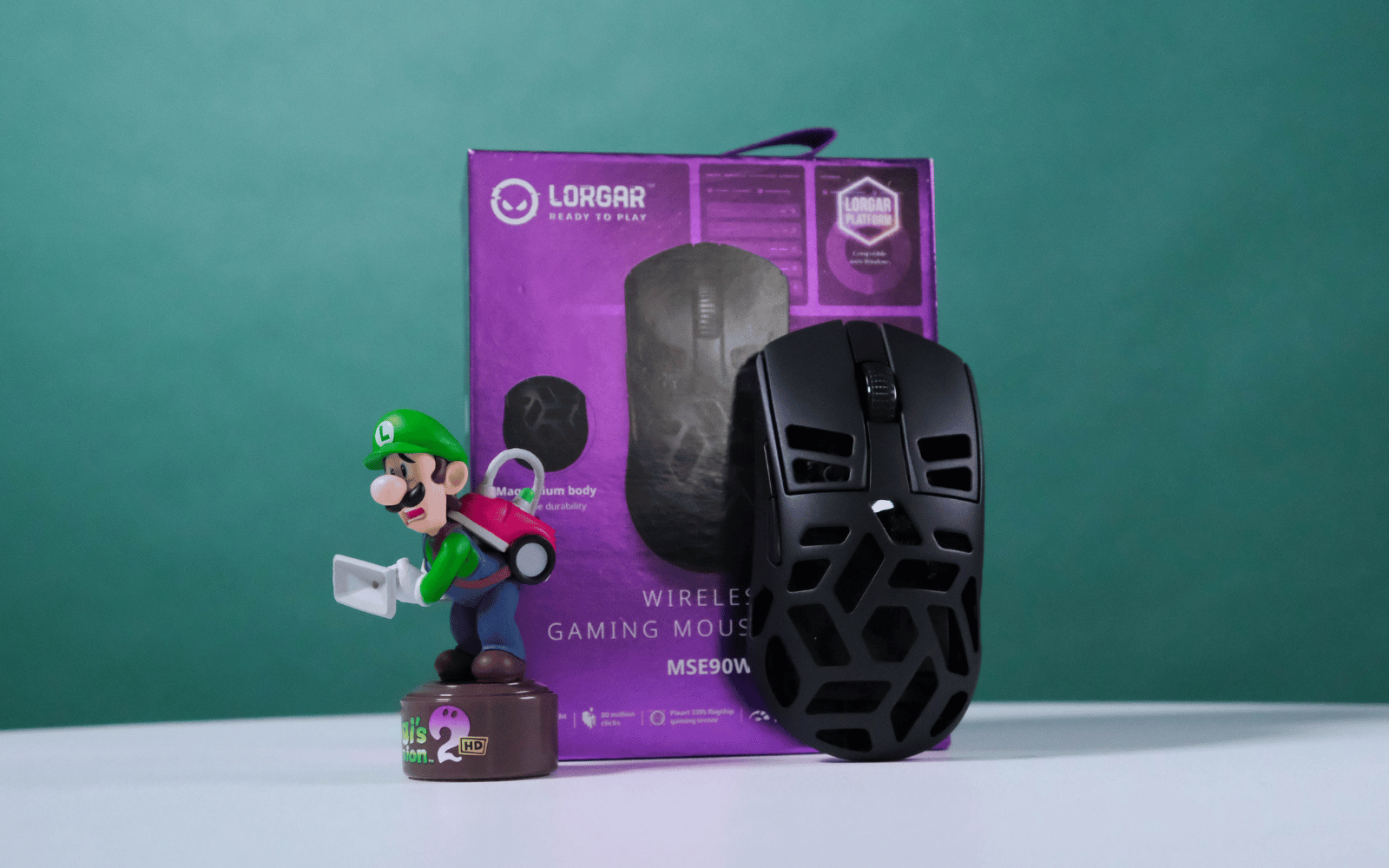
If you're looking for a new wireless gaming mouse and don't mind trying something different, we'd recommend checking out the Lorgar MSE90W. It gets all the basic mouse stuff right and sports a few features you usually have to pay a lot more for, like a 4,000Hz polling rate. It also uses a Magnesium alloy in its construction so it's more likely to survive your rage slamming if you make a habit of losing.
-
Design
-
Features
-
Battery
-
Value
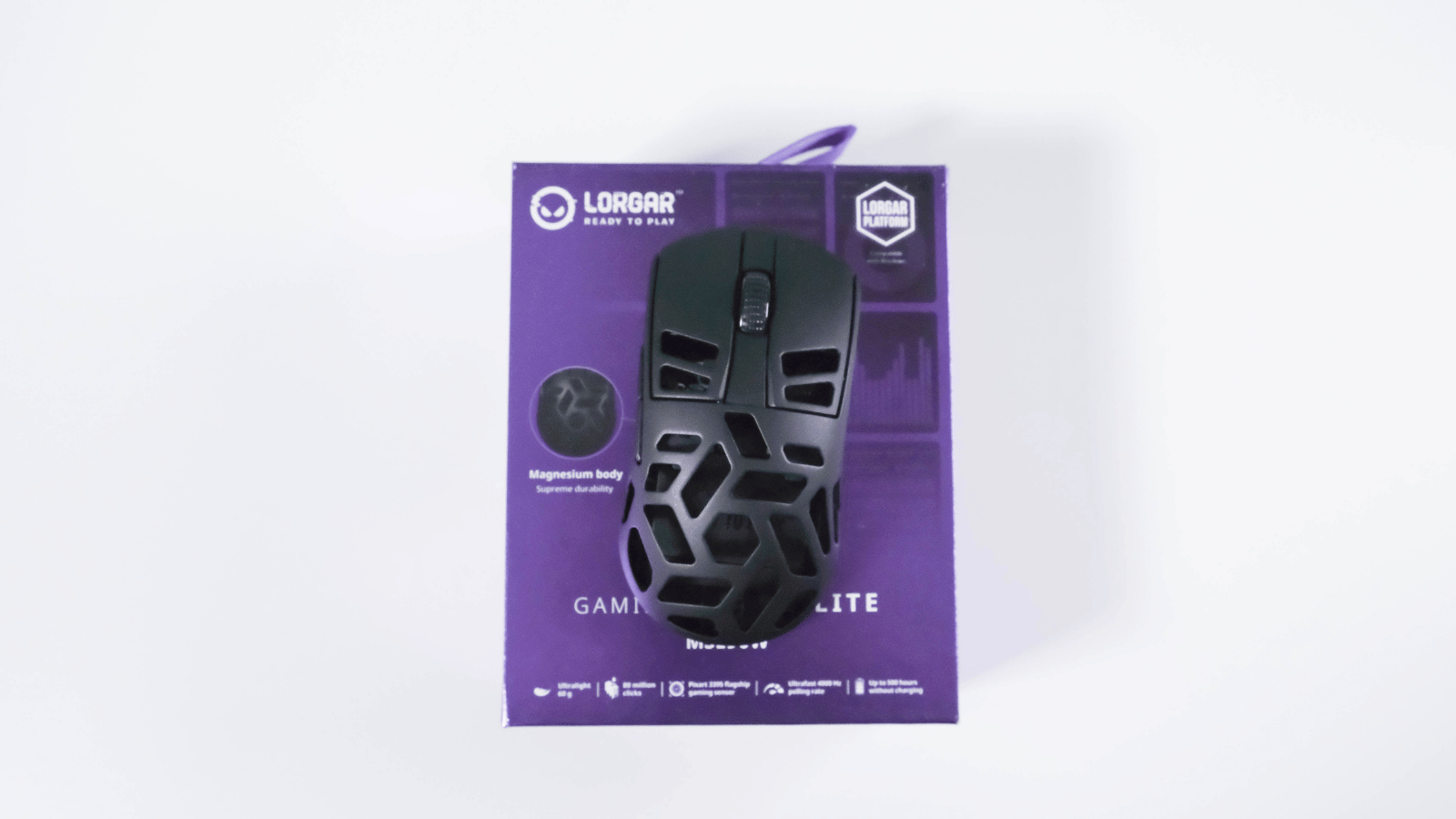
There’s a good chance you haven’t heard of the Lorgar MSE90W yet. If it wasn’t obvious from the image above, it’s a high-end wireless gaming mouse from Lorgar, a relatively new gaming peripheral company under the ASBIS umbrella.
While the MSE90W might not have a catchy name, it impressed us nonetheless by nailing the gaming mouse fundamentals and adding a few extra bits to sweeten the deal. But there are also a few areas we feel could use some polish.
Shape is king
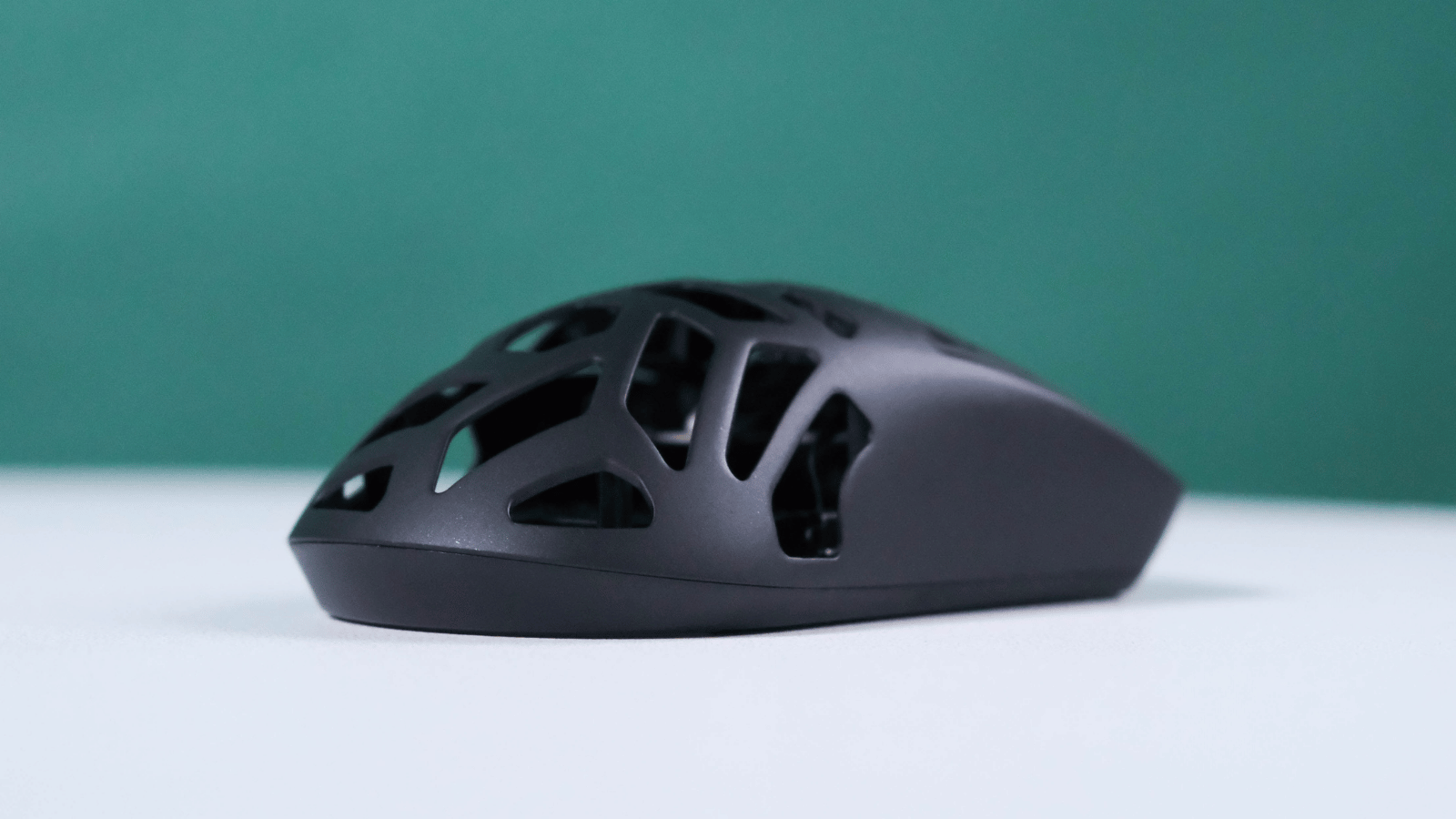
Finding the right gaming mouse is such a subjective thing. While there are objective stats and measurements we can point to, the shape of the mouse and how comfortable it feels in your hand should be the biggest deciding factor.
Luckily for us, the Lorgar MSE90W uses a symmetrical shell design. We had no issues switching from the similarly shaped Viper V2 Pro. Lefties might also want to try it out, if they can stay clear of the side buttons on the left side, or just unbind them entirely.
Measuring 125×63.4×39.3 mm (L x H x W), if your hands are on the smaller side, you should have no issues with any of the common grip styles. Those of larger hands might get away with a claw or fingertip grip. Your mileage may vary here, depending on how adaptable you are (or want to be).
The shell is made from a Magnisium alloy, making it both light and durable. The 60g weight is well balanced, and we aren’t too proud to admit that it stood up to some light rageslamming in heated CS2 games. It also survived an accidental drop with zero complaints.
We didn’t find any perceivable flex when pressure is applied to the sides or top and bottom, although our review unit had a very small amount of side-to-side wobble in the left and right clicks. But that’s not something we ever noticed during normal use.
Clickety click
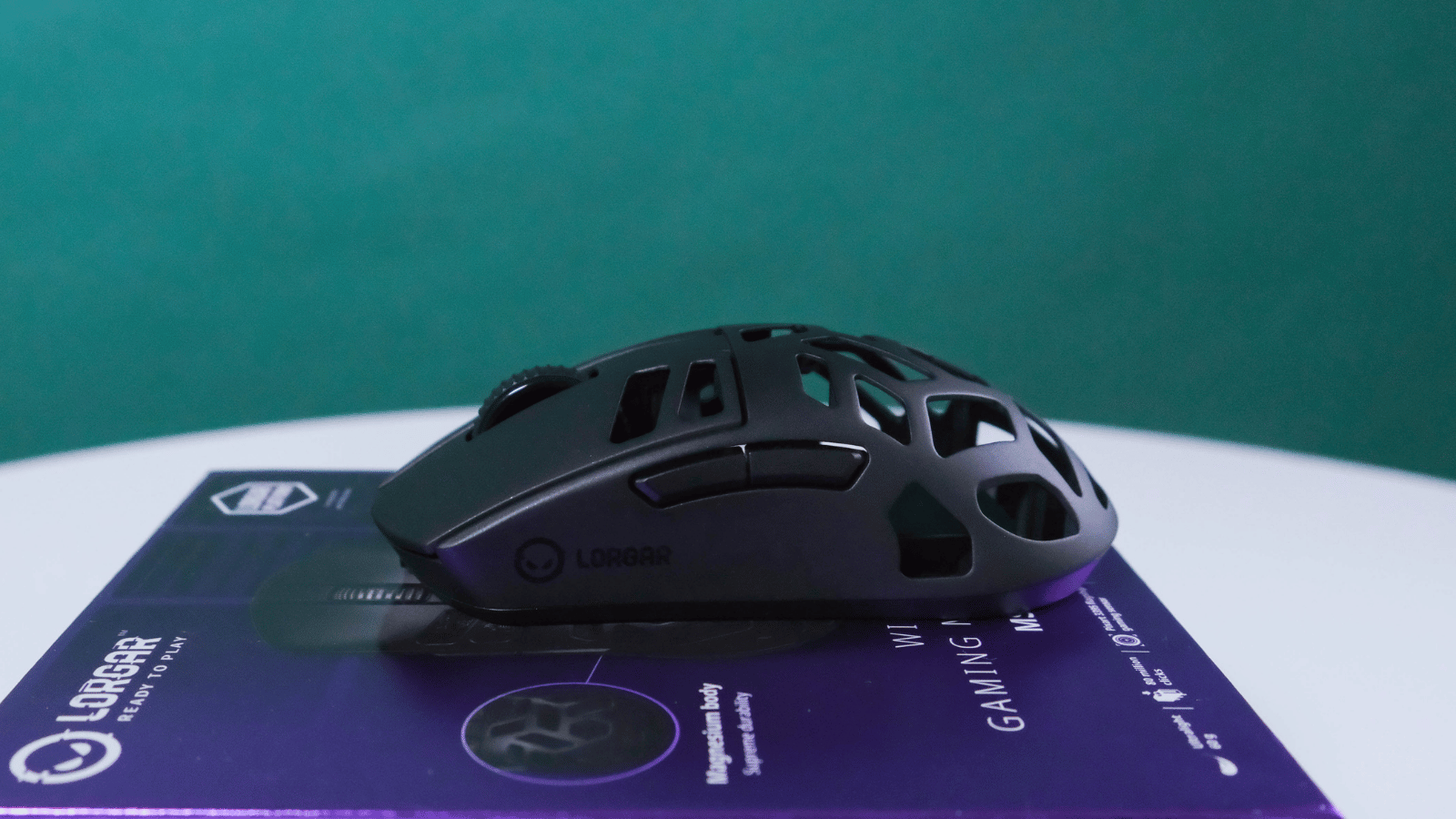
We weren’t the biggest fans of this switch implementation in the Lorgar MSE90W initially. Mechanical switches usually have a metallic sound, and that’s amplified here by the metal body. Thankfully, we found that it faded pretty quickly the more we used it. There’s a bit more pre-travel in the main clicks than we hoped for, but when they do actuate, they feel crisp. The side buttons are well placed and don’t have the same pre-travel as the main clicks.
The scroll wheel is a fairly standard affair. Its notches are well-defined, so you won’t have to worry about accidental scrolls at inopportune moments. While it doesn’t support a free-wheel feature, you can set how many lines you’re scrolling at a time in Lorgar’s software.
The Lorgar MSE90W uses PixArt’s flagship PAW3395 sensor. This is what allows for the maximum 26,000 CPI (counts per inch) and the 4,000Hz polling rate. It also enables a few other useful features in Lorgar’s software. However, the implementation of those is one of the areas that could use a bit of polish.
Join the Platform
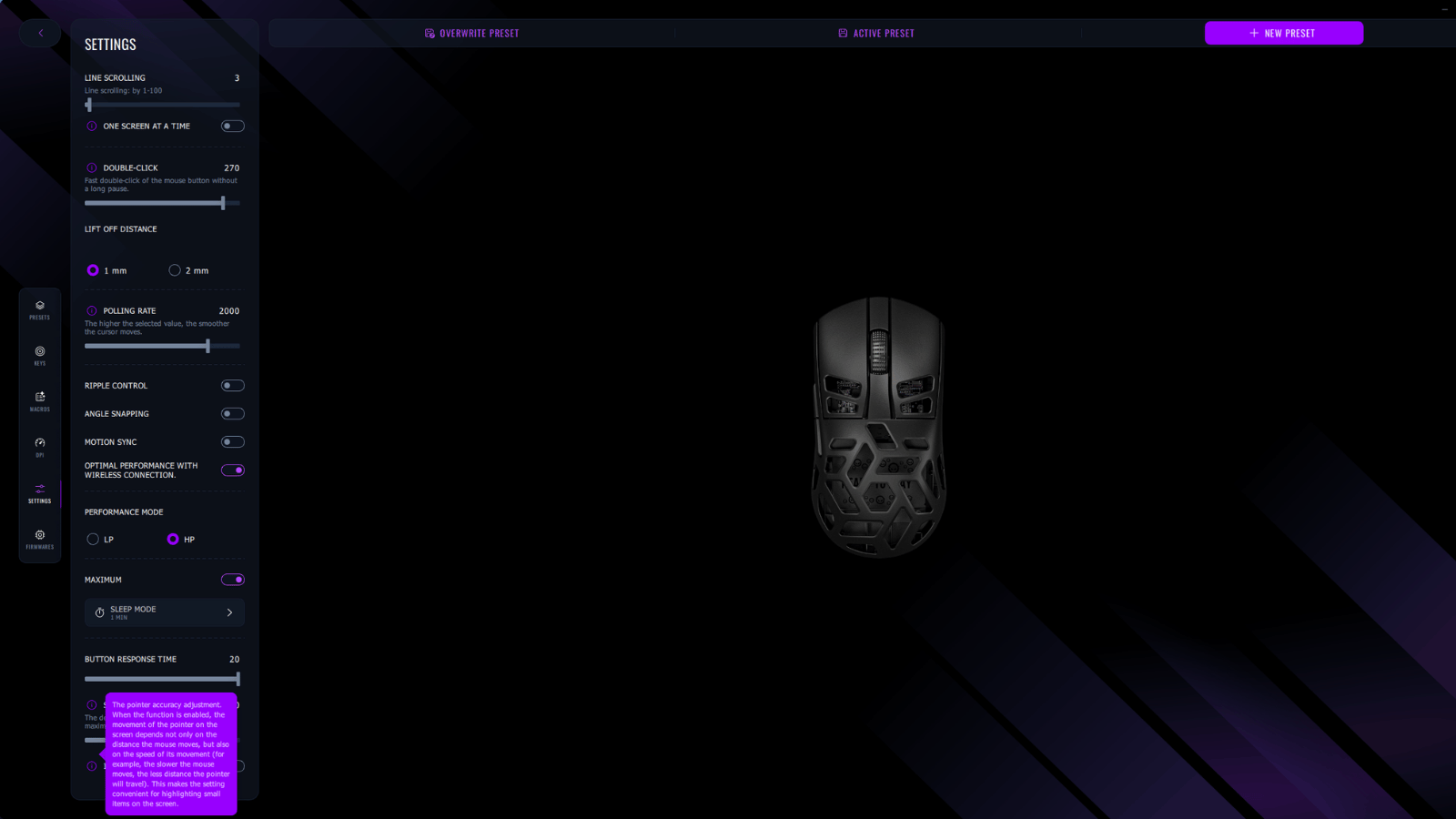
The application, called Lorgar Platform, uses close to 500MB of memory while it’s open and between 250MB and 300MB running in the background. If you’ve got a beefy system, that won’t be an issue. But if you’re already scraping by on system resources, you might want to consider closing it down entirely. However, doing that will mean you miss out on some flagship features.
You can set your preferred CPI presets (they call it dpi, but the terms are commonly used interchangeably). There’s also a dedicated button on the bottom of the mouse to cycle through them. You can also increase the polling rate (the maximum number of times the mouse reports its position to your PC) from the default 1,000Hz up to 4,000Hz.
Again, if you’re rocking high-end specs and don’t mind charging your mouse more often, the higher polling rate is a no-brainer. Why not make your mouse feel smoother, even if it is only a placebo? It’s a different story if you don’t have the CPU headroom or you’re keeping a close eye on battery life.
While we’re on battery life, Lorgar reckons this mouse can last up to 500 hours between charges. How close you get to that will depend on the settings you use. We’ve been using it for some time now and have only been nagged to charge it twice. Your mileage will vary. When you do charge it, it’ll get up to 80% in just 30 minutes. And unlike Apple’s abomination, you can still use it while charging.
Another little gripe we had was the inconsistency with how the tooltips are implemented. If you’re a new high-end gaming mouse owner, you might not already know what ‘Ripple control’ or ‘Motion sync’ means. We love that some of the other features had little explanations. More please, Lorgar.
Lorgar MSE90W verdict
Ultimately, we were pretty impressed with the ‘Lorgar MSE90W Wireless Gaming Mouse Elite’, as the box reads. It nails the fundamentals of a good wireless gaming mouse and sports a few features that could set it apart from the other mice you’re considering.
That said, there were times we could feel the difference between this and a mouse from a company with more experience in the space. The fact that you have to download the companion software manually instead of being taken to the download page the moment you connect it is one example. We wouldn’t call that a dealbreaker. It might be patched in a future firmware update, or you might not even want the software.
But when you’re paying R2,500 (or thereabouts) for your gaming mouse, it’s good to have all the info to make an informed decision.